

Close Menu
Şevket Ayaksız

    Subscribe to Updates

    Get the latest creative news from FooBar about art, design and business.

    What's Hot

    Google Maps vs Waze: I Put the Two Best Navigation Apps Head-to-Head — and One Clearly Came Out on Top

    Mayıs 1, 2026

    Samsung Electronics Offers Free 32-Inch Odyssey gaming monitor: Eligibility and How to Claim Deal

    Mayıs 1, 2026

    T-Mobile Bundles Free Hulu and Netflix for 5G Users: Eligibility Explained

    Mayıs 1, 2026
    Facebook X (Twitter) Instagram
    • software
    • Gadgets
    Facebook X (Twitter) Instagram
    Şevket AyaksızŞevket Ayaksız
    Subscribe
    • Home
    • Technology

      Google Maps vs Waze: I Put the Two Best Navigation Apps Head-to-Head — and One Clearly Came Out on Top

      Mayıs 1, 2026

      T-Mobile Bundles Free Hulu and Netflix for 5G Users: Eligibility Explained

      Mayıs 1, 2026

      This Portable Mini PC Is the Unexpected Raspberry Pi Alternative You Might Actually Want

      Mayıs 1, 2026

      Samsung warns RAM shortages could worsen beyond 2027

      Mayıs 1, 2026

      Oxford study finds friendly AI chatbots are less accurate

      Mayıs 1, 2026
    • Adobe
    • Microsoft
    • java
    • Oracle
    Şevket Ayaksız
    Anasayfa » Building Interactive Web Experiences with Astro
    software

    Building Interactive Web Experiences with Astro

    By mustafa efeNisan 20, 2025Yorum yapılmamış3 Mins Read
    Facebook Twitter Pinterest LinkedIn Tumblr Email
    Share
    Facebook Twitter LinkedIn Pinterest Email

    Astro has rapidly gained popularity among JavaScript developers for its unique and refreshing approach to building web applications. Unlike traditional front-end frameworks that lean heavily on client-side rendering, Astro shifts much of the work back to the server, allowing developers to create fast, content-focused websites with minimal JavaScript. But getting started with Astro can be a bit disorienting at first—especially if you’re coming from a SPA-centric world like React or Vue—because Astro doesn’t always follow the familiar patterns.

    This article takes a practical approach to understanding Astro by walking through the development of a simple to-do list app. The aim is to provide a clear overview of how Astro handles core web development concepts such as routing, endpoints, and deployment workflows. If you’re completely new to Astro, you may want to check out my earlier article on plug-and-play development with the framework, which introduces the philosophy behind Astro’s design.

    To-do applications are a great sandbox for testing the capabilities of a new framework. Despite their simplicity, they let you touch on all the fundamental concepts—from rendering lists and managing user input to handling basic CRUD operations. Once you have that foundation in place, adding advanced features like drag-and-drop task reordering, infinite scrolling, or even RSS feed generation becomes much easier. More importantly, building this kind of application with Astro gives you insight into how it handles state, interactivity, and rendering across different layers of the stack.

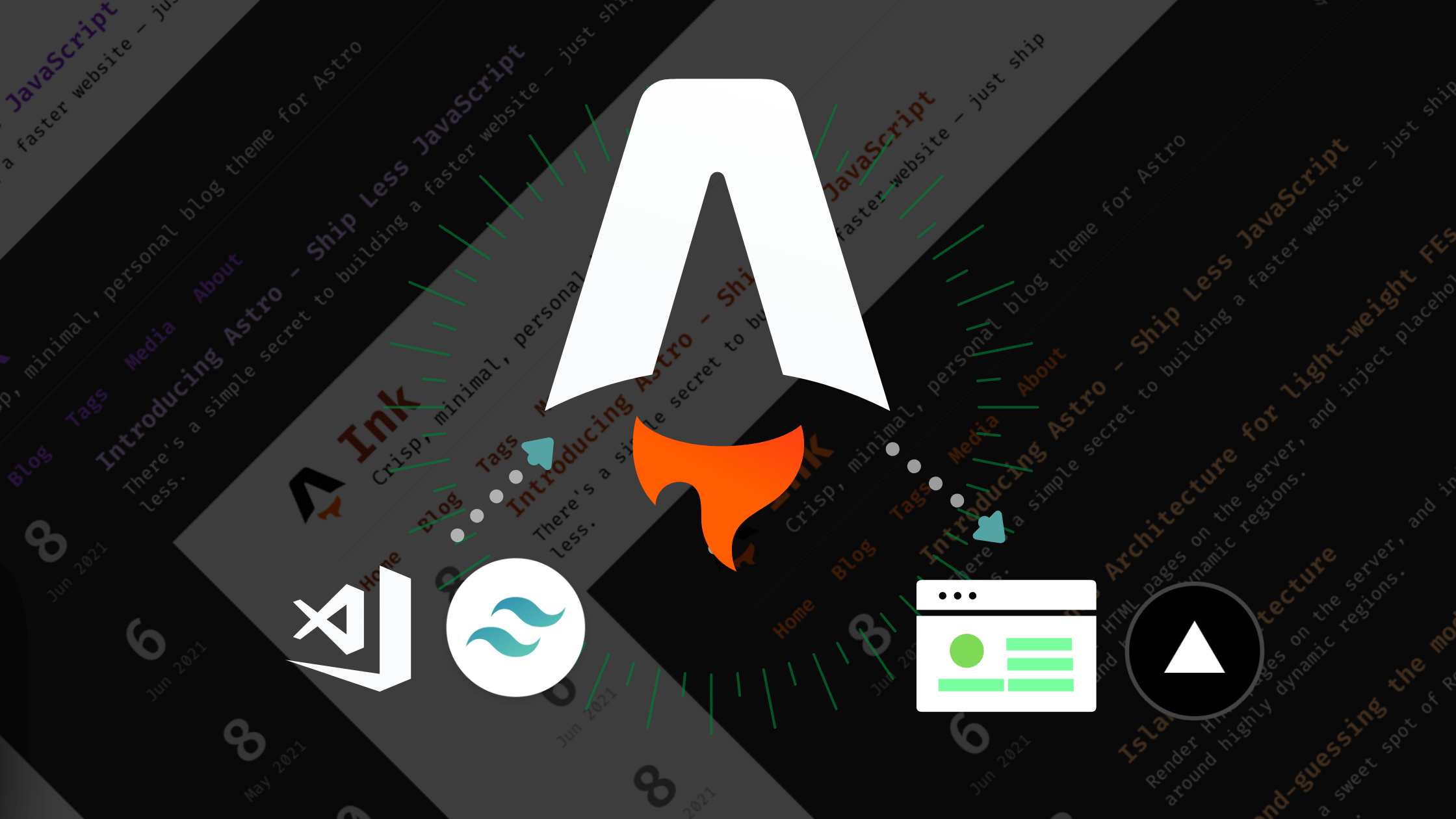
    One of the more intriguing aspects of building with Astro is the flexibility it offers in terms of application architecture. You’re not locked into a pure SPA (single-page application) or MPA (multi-page application) model. Instead, Astro makes it possible to create hybrid apps that combine the best aspects of both. Its “islands architecture” enables developers to treat parts of the page as interactive components (islands) that hydrate on demand, while the rest of the content remains static and server-rendered. In the case of our to-do app, we might render the overall layout statically for performance and SEO benefits, while using a reactive library like React or Svelte to power the dynamic list. Alternatively, we could choose a lighter option like HTMX or plain JavaScript to deliver interactivity without the overhead of a full front-end framework.

    Astro’s real power lies in this flexibility. Whether you’re aiming for the SEO-friendliness of MPAs or the snappy UX of SPAs, Astro makes it easier to strike a balance between performance, complexity, and developer experience. By giving you the tools to selectively hydrate components and embrace multiple front-end libraries within the same project, Astro encourages a modular, scalable approach to building web apps that truly puts you in control.

    Post Views: 219
    java Programming Languages Software Development
    Share. Facebook Twitter Pinterest LinkedIn Tumblr Email
    mustafa efe
    • Website

    Related Posts

    Anthropic’s Claude Security Tool Analyzes Codebases to Detect Vulnerabilities and Prioritize Fixes

    Mayıs 1, 2026

    Microsoft’s Windows Insider Program Finally Becomes More Streamlined and User-Friendly

    Nisan 11, 2026

    Microsoft launches tool to gather user feedback on Windows issues

    Nisan 8, 2026
    Add A Comment

    Comments are closed.

    Editors Picks
    8.5

    Apple Planning Big Mac Redesign and Half-Sized Old Mac

    Ocak 5, 2021

    Autonomous Driving Startup Attracts Chinese Investor

    Ocak 5, 2021

    Onboard Cameras Allow Disabled Quadcopters to Fly

    Ocak 5, 2021
    Top Reviews
    9.1

    Review: T-Mobile Winning 5G Race Around the World

    By sevketayaksiz
    8.9

    Samsung Galaxy S21 Ultra Review: the New King of Android Phones

    By sevketayaksiz
    8.9

    Xiaomi Mi 10: New Variant with Snapdragon 870 Review

    By sevketayaksiz
    Advertisement
    Demo
    Şevket Ayaksız
    Facebook X (Twitter) Instagram YouTube
    • Home
    • Adobe
    • microsoft
    • java
    • Oracle
    • Contact
    © 2026 Theme Designed by Şevket Ayaksız.

    Type above and press Enter to search. Press Esc to cancel.