

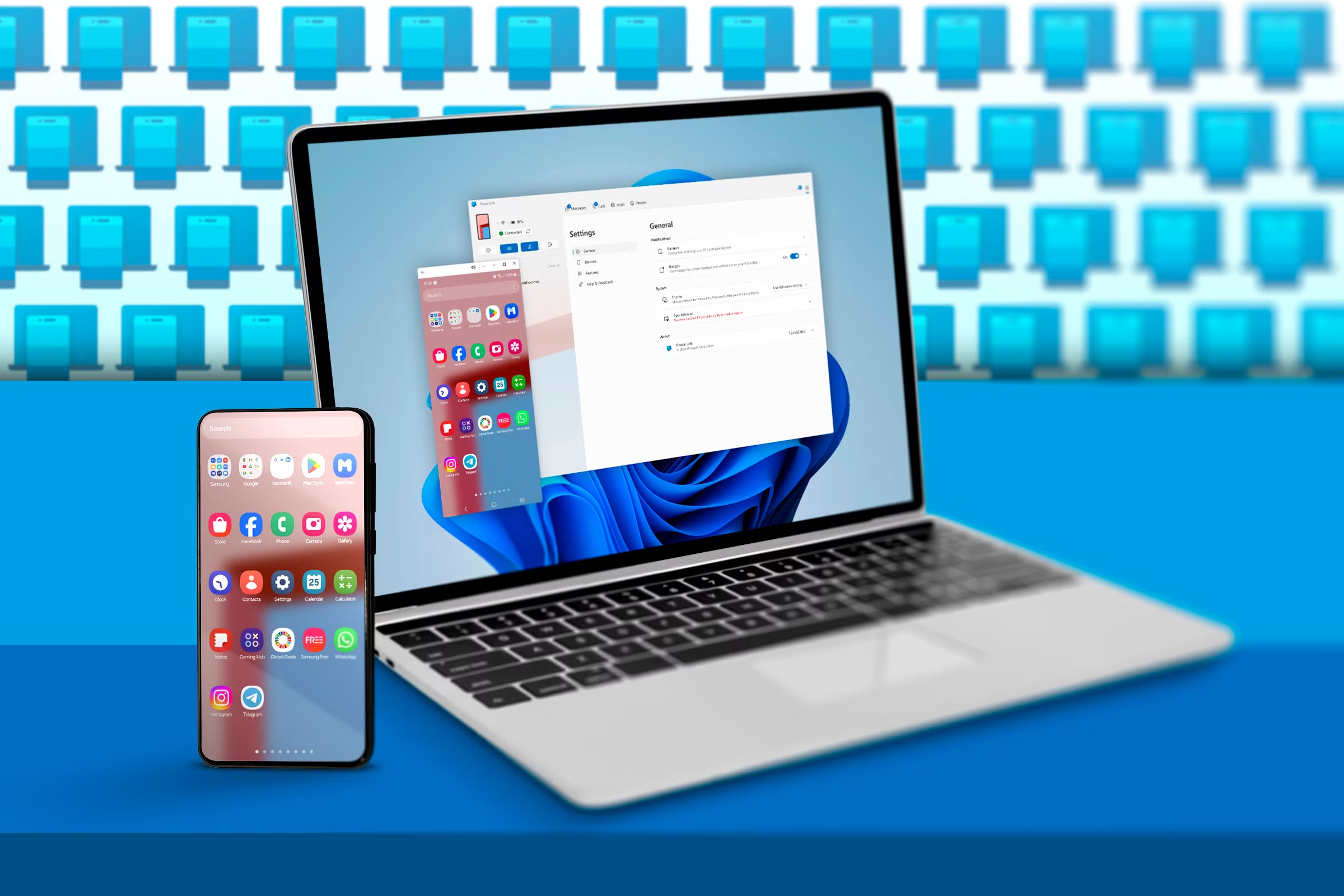
Windows 11 is getting a helpful new addition for Android users: screen mirroring straight from the Start menu. Reported by Windows Latest, the update builds on the existing Phone Link app and now allows users to mirror their Android device with just one click from the Start menu’s phone companion panel. It’s a small but meaningful quality-of-life improvement that makes the entire phone-to-PC experience more fluid.
To use this feature, your Android phone must already be paired with your Windows 11 PC using Microsoft’s Phone Link app. Once connected, the system offers a range of tools beyond screen mirroring, such as drag-and-drop file sharing and the ability to turn your phone into a wireless webcam—a feature increasingly useful for video calls and hybrid work setups.
This Start menu mirroring enhancement is currently being tested within the Windows Insider Program and is only functional with select Android models for now. Microsoft plans to roll it out to the general public by June, expanding its availability to more devices and making phone integration in Windows even more seamless.