

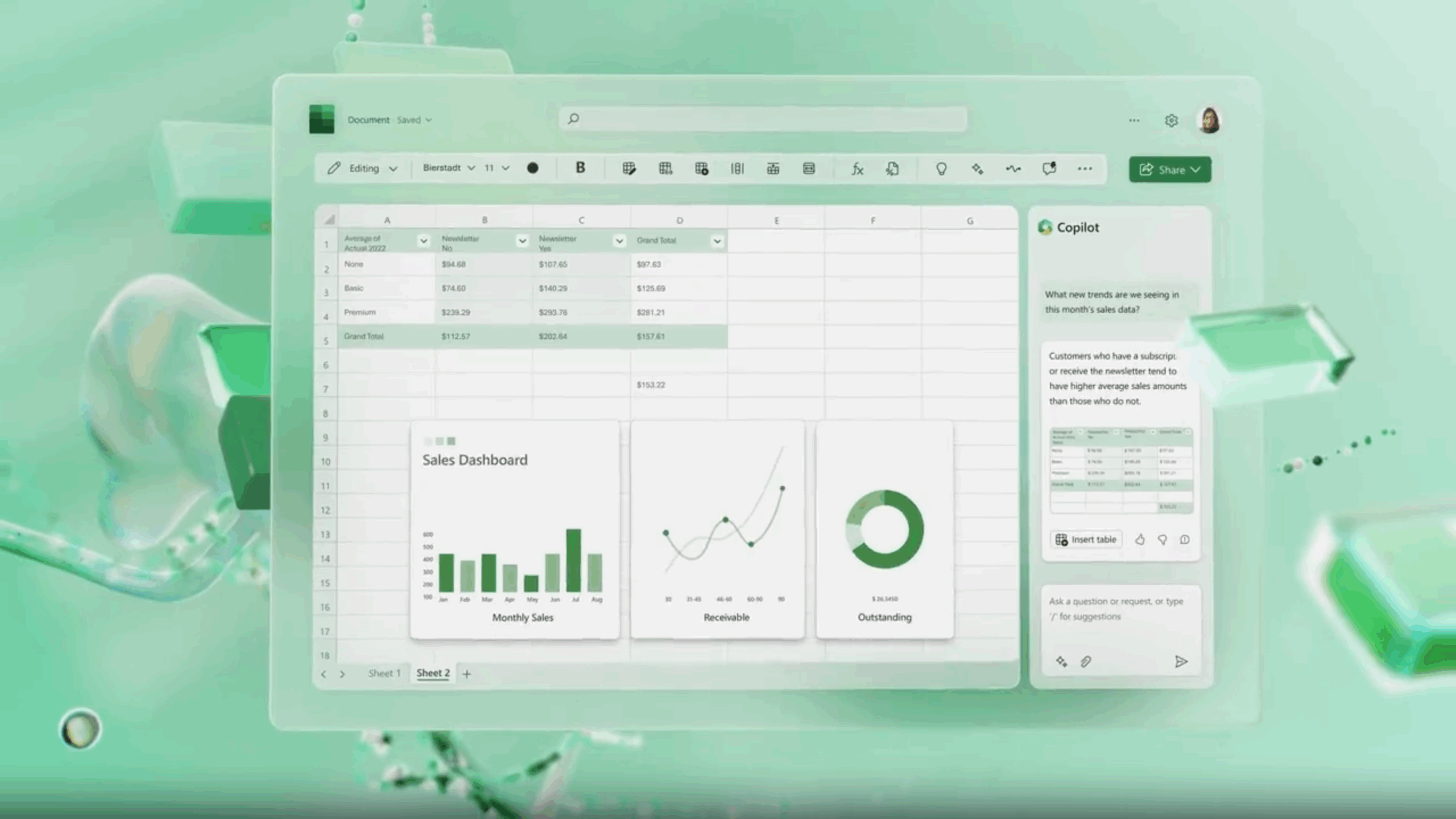

Excel is getting a major upgrade with the introduction of a dedicated Copilot function, turning Microsoft’s AI assistant into something that can be written directly into a spreadsheet formula. Up until now, Copilot in Excel has largely been a separate tool — accessed via a button or sidebar — that offered help with formulas or provided explanations. The new =COPILOT() function changes that dynamic completely, making Copilot behave like any other Excel command, where prompts and data ranges can be combined for more powerful results. This is particularly exciting for advanced users who rely on formula-based workflows and want to embed AI assistance directly into their sheets.
The function works by allowing a user to enter a custom prompt and then apply it to a highlighted range of data. A common use case, for example, might involve analyzing customer feedback. By typing =COPILOT("Classify this feedback", D4:D18), users can instantly generate categorized results from unstructured data. Unlike the existing Copilot sidebar, which provides general tips or formula suggestions, this approach embeds AI-powered insights directly into cells, enabling more flexible experimentation with spreadsheets. Microsoft notes that the function can handle structured outputs like multi-column lists and classifications, though it cannot yet pull in live data or external files — those enhancements are on the roadmap for future versions.
Microsoft has also outlined some of the technical constraints. To ensure stability, the function currently supports up to 100 calls every 10 minutes and a maximum of 300 calls per hour. Known issues include potential row omissions in array outputs and bugs related to date handling. Because of these limitations, Microsoft advises users to double-check Copilot’s work to ensure accuracy. The feature is presently rolling out to Beta Channel users with a Microsoft 365 Copilot license, provided they are running Windows 11 build 2509 (191212.20000) or later. For businesses and data professionals, this marks a new step in the blending of AI and spreadsheets, where natural language processing is no longer a side tool but a fully integrated part of Excel’s core functionality.