

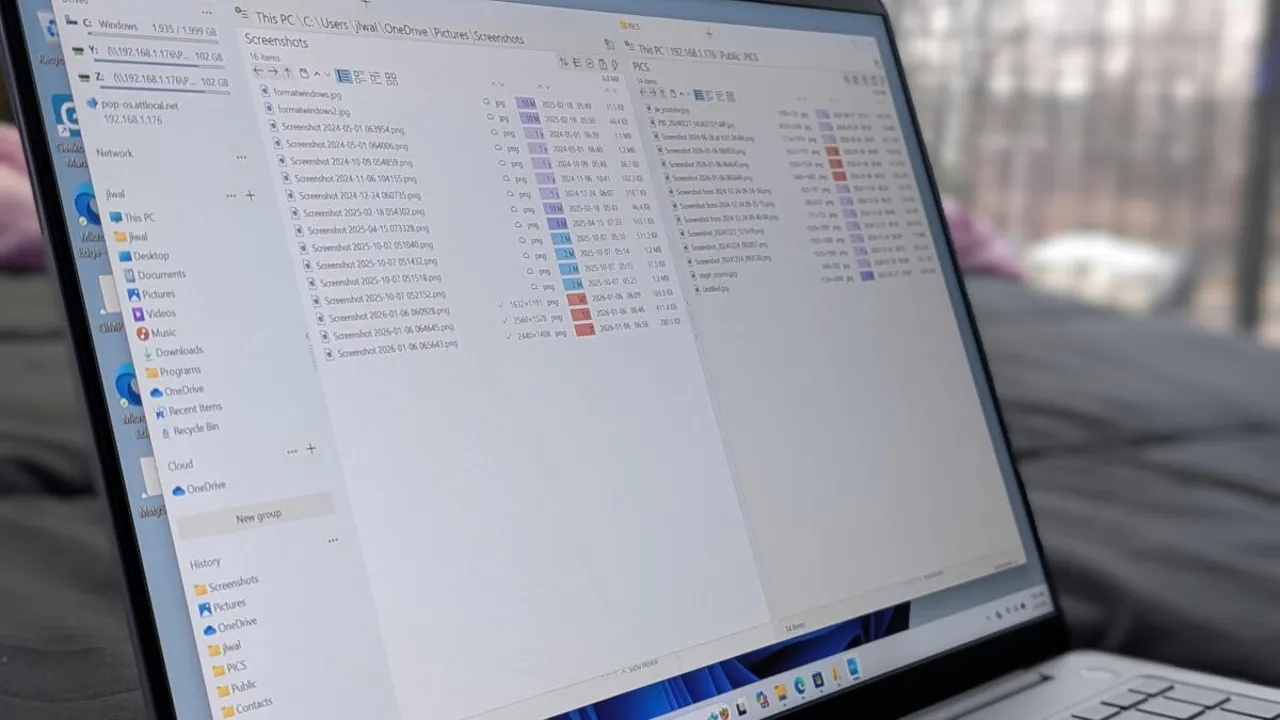

File managers are often overlooked, despite being one of the most frequently used tools on any computer. Many people assume the default option is perfectly adequate, since its primary role seems simple enough: browse folders, locate files, and open what you need. For everyday tasks, that assumption isn’t entirely wrong.
However, once you spend more time working with large volumes of data or juggling multiple projects, the limitations of a basic file manager become far more noticeable. While the core purpose remains the same, not all file managers deliver the same level of efficiency, flexibility, or control. This is true across all operating systems, where alternative tools often outperform the built-in defaults.
Windows File Explorer is a good example. It gets the job done, but it rarely goes beyond the bare minimum. When workflows become more demanding, its lack of advanced features and customization options can quickly turn into a source of frustration.
After spending time away from Windows and returning from a Linux environment, those shortcomings became especially clear. Instead of settling for “good enough,” I went looking for better solutions. The result was discovering several free Windows file managers that offer more powerful tools, smoother navigation, and smarter workflows—options that made it easy to leave File Explorer behind.