

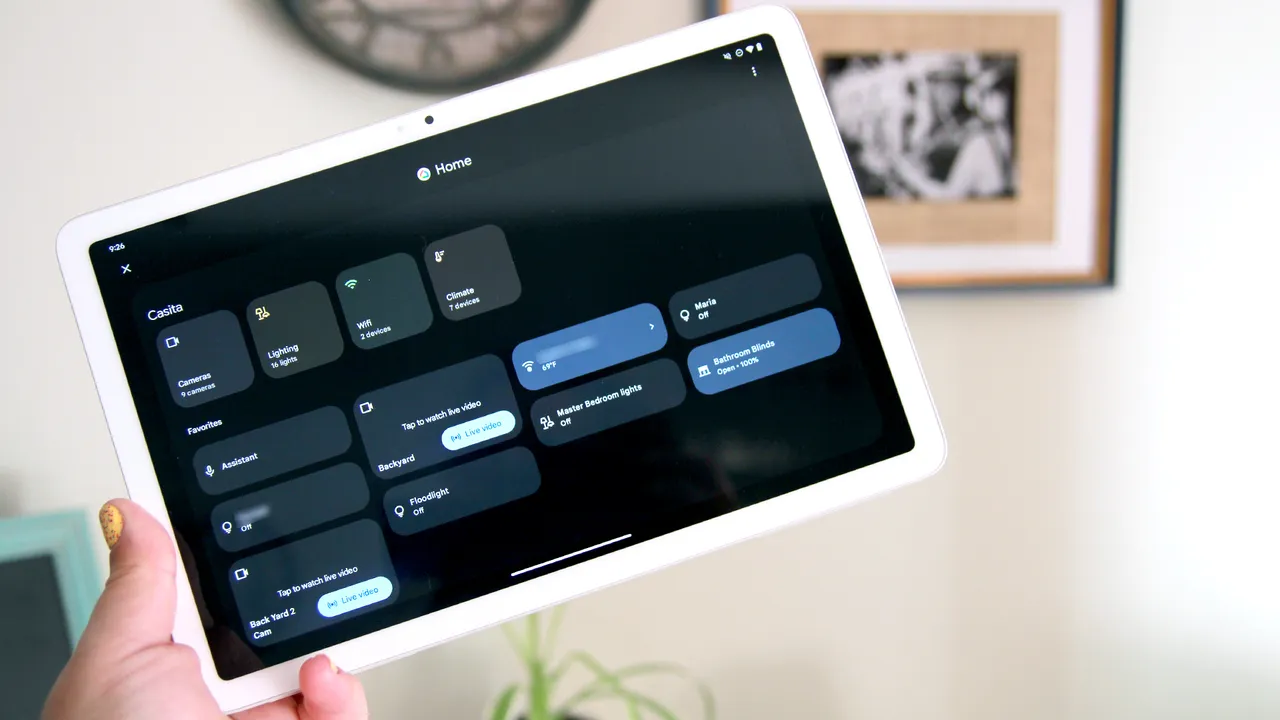
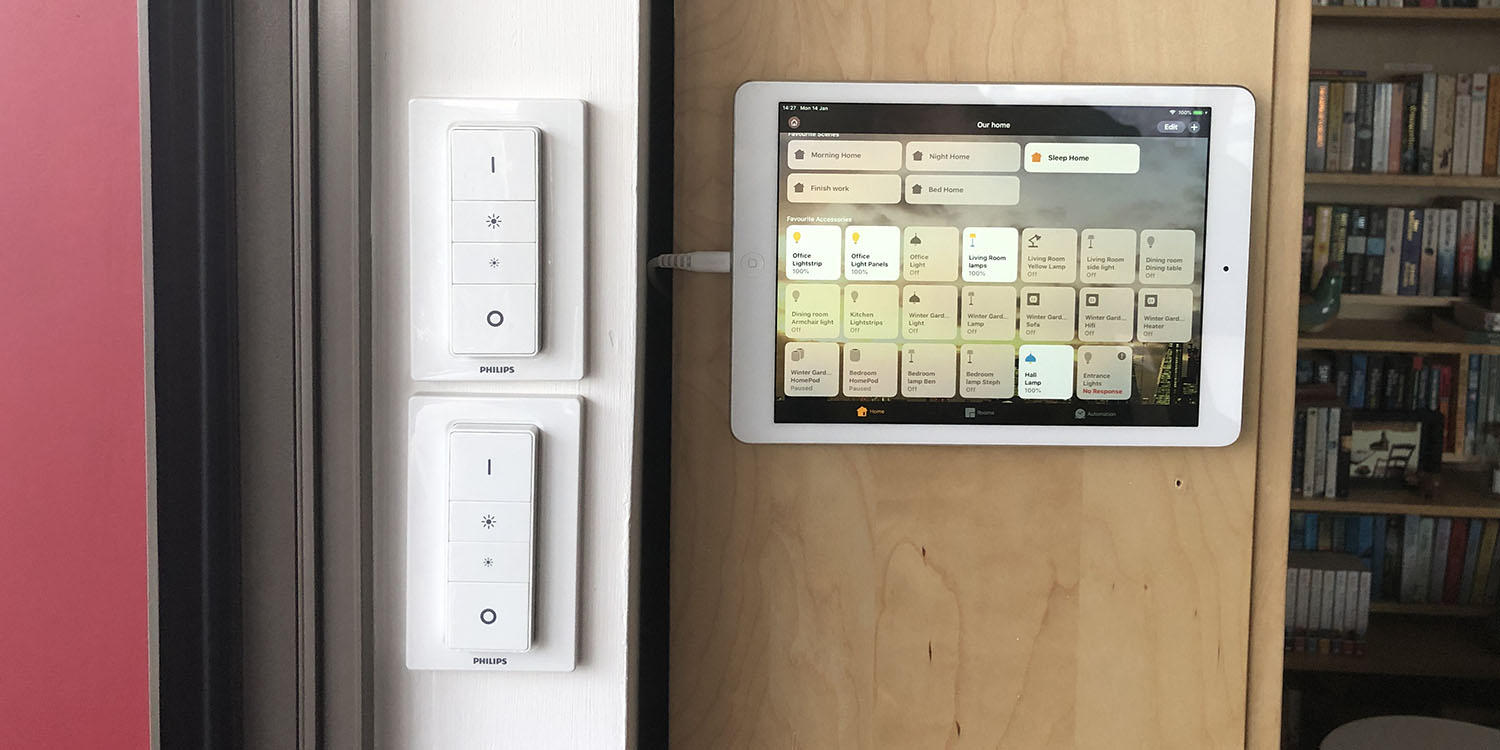
Old tablets often end up forgotten in drawers, but they still have plenty of useful life left in them. One of the most practical ways to reuse them is by turning them into a dedicated smart home control panel. Instead of spending money on a new device, you can transform what you already own into a central hub that manages all your connected devices in one place. It’s a simple, cost-effective upgrade that can make everyday home control much more convenient.
If your home is filled with smart lights, plugs, thermostats, and switches, having a single dashboard to control everything becomes extremely useful. An old tablet mounted on a wall or placed in a common area can act as a shared control station for everyone in the household. This setup not only simplifies device management but also improves accessibility, especially for guests or family members who may not have apps installed on their phones.
The first step in setting up your tablet as a smart home hub is choosing the right automation system. This system will serve as the “brain” of your smart home, connecting all your devices and controlling how they work together. It also determines how your control panel will look and function, so selecting the right platform is an important decision before you begin.
For users who prefer maximum customization and control, Home Assistant is often the most powerful option. It allows deep customization of dashboards, automations, and device integrations, making it ideal for advanced users who enjoy fine-tuning their setup. It also runs locally, meaning it is fast, reliable, and compatible with a wide range of smart home devices, even from different brands.
For those who want something simpler, Amazon Alexa provides an easy entry point with strong voice control and straightforward app integration. Apple Home is best suited for users already invested in the Apple ecosystem, offering a clean interface and strong privacy features. Meanwhile, Google Home works especially well for Android users, offering a user-friendly layout and integration with Nest devices, while also supporting Matter-compatible products for broader device compatibility.