

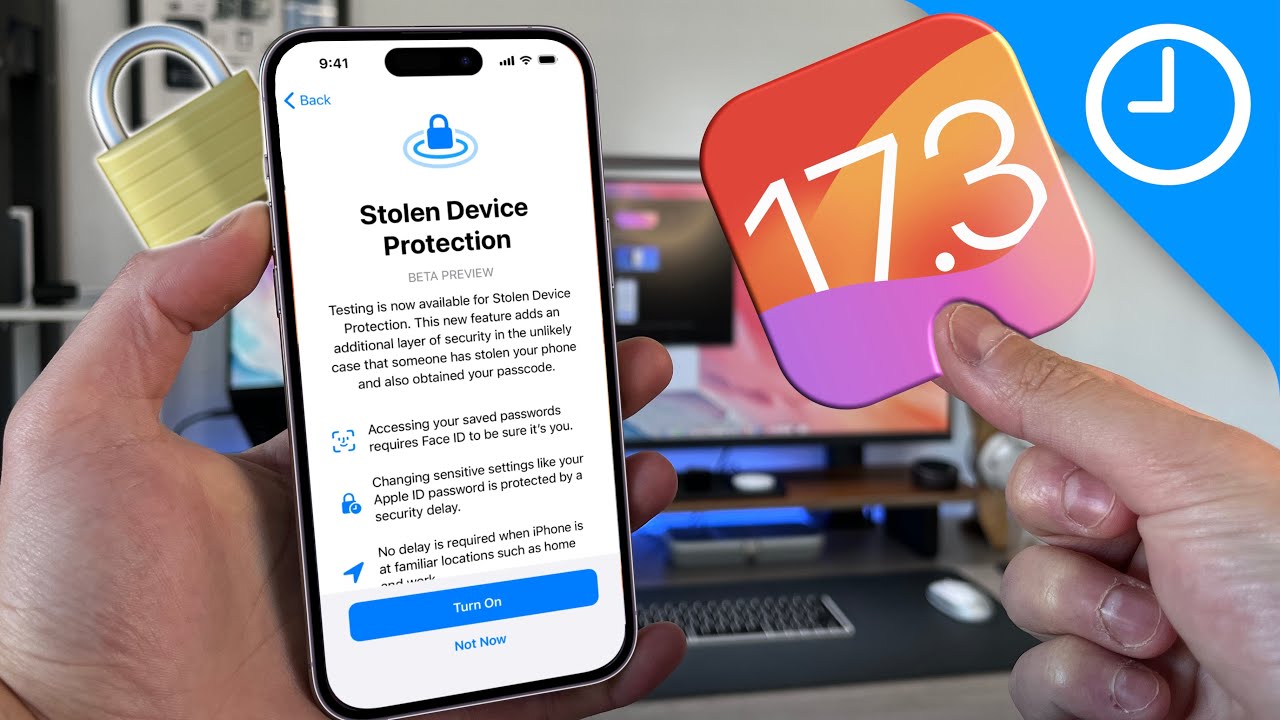
 Apple’s new Stolen Device Protection feature, released as part of Monday’s iOS 17.3 update, could protect users from industrious phone thieves who manage to learn the device’s password. An iPhone passcode has been likened to a “treasure box” that grants nearly complete access to the user’s digital life—bank accounts, email, private photos, and the entire nine yards of privacy. Apple’s operating system previously offered victims several valuable ways to protect that data in case the password was stolen. This latest feature is an attempt to address this shortcoming.
“Stolen Device Protection adds a layer of security when your iPhone is away from familiar locations like home or work, helping protect your accounts and personal information if your iPhone is stolen,” Apple explains. When enabled, some features and actions will require additional security measures if a phone moves away from the user’s “familiar locations”.
Specifically, attempting to access stored passwords and credit card information will now prompt users for biometric authentication via Face ID or Touch ID. Security actions deemed even more sensitive, like changing your Apple ID password, go a step further by requiring two rounds of biometric authentication, separated by a one-hour buffer.
If you’re in what iPhone considers a “familiar location,” a sort of safe haven where extra safeguards aren’t enabled, you can use your passcode as usual.
But some users are already reporting that they’re experiencing a glitch: Their phone is allegedly not in a familiar place while it’s inside their home, workplace, or other frequently used location.
Perhaps for security reasons, Apple hasn’t revealed many details about how Stolen Device Protection works. However, a spokesperson said that unfortunately all of the above issues are “expected behavior” due to “users being unable to configure familiar locations”. In fact, familiar locations are not revealed anywhere on users’ phones. Apple declined to comment further, but this is likely due to fears that an enterprising thief might consult a list of familiar locations to know where to move a stolen phone before unlocking it.
Apple didn’t respond to any of the additional questions, but explains elsewhere that familiar locations are chosen with the help of another iOS feature called Significant Locations. According to Apple, Points of Interest is a feature that allows your phone to “learn places that are important to you to provide useful location-related information in Maps, Calendar, Photos, and more.” Apple says these are encrypted, cannot be read by the company, and also cannot be downloaded from the phone.
But anyone who can unlock the phone can also load up the Highlights tab and get a list of “Recent Recordings,” which are timestamped with their duration and their geolocation displayed on an interactive map. A dedicated thief can try these exact places if he so chooses.