

Close Menu
Şevket Ayaksız

    Subscribe to Updates

    Get the latest creative news from FooBar about art, design and business.

    What's Hot

    AI watermarks could improve transparency but won’t stop AI slop

    Eylül 13, 2026

    LG’s 4K OLED gaming monitor gets a $600 discount

    Eylül 13, 2026

    Keychron’s 100-key macropad offers 8,000Hz polling for $65

    Eylül 13, 2026
    Facebook X (Twitter) Instagram
    • software
    • Gadgets
    Facebook X (Twitter) Instagram
    Şevket AyaksızŞevket Ayaksız
    Subscribe
    • Home
    • Technology

      Apple: iPhone 17 and Older Models Hit With Unexpected $100 Price Increase

      Eylül 10, 2026

      Apple Watch Intelligence Could Be a Major Accessibility Breakthrough

      Eylül 10, 2026

      Apple May Skip the Base iPhone 18 This Year

      Eylül 10, 2026

      FCC changes robot vacuum rules, potentially affecting future models

      Ağustos 8, 2026

      Samsung’s new 2TB 990 SSD drops to its lowest price yet

      Ağustos 6, 2026
    • Adobe
    • Microsoft
    • java
    • Oracle
    Şevket Ayaksız
    Anasayfa » Serenity Unleashed: How to Silence iPhone Background Distractions with This iOS Gem
    Tech

    Serenity Unleashed: How to Silence iPhone Background Distractions with This iOS Gem

    By ayaksızAralık 30, 2023Yorum yapılmamış2 Mins Read
    Facebook Twitter Pinterest LinkedIn Tumblr Email
    Share
    Facebook Twitter LinkedIn Pinterest Email

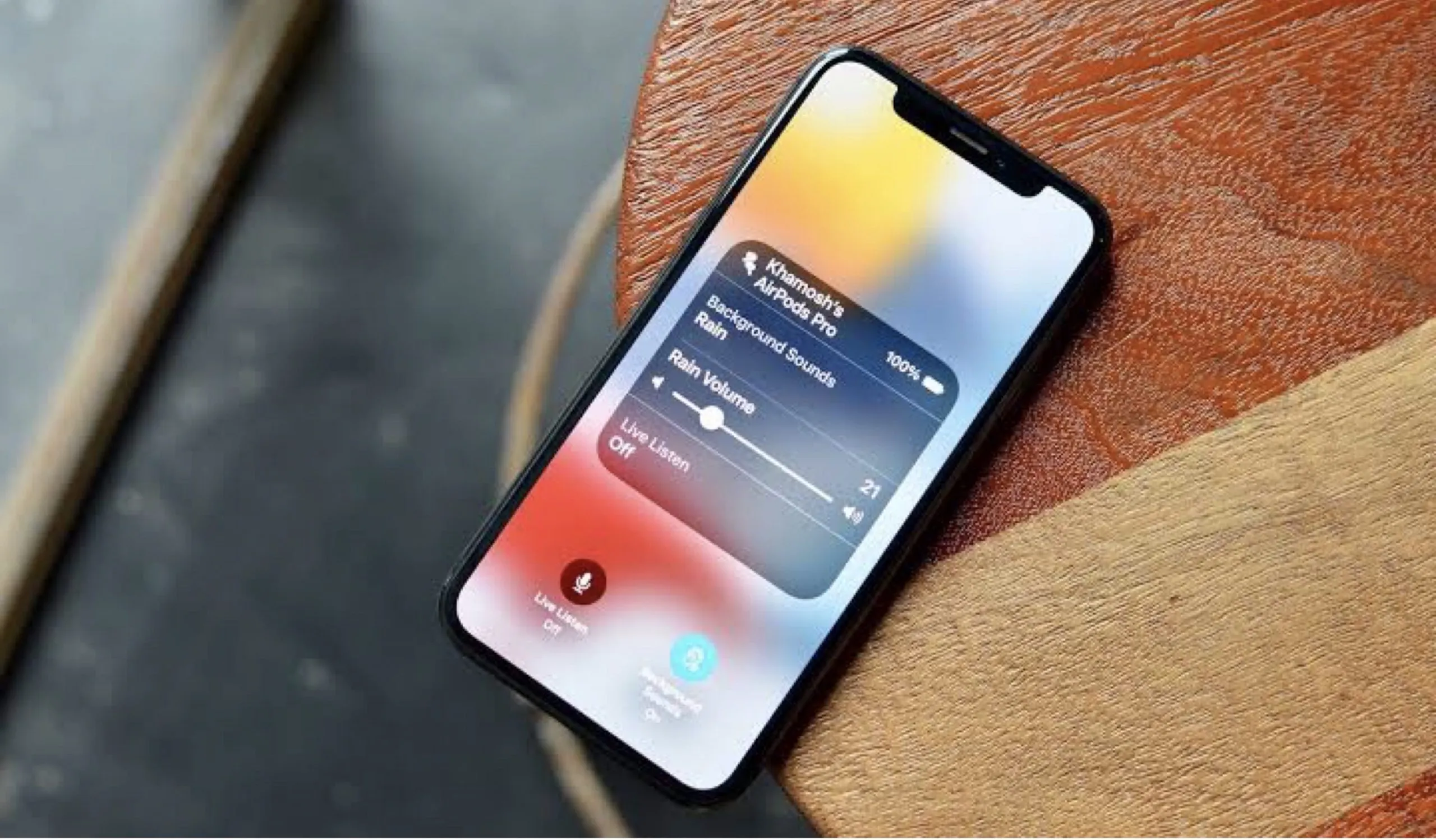
    Amidst the treasure trove of iOS 17’s innovative features, ranging from the novel Check-In feature to the playful Live Stickers, one functionality that elevates the quality of your phone conversations found its roots in iOS 16. With the rollout of iOS 16.4 in March, Apple introduced a host of updates, including new emojis, Apple Music enhancements, and the much-acclaimed Voice Isolation for phone calls. Initially introduced in iOS 15 for FaceTime calls, Voice Isolation has now expanded its reach to regular phone conversations, providing users with a sanctuary from distracting background noises.

    When engaged, Voice Isolation becomes a silent guardian against intrusive ambient sounds, allowing for seamless communication during business calls or leisurely chats without disruptions from external elements like barking dogs or construction clamor.

    Activating Voice Isolation is a straightforward process. During a phone call, access your Control Center by swiping down from the top-right corner of your screen, locate Mic Mode, tap on it, and select Voice Isolation. Once activated, this feature remains operative for all subsequent phone calls until manually turned off.

    In tandem with Voice Isolation, the intriguing Wide Spectrum feature amplifies background sounds without compromising the clarity of your voice. Currently exclusive to FaceTime calls, the presence of Wide Spectrum in Mic Mode during phone calls suggests a potential expansion of this feature to standard calls in the future.

    Post Views: 406
    Background Noise iPhone
    Share. Facebook Twitter Pinterest LinkedIn Tumblr Email
    ayaksız
    • Website

    Related Posts

    Apple: iPhone 17 and Older Models Hit With Unexpected $100 Price Increase

    Eylül 10, 2026

    Apple Watch Intelligence Could Be a Major Accessibility Breakthrough

    Eylül 10, 2026

    Apple May Skip the Base iPhone 18 This Year

    Eylül 10, 2026
    Add A Comment

    Comments are closed.

    Editors Picks
    8.5

    Apple Planning Big Mac Redesign and Half-Sized Old Mac

    Ocak 5, 2021

    Autonomous Driving Startup Attracts Chinese Investor

    Ocak 5, 2021

    Onboard Cameras Allow Disabled Quadcopters to Fly

    Ocak 5, 2021
    Top Reviews
    9.1

    Review: T-Mobile Winning 5G Race Around the World

    By sevketayaksiz
    8.9

    Samsung Galaxy S21 Ultra Review: the New King of Android Phones

    By sevketayaksiz
    8.9

    Xiaomi Mi 10: New Variant with Snapdragon 870 Review

    By sevketayaksiz
    Advertisement
    Demo
    Şevket Ayaksız
    Facebook X (Twitter) Instagram YouTube
    • Home
    • Adobe
    • microsoft
    • java
    • Oracle
    • Contact
    © 2026 Theme Designed by Şevket Ayaksız.

    Type above and press Enter to search. Press Esc to cancel.