

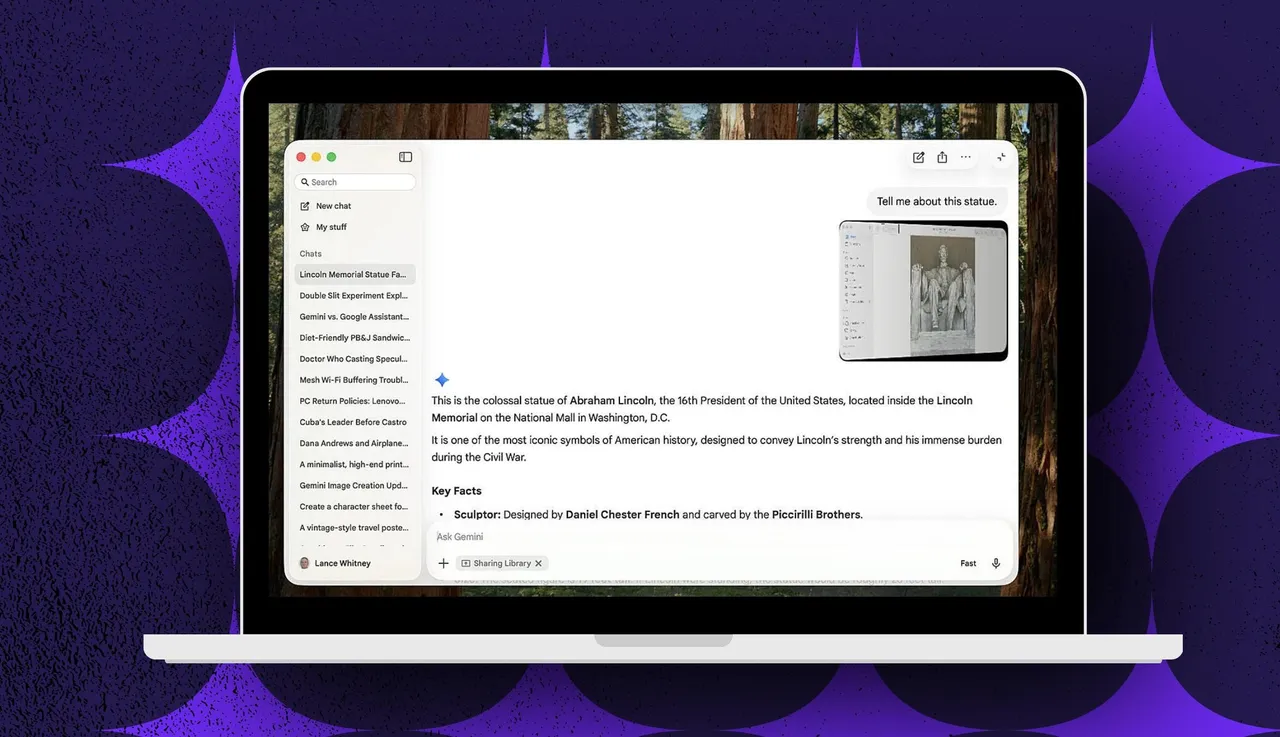
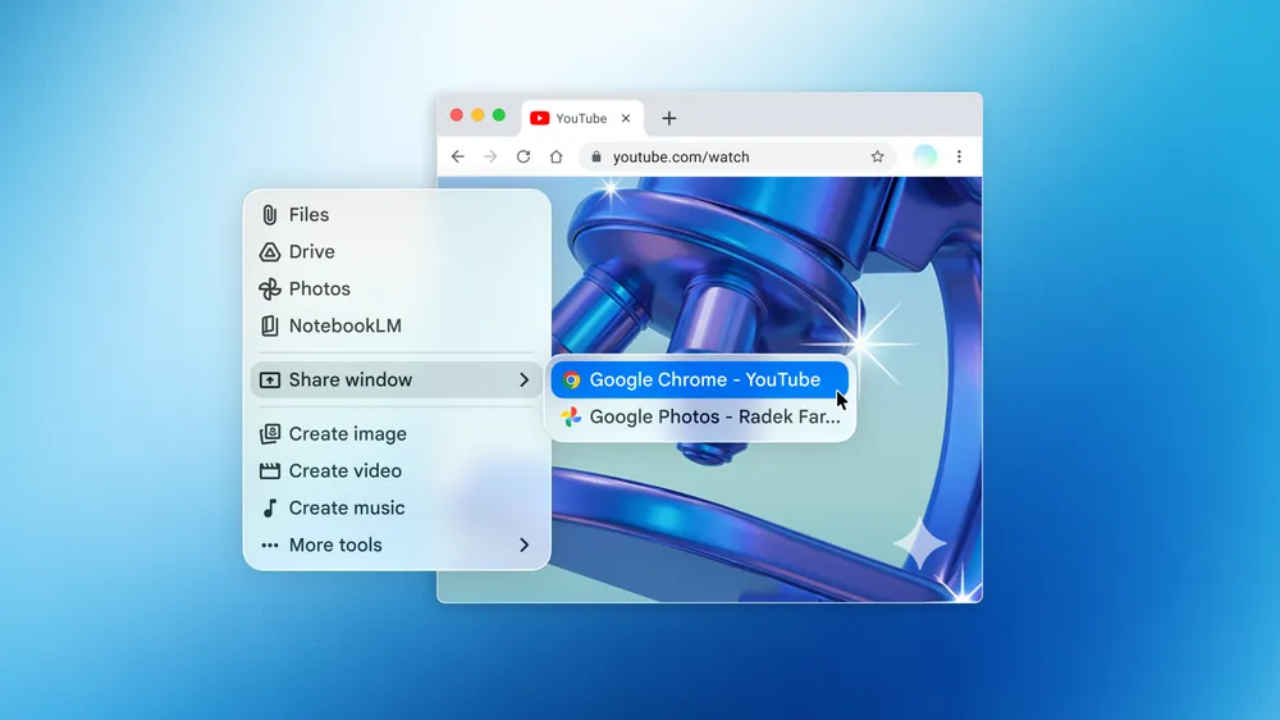
Google has taken a significant step forward in making its AI assistant more accessible by introducing a dedicated Gemini desktop app for Mac users. Instead of constantly switching between browser tabs and ongoing tasks, users can now access Gemini directly from their desktop environment. This eliminates interruptions and creates a smoother workflow for those who rely on AI assistance while working.
One of the standout features of the Mac app is its ability to interact with open applications and windows. Users can share what they are currently working on and ask Gemini to summarize content, explain information, or answer questions based on the visible material. This contextual awareness makes the tool far more integrated into daily productivity compared to the standard web version.
In doing so, Google is also entering a more competitive space, as other AI platforms such as ChatGPT, Microsoft Copilot, Claude AI, and Perplexity already offer dedicated desktop applications. However, while most of these services are available across both Windows and Mac, Gemini’s desktop app is currently exclusive to macOS, giving Mac users early access to this streamlined experience.
To use the application, a Mac device with an Apple silicon chip (M1 or later) and macOS Sequoia 15 or newer is required. After downloading the app from Google’s official page and signing in with a Google account, users can immediately begin interacting with Gemini just as they would on the web. The app also supports quick access through keyboard shortcuts, allowing users to open a full or mini chat window instantly, with customizable key combinations available in the settings for added convenience.