

A stable home network should feel invisible, but for many households it turns into a constant source of frustration. Even with a decent internet plan, weak spots, buffering, and dropped connections can still appear in different parts of the home. While router placement and device congestion are often the first things people check, they don’t always fully solve the issue when structural interference comes into play.
In my case, the Wi-Fi dead zones persisted for a long time, especially in rooms farther from the main router. Simple fixes like restarting the router or reducing connected devices helped only temporarily. It became clear that the problem wasn’t just network load, but also how the signal was being blocked and weakened by walls, furniture, and the overall layout of the house.
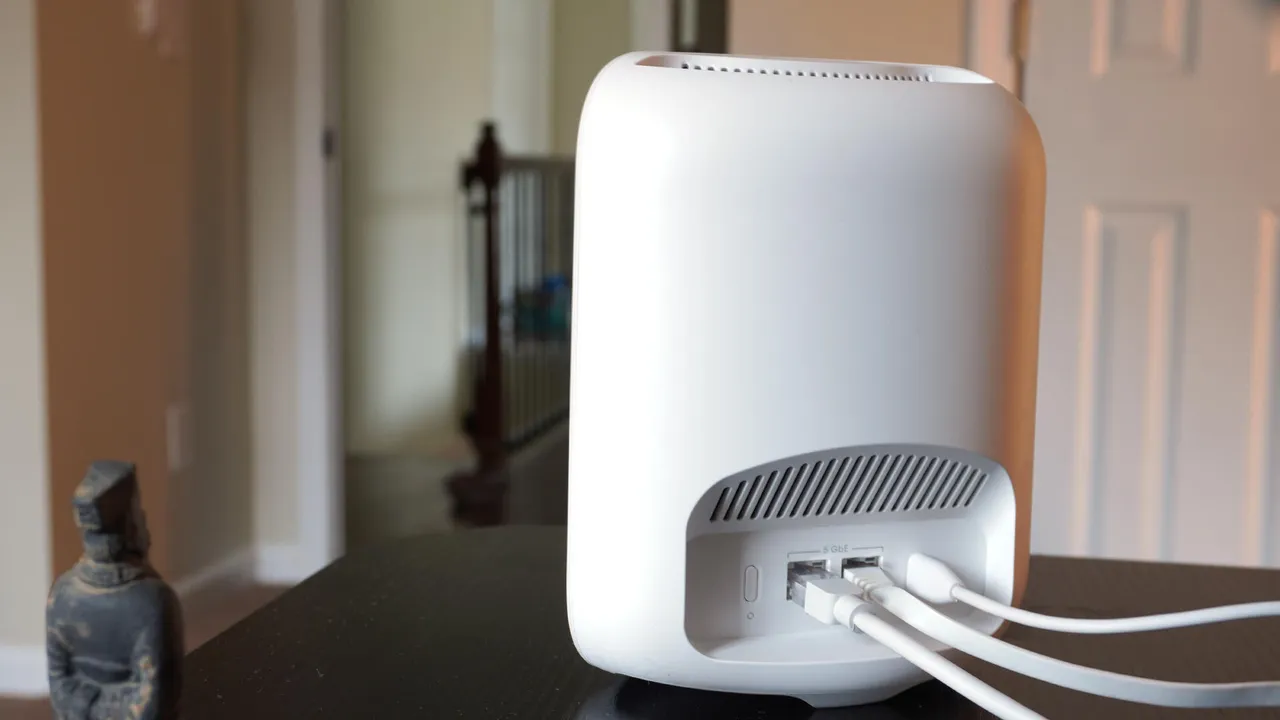
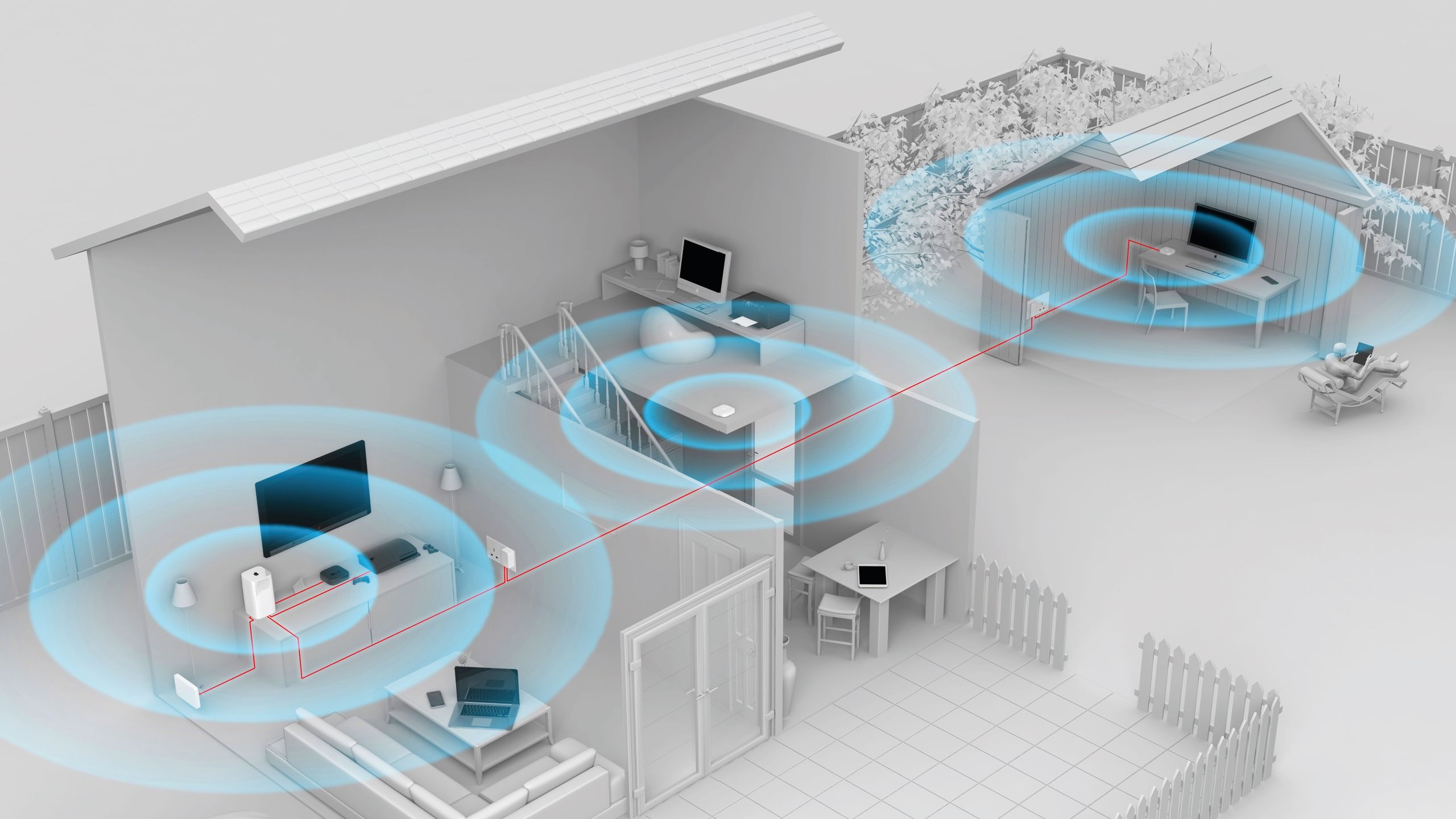
One of the first major improvements came from repositioning the router to a more central and elevated location. This reduced signal loss significantly, but it still wasn’t enough to fully eliminate weak spots. Adding a mesh network system helped extend coverage more evenly across the home, ensuring that devices could switch between nodes without losing connection strength.
Further improvements came from upgrading networking hardware and experimenting with different router brands that offered stronger antennas and better range management. Combining these changes created a more stable setup overall. By adjusting placement, expanding coverage, and upgrading equipment, it became possible to eliminate most dead zones and achieve a more consistent Wi-Fi experience throughout the home.