

Microsoft Brings Three Productivity Features to the New Outlook for Windows
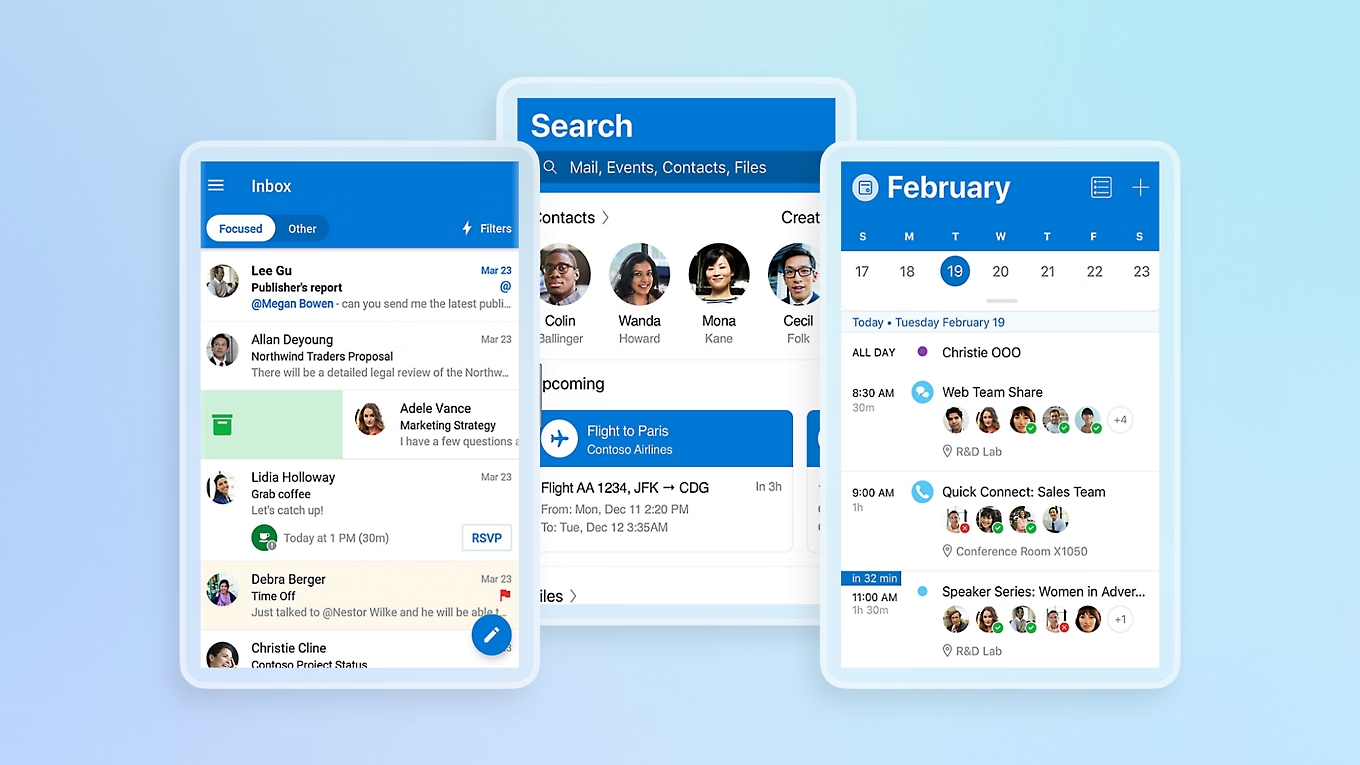
Microsoft is continuing to expand the capabilities of the new Outlook app for Windows 10 and Windows 11 with three productivity-focused features aimed at improving email management. While support for classic Outlook has been extended, the steady addition of new functionality gives users more reason to consider switching to the modern client.
The upcoming features include smarter reply warnings, customizable automatic replies, and faster email categorization through drag-and-drop.
Reply Warning Helps Prevent Broken Email Threads
The first feature, scheduled to begin rolling out in August, introduces a warning when users attempt to reply to an older message within an email conversation.
If newer replies already exist in the thread, Outlook will display a notification to help prevent users from accidentally responding to an outdated email. This should reduce fragmented conversations and ensure replies remain attached to the most recent discussion.
According to Microsoft, the feature is designed to give users greater confidence that they’re responding to the correct message.
Automatic Reply Templates Arrive in September
Another addition coming in September is support for automatic reply templates.
Users will be able to create multiple reply templates and configure Outlook to send them automatically when predefined conditions are met. Rather than repeatedly typing the same responses, users can prepare reusable templates for common scenarios, making email handling more consistent and efficient.
Drag-and-Drop Email Categorization
Also arriving in September is a simpler way to organize emails using categories.
Categories added to the Favorites section can be used as drag-and-drop targets. Users will simply drag an email into a favorite category to automatically apply that label, offering a quicker and more visual alternative to manually assigning categories through menus.
The feature is intended to streamline inbox organization for users who rely on categories to manage large volumes of email.
Part of Microsoft’s Ongoing Outlook Modernization
All three features appear on the Microsoft 365 Roadmap and were first highlighted by Windows Latest. They continue Microsoft’s effort to bring the new Outlook closer to feature parity with the classic desktop application while introducing workflow improvements tailored to modern email management.