

Close Menu
Şevket Ayaksız

    Subscribe to Updates

    Get the latest creative news from FooBar about art, design and business.

    What's Hot

    AI watermarks could improve transparency but won’t stop AI slop

    Eylül 13, 2026

    LG’s 4K OLED gaming monitor gets a $600 discount

    Eylül 13, 2026

    Keychron’s 100-key macropad offers 8,000Hz polling for $65

    Eylül 13, 2026
    Facebook X (Twitter) Instagram
    • software
    • Gadgets
    Facebook X (Twitter) Instagram
    Şevket AyaksızŞevket Ayaksız
    Subscribe
    • Home
    • Technology

      Apple: iPhone 17 and Older Models Hit With Unexpected $100 Price Increase

      Eylül 10, 2026

      Apple Watch Intelligence Could Be a Major Accessibility Breakthrough

      Eylül 10, 2026

      Apple May Skip the Base iPhone 18 This Year

      Eylül 10, 2026

      FCC changes robot vacuum rules, potentially affecting future models

      Ağustos 8, 2026

      Samsung’s new 2TB 990 SSD drops to its lowest price yet

      Ağustos 6, 2026
    • Adobe
    • Microsoft
    • java
    • Oracle
    Şevket Ayaksız
    Anasayfa » GNOME 50 Impresses – Here’s Why It Took a Second Look to Stand Out
    Tech

    GNOME 50 Impresses – Here’s Why It Took a Second Look to Stand Out

    By mustafa efeŞubat 26, 2026Yorum yapılmamış2 Mins Read
    Facebook Twitter Pinterest LinkedIn Tumblr Email
    Share
    Facebook Twitter LinkedIn Pinterest Email

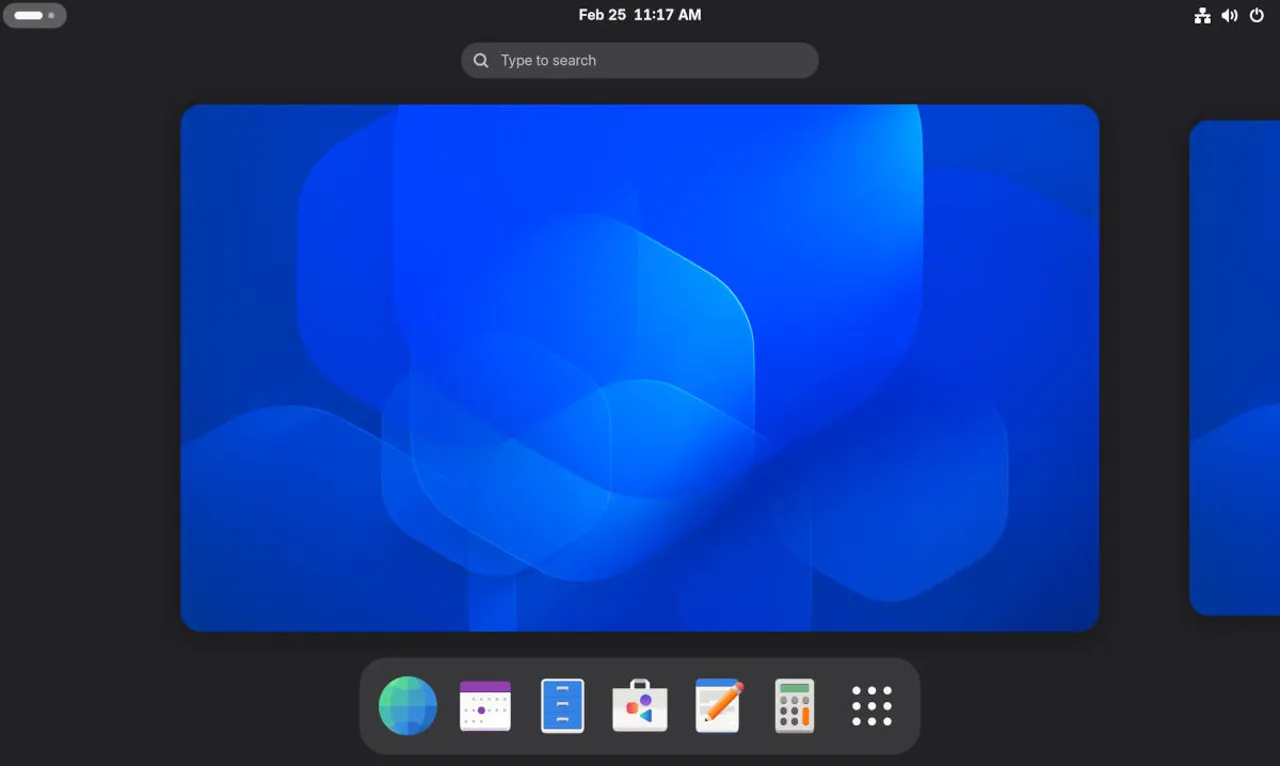
    GNOME 50 Beta Delivers Speed and Polish Across the Desktop

    GNOME has always been known for its consistency, and GNOME 50 continues that tradition while quietly introducing some meaningful improvements. The core GNOME Shell remains familiar, giving users a stable and predictable desktop environment that feels comfortable and reliable.

    One of the most significant changes in GNOME 50 happens under the hood. The update officially removes X11 support in favor of Wayland, marking a shift toward a more modern and secure display protocol. Wayland not only improves performance but also enhances security, offering a smoother experience for both everyday tasks and more demanding workloads.

    Gamers and professionals will notice subtle but important enhancements. GNOME 50 introduces VRR support for smoother gaming, better handling of discrete GPUs, and a new thumbnail widget that is far faster than its predecessor. Users will also benefit from case-sensitive path completion in the file manager and improved search functionality, making navigation quicker and more intuitive.

    Accessibility and usability have also been refined. A new text size slider in the accessibility panel allows for easier reading, battery charge management has been improved, and symbolic icons have been updated for a cleaner, more modern look. Together, these upgrades make GNOME 50 a release that balances familiarity with meaningful, user-friendly improvements.

    Post Views: 250
    Share. Facebook Twitter Pinterest LinkedIn Tumblr Email
    mustafa efe
    • Website

    Related Posts

    Apple: iPhone 17 and Older Models Hit With Unexpected $100 Price Increase

    Eylül 10, 2026

    Apple Watch Intelligence Could Be a Major Accessibility Breakthrough

    Eylül 10, 2026

    Apple May Skip the Base iPhone 18 This Year

    Eylül 10, 2026
    Add A Comment

    Comments are closed.

    Editors Picks
    8.5

    Apple Planning Big Mac Redesign and Half-Sized Old Mac

    Ocak 5, 2021

    Autonomous Driving Startup Attracts Chinese Investor

    Ocak 5, 2021

    Onboard Cameras Allow Disabled Quadcopters to Fly

    Ocak 5, 2021
    Top Reviews
    9.1

    Review: T-Mobile Winning 5G Race Around the World

    By sevketayaksiz
    8.9

    Samsung Galaxy S21 Ultra Review: the New King of Android Phones

    By sevketayaksiz
    8.9

    Xiaomi Mi 10: New Variant with Snapdragon 870 Review

    By sevketayaksiz
    Advertisement
    Demo
    Şevket Ayaksız
    Facebook X (Twitter) Instagram YouTube
    • Home
    • Adobe
    • microsoft
    • java
    • Oracle
    • Contact
    © 2026 Theme Designed by Şevket Ayaksız.

    Type above and press Enter to search. Press Esc to cancel.