

No More USB-C Guesswork: Microsoft Sets New Standards for Windows 11 Laptops
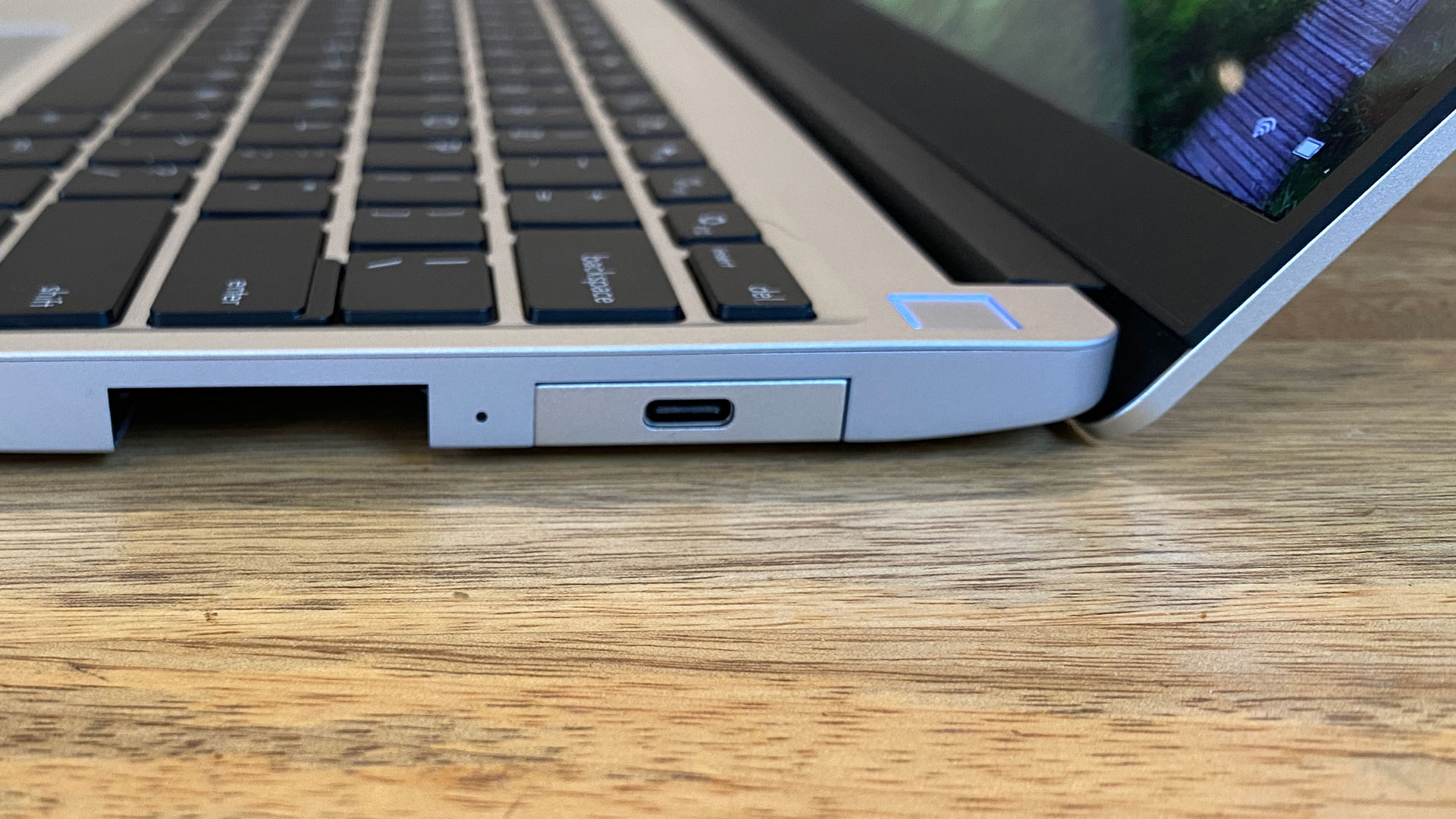
If you’ve ever tried to connect a monitor or charger to your laptop’s USB-C port only to be met with silence or confusion, you’re not alone—and Microsoft wants to fix that. Starting with Windows 11 version 24H2, Microsoft will begin enforcing strict USB-C standards for new laptops. This means future Windows machines must meet a clear, uniform baseline for USB-C functionality if they want the official Microsoft seal of approval.
In the past, manufacturers could implement USB-C however they liked. Some ports only supported basic data transfer, others added charging, and a few included video or Thunderbolt support—but there was no easy way for users to tell. That led to familiar frustration: why won’t my monitor display anything? Is it the cable? The port? The laptop?
Microsoft is aiming to end the chaos. Going forward, laptops that qualify for Microsoft’s Windows Hardware Compatibility Program (WHCP) will need to meet minimum performance and compatibility specs. These include better charging, faster data, and full support for display output.
Here’s what’s changing:
-
For USB4 laptops:
-
Ports must offer 40Gbps or 80Gbps speeds and support Thunderbolt 3
-
Minimum 15W charging required (7.5W for tablets)
-
Must support DisplayPort Alt Mode, PCIe tunneling, USB Power Delivery, and dual 4K@60Hz displays
-
-
For USB3 laptops:
-
Ports must offer 5, 10, or 20Gbps speeds
-
Charging must support 4.5 to 15W
-
Must drive at least one external display, but Thunderbolt and PCIe aren’t required
-
Manufacturers must now verify compliance using Microsoft’s Hardware Lab Kit (HLK). The result? More reliable ports, more predictable performance, and far fewer headaches for consumers.
With this update, Microsoft is finally turning USB-C into what it was always meant to be: a truly universal connection.