


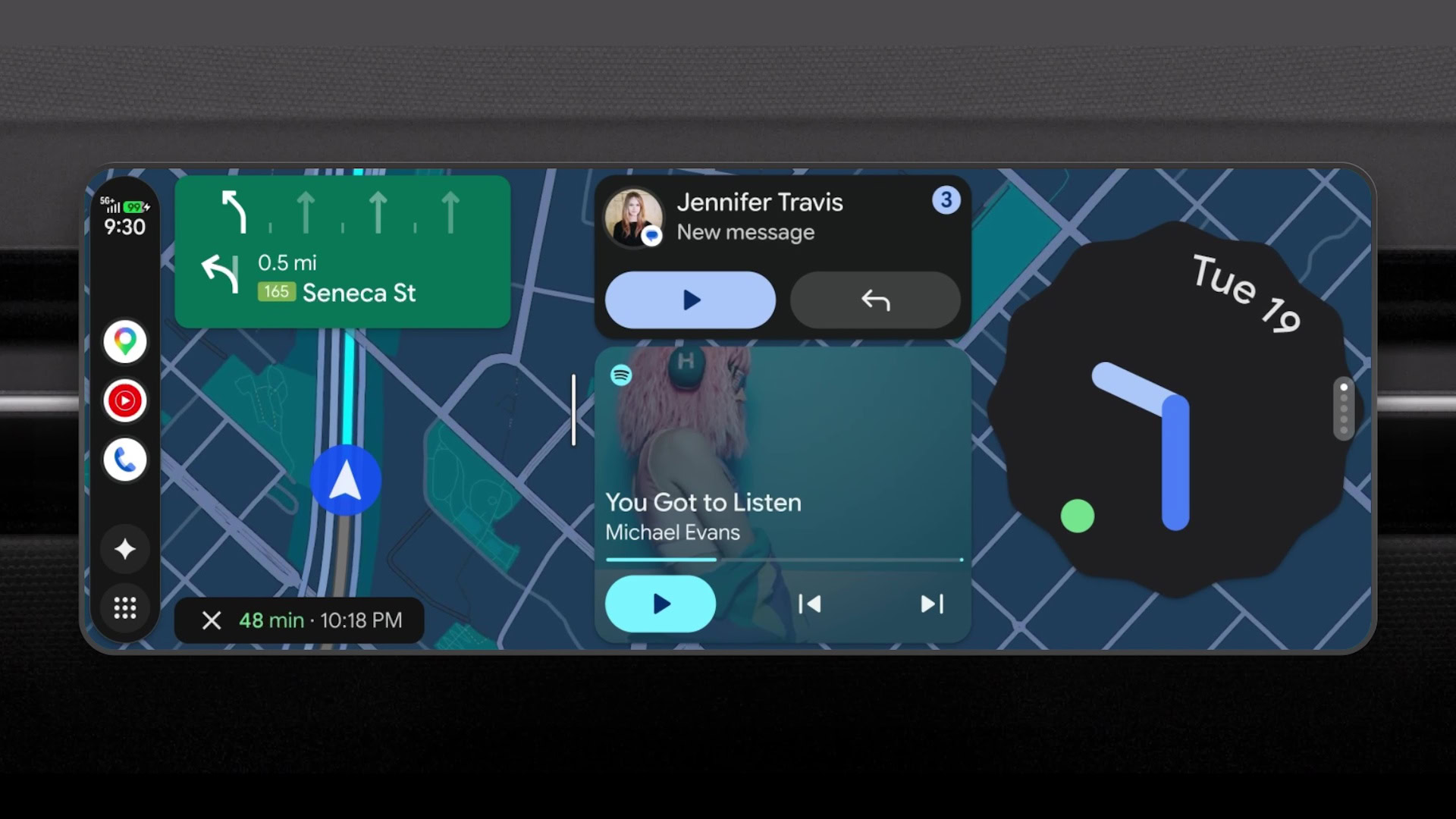
Android Auto is excellent for navigation, messaging, and music, but its capabilities are intentionally restricted. Google carefully controls which apps can appear on your car’s display, prioritizing safety and simplicity over flexibility. While that approach makes sense for most drivers, it also means many useful features never make it to the official Android Auto app catalog.
After spending some time with the platform, I realized there was far more potential hidden beneath those limitations. The selection of approved apps is relatively small, and many functions that would be genuinely useful during road trips or while parked simply aren’t available through the Google Play Store. That’s when I started looking beyond the official ecosystem.
The solution was sideloading — the process of installing apps from sources outside the Play Store. While it may sound complicated, it’s surprisingly straightforward for anyone comfortable installing an APK file. With the right tools, unofficial Android Auto apps can be added in just a few minutes, unlocking features that Google doesn’t officially support.
These apps can dramatically expand what your car’s infotainment screen can do, from running additional media services to displaying information and utilities that aren’t available through official channels. Although sideloading requires a bit of caution and research, it remains one of the easiest ways to make Android Auto feel far more powerful and personalized.