

Windows 11 Bug Prevents Some PCs From Receiving Updates for Months
A serious Windows Update issue is reportedly preventing some Windows 11 systems from receiving updates entirely, leaving affected devices without security patches since February 2026.
The problem appears linked to changes introduced through January’s optional preview update and is now drawing increased concern because of upcoming Secure Boot certificate deadlines affecting older Windows hardware.
Affected PCs Have Missed Months of Security Updates
According to reports, impacted systems continue displaying new updates inside Windows Update, but the download and installation process ultimately fails before completion.
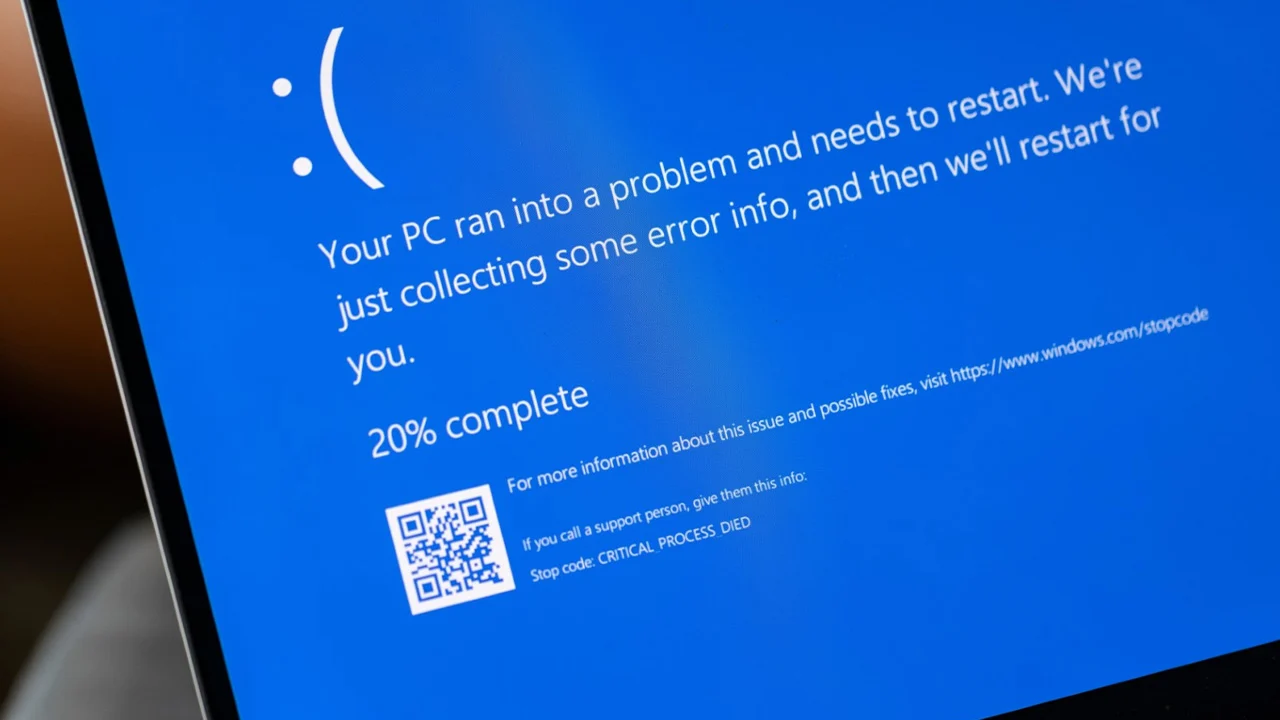
Affected devices reportedly crash during the update sequence and display error code 0x80010002.
As a result, some systems have missed several consecutive monthly security updates, potentially leaving them exposed to recently patched vulnerabilities.
The issue reportedly began after installation of Microsoft’s January Preview Update.
Secure Boot Deadline Adds Urgency
The timing of the bug creates additional complications because Microsoft is currently distributing updated Secure Boot certificates through Windows Update.
Older Windows devices must receive these updated certificates before June 2026 to ensure Secure Boot functionality continues operating correctly after certificate expiration.
Systems unable to install updates may therefore face not only missing security patches, but also potential future Secure Boot compatibility problems if the certificates are not updated in time.
Microsoft Investigating Download Timeout Issues
Microsoft has acknowledged the problem through Windows administration support channels and says the issue may relate to modified download timeout requirements introduced in recent updates.
The company also indicated that restrictive firewall configurations could worsen the problem by interrupting communication with Microsoft’s update servers.
Despite recognizing the issue, Microsoft has not yet released a full permanent fix.
Known Issue Rollback Currently the Main Workaround
For now, Microsoft recommends using Known Issue Rollback (KIR) procedures to revert the problematic update and restore normal update functionality.
Affected users can also manually remove the January preview update if necessary.
The rollback packages currently apply to:
- Windows 11 26H1 (KB5083806)
- Windows 11 24H2
- Windows 11 25H2
- Windows Server 2025 (KB5083631)
Users can check whether their systems are affected by opening:
Settings → Windows Update → View update history
If no updates appear after January and updates were not intentionally paused, the device may be impacted by the bug.
The incident adds to a growing number of Windows Update reliability concerns as Microsoft continues expanding the complexity of Windows servicing and security infrastructure.