

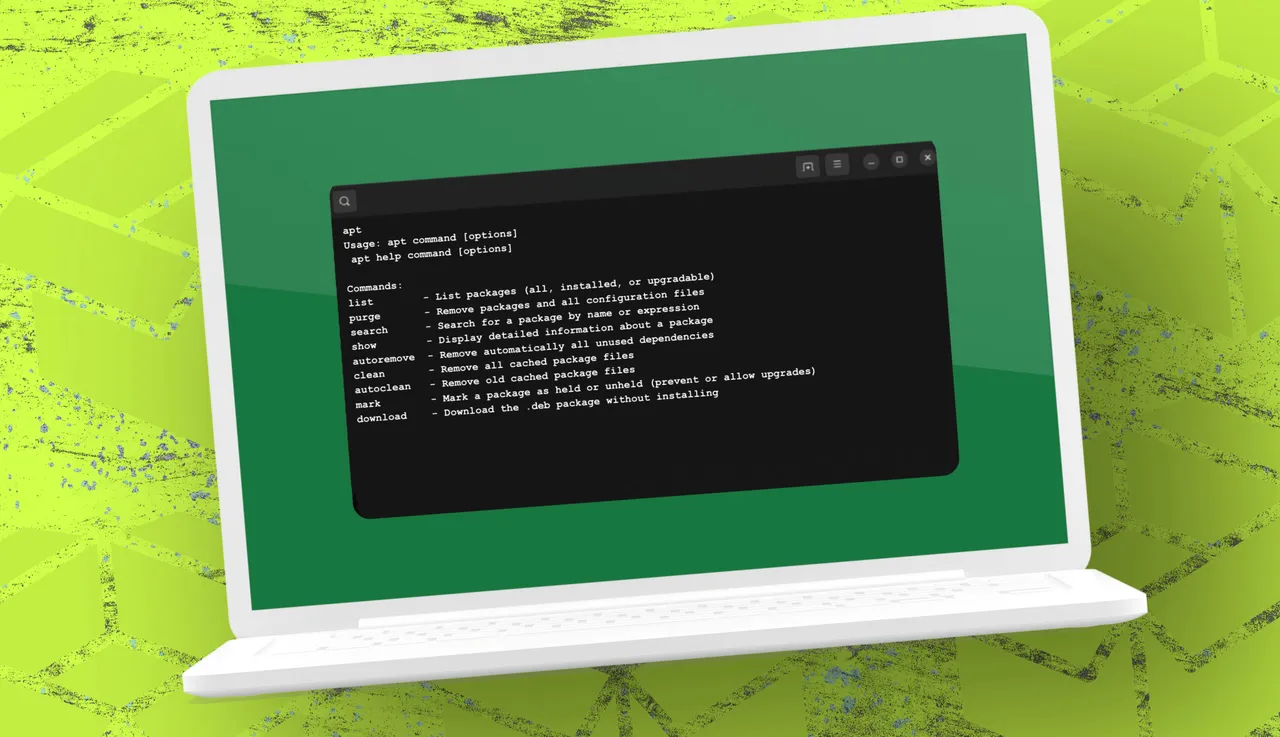
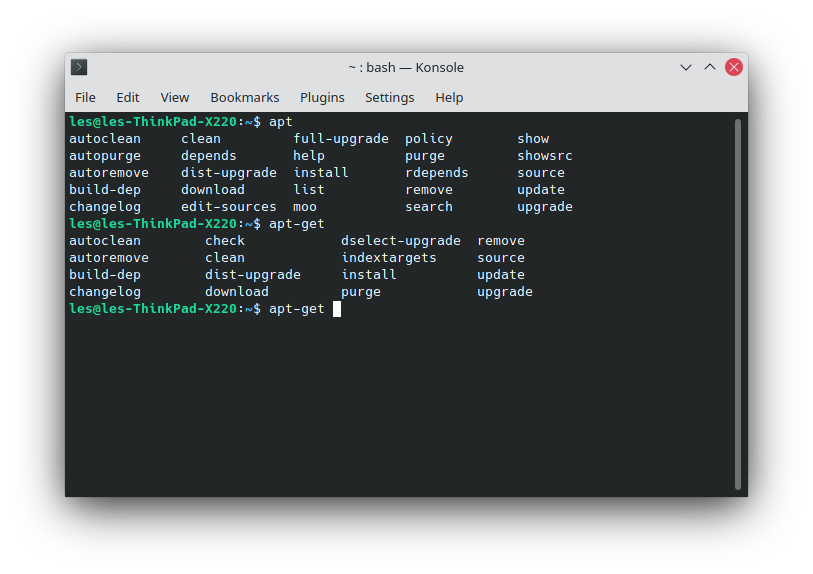
While most Linux users are familiar with basic apt commands like install, remove, update, and upgrade, the tool offers far more functionality that can make managing your system faster, cleaner, and more precise. For instance, using apt list lets you see which packages are installed, available, or upgradable, helping you keep track of potential updates. If you want to cleanly remove an application along with its leftover configuration files, apt purge ensures nothing is left behind. Searching for packages is easier with apt search, while apt show provides detailed information about any package before installation, including dependencies, conflicts, and source repositories.
Maintenance commands like apt autoremove and apt clean are essential for keeping your system tidy. apt autoremove removes unnecessary dependencies left over from uninstalled applications, and apt clean clears cached package files, freeing up disk space while still allowing you to manage rollbacks and offline installations. Additionally, apt-mark is invaluable when you want to hold a package at its current version, preventing unwanted upgrades that might break certain features.
Finally, the apt download command is perfect for scenarios where you need a package but don’t want to install it immediately—ideal for offline or air-gapped systems. By downloading the .deb file, you can transfer software securely to another machine without relying on network access. Mastering these eight commands transforms apt from a simple package installer into a powerful system management tool, helping Linux users optimize performance, maintain stability, and retain full control over their software environment.