

Vector graphics are essential for projects requiring high scalability, such as logos and illustrations, because they can be resized without losing quality. Converting images into vector formats like SVG ensures your graphic remains sharp whether viewed on a small screen or printed on a large poster. Whether you want to create a vector from scratch or convert an existing file like PNG or JPG to SVG, here’s how you can do it.
What is a vector graphic?
Vector graphics rely on mathematical equations to create lines, curves, and shapes. This allows them to be scaled infinitely, unlike raster graphics (JPG or PNG), which use pixels and lose clarity when resized. Vector files are usually smaller in size but not ideal for all images, particularly detailed photos.
How to create vector graphics
To create vector graphics, you need software that can vectorize image data by converting pixel information into paths. Both free and professional tools are available for this task.
Can Windows create vector graphics?
While Windows does not come with a vector creation tool, programs like Paint are limited to editing raster images. You’ll need to download additional software for vector work.
Free software for converting images to vector graphics
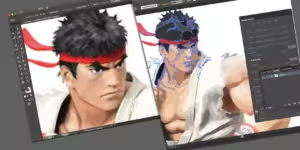
Inkscape is a powerful free tool for vector graphics, capable of competing with paid programs like Adobe Illustrator. To convert an image in Inkscape:
- Open your image.
- Use the Path > Trace Bitmap option to convert it to a vector.
- Adjust the settings to capture all the important details before saving the image as an SVG.
Creating vector graphics on mobile
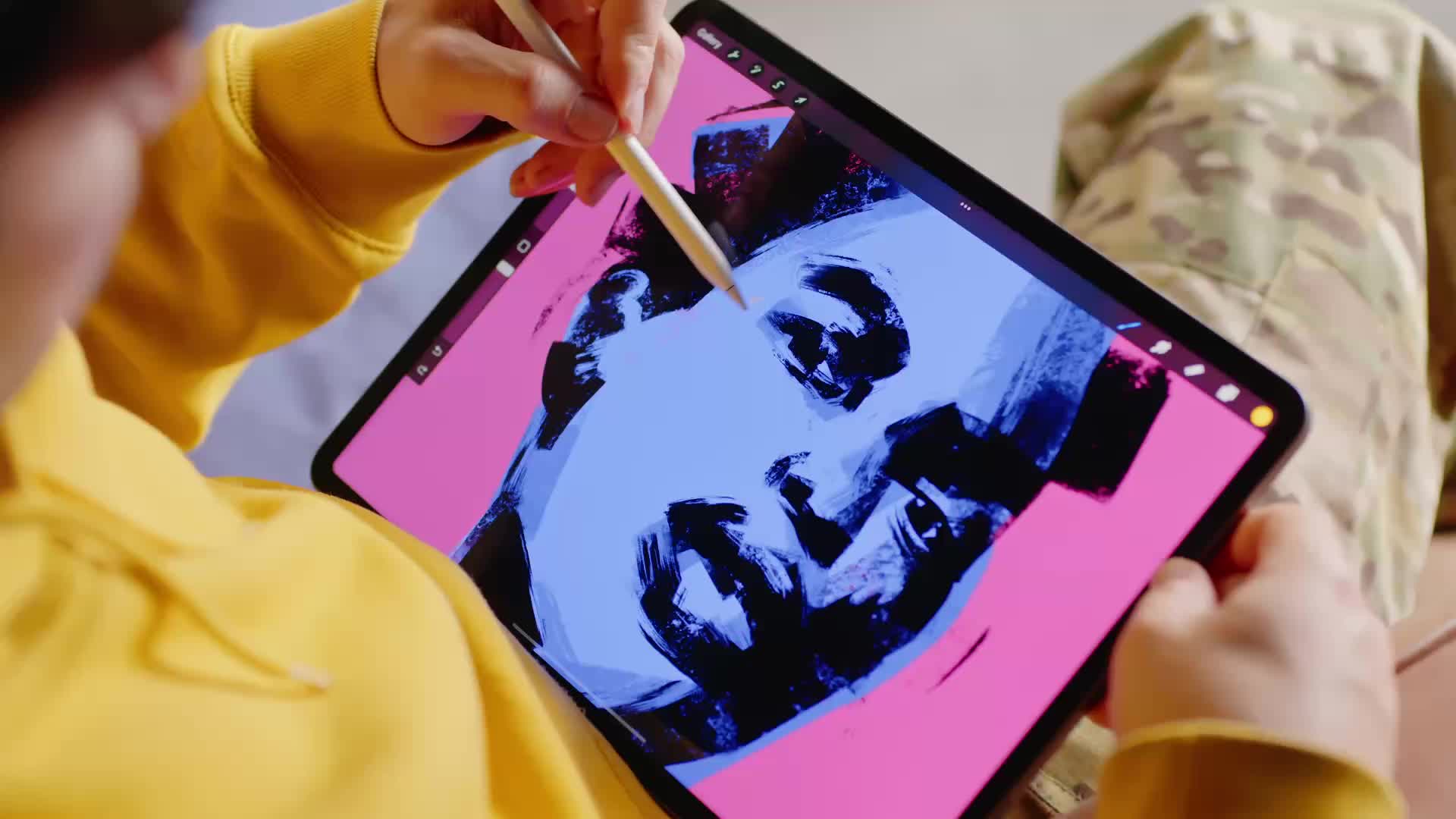
Yes, you can create vector graphics on mobile devices using apps like Adobe Illustrator Draw and Vector Ink. These apps make it possible to create and edit vectors right on your phone or tablet.
Free online tools for vectorizing images
You can also use online tools like FreeConvert or Convertio to convert images to SVG. These tools are easy to use—simply upload your image, select SVG as the output format, and download the converted file.
How to check if a file is vectorized
To see if a file is truly vectorized, open it in a program like Adobe Illustrator or Inkscape and zoom in. If the image stays sharp without becoming pixelated, it’s a vector. Vector files usually have extensions like .svg, .eps, or .ai.
Popular vector formats:
- SVG (Scalable Vector Graphics): Widely used in web development.
- EPS (Encapsulated PostScript): Common in professional printing.
- AI (Adobe Illustrator): The native format for Adobe Illustrator projects.
Converting JPG or PNG to vector graphics
For JPG or PNG conversions to vector, tools like Inkscape or online converters like JPG2SVG and PNG2SVG help recognize the image’s shapes and lines, converting them into scalable vector paths.
Using any of these methods, you can easily create or convert images into high-quality vector graphics suitable for any project, ensuring your visuals remain crisp no matter the size.