

Microsoft Authenticator Drops Password Features, Nudges Users to Edge Instead
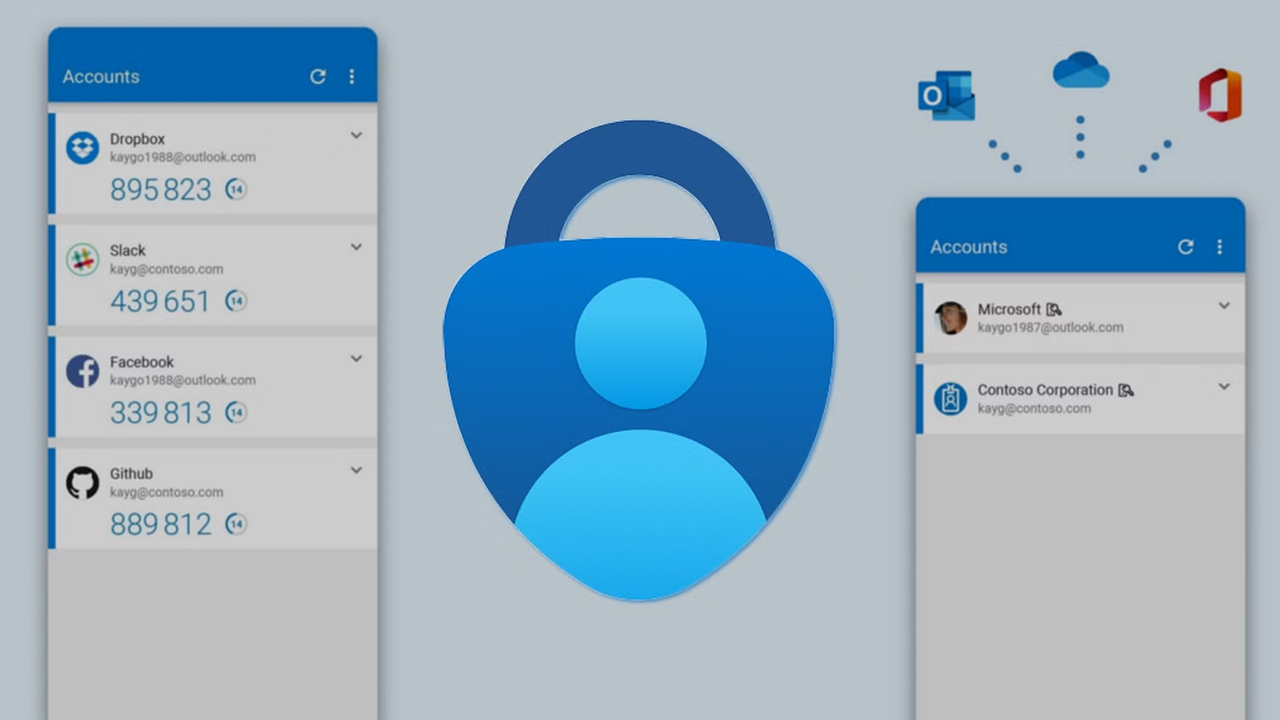
Microsoft may not wield the axe as frequently as Google when it comes to shutting down products, but the company isn’t afraid to reshape or retire features when the strategy suits. The latest example? Microsoft Authenticator, which is losing a significant chunk of its password management capabilities over the course of this summer. By August 1, the app will no longer support stored passwords or payment information, signaling a notable shift in how Microsoft wants users to manage their credentials.
The process has been unfolding gradually. Back in June, Microsoft removed the ability to add or import new passwords into Authenticator. Then in July, users lost access to autofill functionality, making the app far less convenient as a daily driver for password management. Now, the next wave of cuts is hitting: saved passwords and payment data will be inaccessible within the app starting August 1. Microsoft suggests transitioning to Microsoft Edge, which now acts as the official repository and autofill service for your credentials—across both desktop and mobile devices.
But there’s a caveat to this migration: only saved passwords will be automatically accessible in Edge. If you’ve used the password generator within Microsoft Authenticator, the history of those generated credentials won’t carry over. To avoid losing them, users must manually copy data from the Generator history within the app’s Password tab before the deadline. It’s a cumbersome extra step that might catch some users off guard if they haven’t kept up with the announcements.
Curiously, not everything is being retired. Microsoft Authenticator will continue to support passkeys, a modern replacement for passwords that offers more secure, phishing-resistant authentication. If you’ve created passkeys through the app, you’ll need to keep Microsoft Authenticator installed—otherwise, your ability to use those credentials will be disabled. That suggests Microsoft still sees Authenticator as a key part of its identity and security ecosystem, even if password management is being pushed out.
This realignment underscores Microsoft’s ongoing effort to centralize features inside Edge, creating a more integrated—but arguably more siloed—experience. For users who already rely on Edge for browsing and autofill, the change might feel seamless. But for those who preferred using Authenticator as a lightweight, cross-platform password solution, this marks a clear shift—and potentially, a good reason to evaluate third-party alternatives that offer more independence.