

If you have an old computer sitting unused because it can no longer keep up with modern operating systems, you’re not alone. Many PCs that once ran Windows 10 smoothly are now incompatible with Windows 11, leaving their owners unsure what to do next. Instead of retiring that hardware, there is a practical and surprisingly effective alternative.
Lightweight Linux distributions are designed specifically for older or low-powered machines, and they can dramatically improve performance. These operating systems require far fewer system resources, allowing aging hardware to feel responsive again. With the right distro installed, that sluggish PC can handle everyday tasks like web browsing, document editing, and media playback with ease.
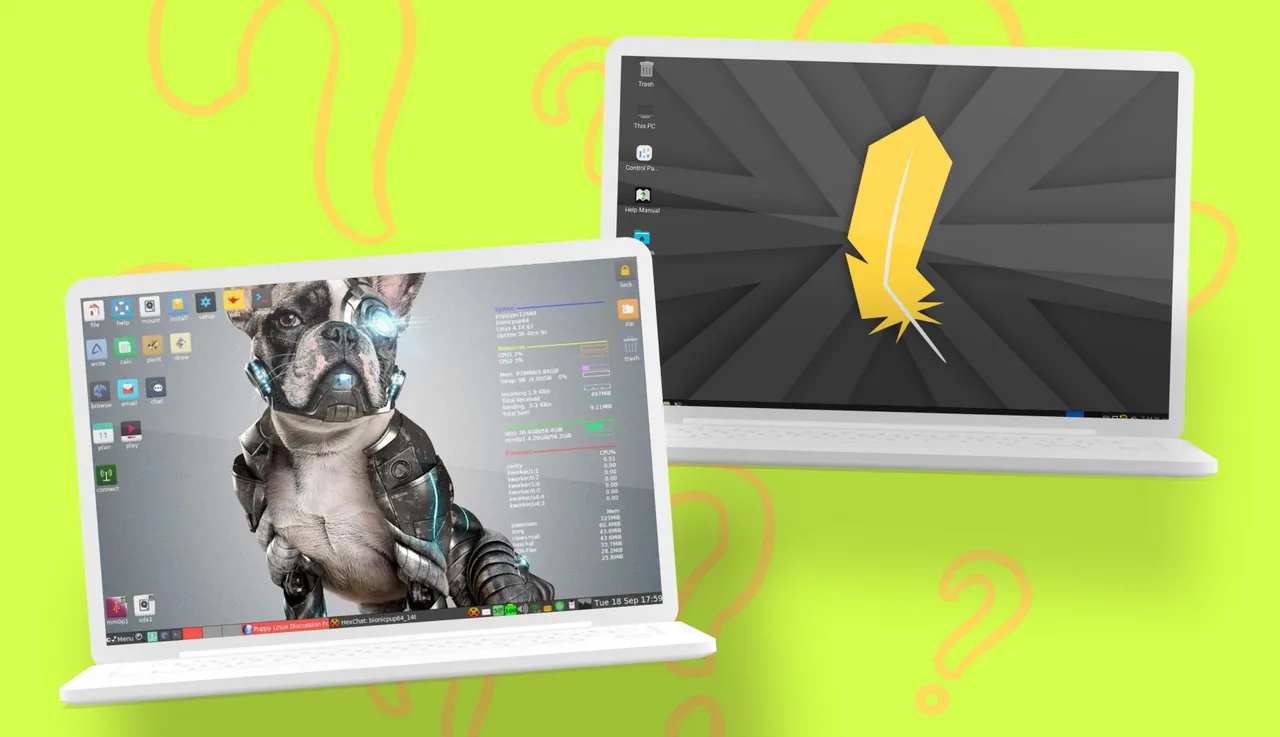
Among the many options available, two stand out for their balance of speed and usability: Puppy Linux and Linux Lite. Both are well-known in the Linux community for breathing new life into older systems, but they take different approaches to achieving that goal. Choosing between them depends largely on how much control, simplicity, and familiarity you want from your setup.
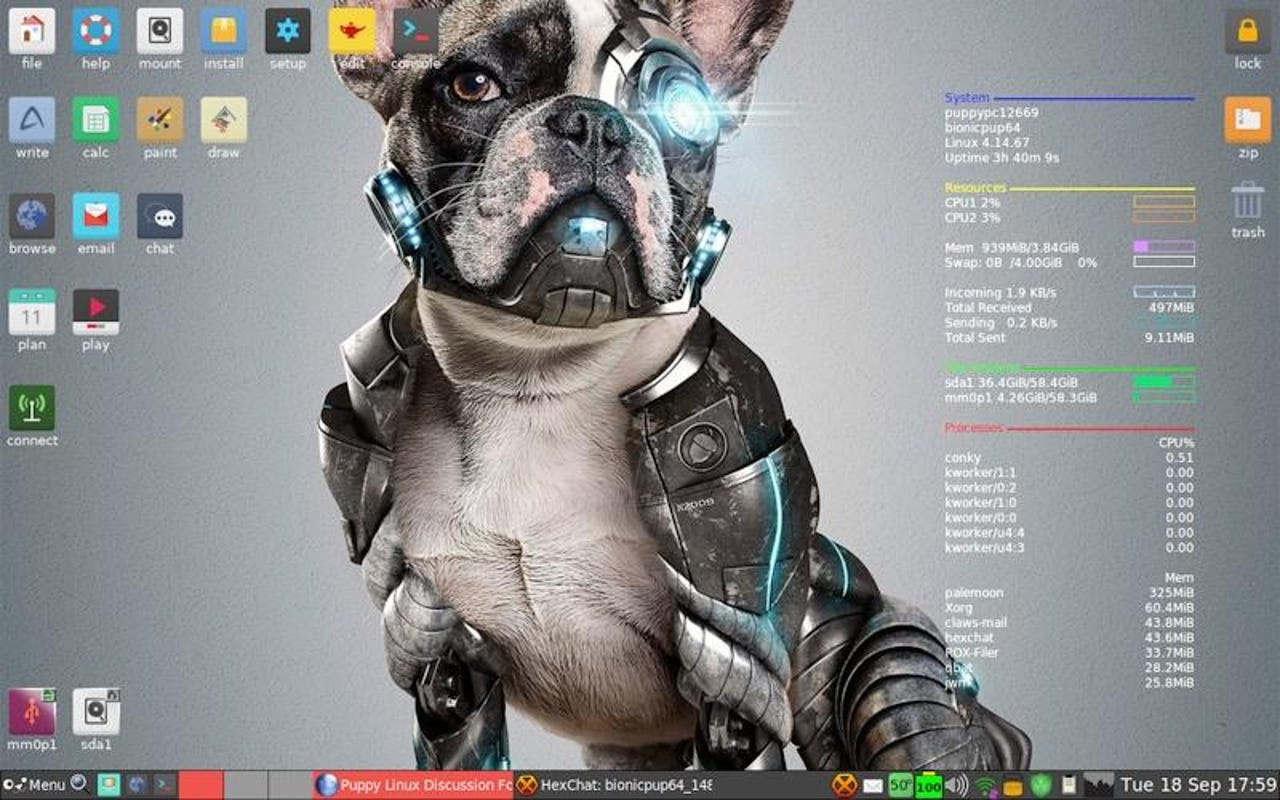
Puppy Linux, in particular, has a long history as an ultra-lightweight operating system, with download sizes ranging from just 500MB to around 1.5GB. It also offers multiple variants based on different Linux foundations, such as Debian, Ubuntu, and Slackware. While Puppy Linux is ready to use right after installation, its unique design choices may require a bit of adjustment—especially for users accustomed to more traditional desktop environments.