

Microsoft wants your laptop battery to last even longer—with a little help
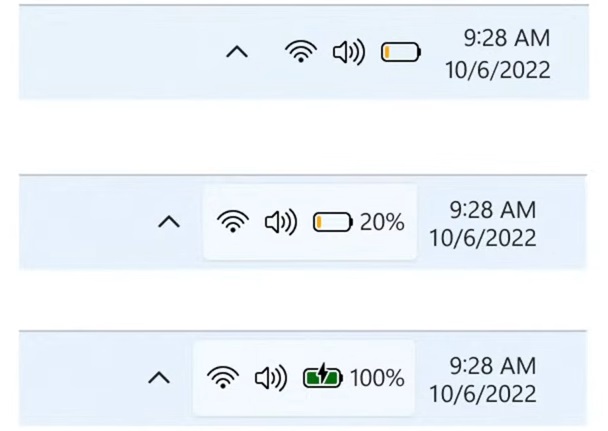
We’ve all been there—watching the battery icon turn red while you’re stuck far from an outlet. Microsoft is working on a fix for that. It’s testing a new adaptive energy saver feature in Windows 11, which quietly kicks in to help you save power when you least expect it—before the low-battery panic even sets in.
Spotted in the Windows 11 Canary Channel, the feature joins Microsoft’s broader energy-saving push that includes “self-healing” PC tech. Think of adaptive energy saver as a smart, behind-the-scenes helper: if your system is idle or not using a lot of power, Windows will pause background syncs, cut out fancy transparency effects, and reduce activity from less critical apps. Crucially, it won’t dim your screen, so you’ll still see everything clearly while saving battery.
It’s not something that’s turned on automatically. You’ll need to go into settings and enable it manually. That makes sense, since one of the first things adaptive energy saver pauses is OneDrive syncing—something Microsoft probably doesn’t want users to lose without knowing.
And sure, laptops today—especially those with Intel’s Core Ultra chips or Snapdragon processors—already get great battery life. But if you can stretch that even further without hurting performance, why not? Extra time on battery is always a win.