


Close Menu
Şevket Ayaksız

    Subscribe to Updates

    Get the latest creative news from FooBar about art, design and business.

    What's Hot

    Eero Signal Ensures Continuous Business Connectivity Even During Internet Outages

    Mayıs 1, 2026

    7 Simple but Surprising Ways to Boost Your TV’s Sound Quality at Home

    Mayıs 1, 2026

    From AI Pilots to Enterprise Value: Building the Superhighway

    Mayıs 1, 2026
    Facebook X (Twitter) Instagram
    • software
    • Gadgets
    Facebook X (Twitter) Instagram
    Şevket AyaksızŞevket Ayaksız
    Subscribe
    • Home
    • Technology

      7 Simple but Surprising Ways to Boost Your TV’s Sound Quality at Home

      Mayıs 1, 2026

      From AI Pilots to Enterprise Value: Building the Superhighway

      Mayıs 1, 2026

      How I Fixed My Home Wi-Fi Dead Zones: 6 Practical Solutions That Made a Real Difference

      Mayıs 1, 2026

      Why I Switched From iPhone Hotspot to a 5G Travel Router for Good

      Nisan 18, 2026

      Verizon Offers Free iPad or Apple Watch With New iPhone Purchase: Here’s How It Works

      Nisan 18, 2026
    • Adobe
    • Microsoft
    • java
    • Oracle
    Şevket Ayaksız
    Anasayfa » Microsoft Word Glitch Erases Files: Avoiding Data Loss
    microsoft

    Microsoft Word Glitch Erases Files: Avoiding Data Loss

    By ayaksızEkim 9, 2024Yorum yapılmamış2 Mins Read
    Facebook Twitter Pinterest LinkedIn Tumblr Email
    Share
    Facebook Twitter LinkedIn Pinterest Email

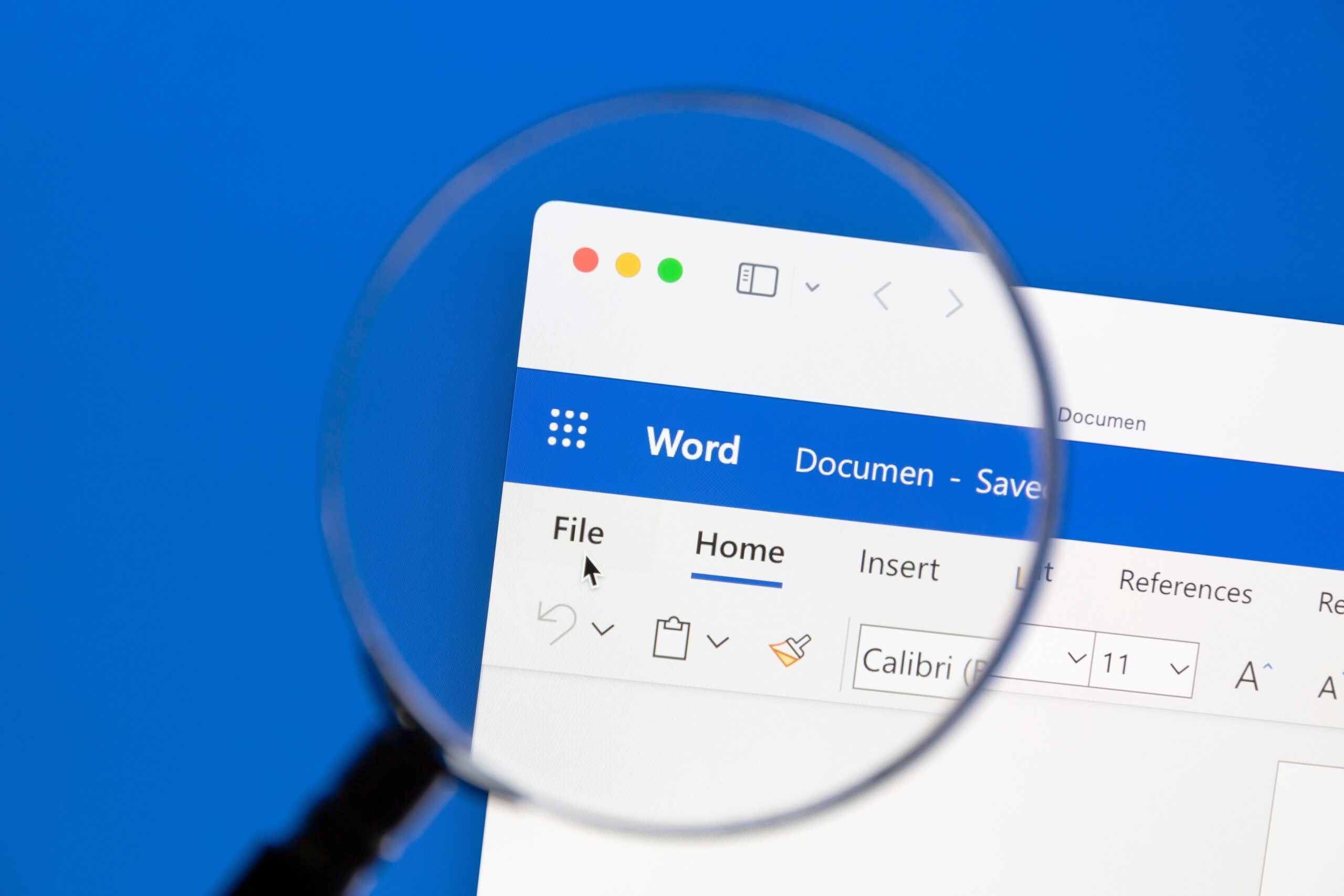
    If you’re a Microsoft Word user, be cautious: recent reports suggest that the software may unintentionally delete files upon saving. This alarming behavior has raised concerns among users, especially considering Microsoft’s long-standing reputation in the software industry. As of October 3, 2024, Microsoft has confirmed the existence of this bug, but details regarding its cause or a permanent fix are still pending. Until then, it’s essential to understand how to protect your work.

    How the File Deletion Bug Works

    The deletion bug specifically impacts users of Microsoft 365 version 2409, particularly affecting files with extensions written in all capital letters. Additionally, if your document title includes a “#” character, this can lead to unintentional deletions. The issue occurs when a user attempts to close Word after making edits to a file that hasn’t been manually saved. If Word alerts you about the unsaved file and you choose to save it, the program may end up deleting the file instead of saving it properly.

    This glitch manifests only if the open file hasn’t been saved previously, and you choose to save it through the prompt that appears when closing an unsaved document.

    Recovering Deleted Files and Preventative Measures

    The silver lining is that files deleted in this way aren’t permanently lost; they are relocated to the Recycle Bin, making recovery possible. To minimize the risk of losing your documents, always remember to save your files manually before closing Word.

    For an extra layer of safety, you can change a setting in Word to reduce the chances of encountering this bug: open the File menu, go to Options, select the Save tab, and enable the “Don’t show the Backstage when opening or saving files with keyboard shortcuts” option.

    While Microsoft continues to investigate the underlying cause of this issue and work on a solution, being proactive can help protect your important files and maintain your workflow.

    Post Views: 286
    Share. Facebook Twitter Pinterest LinkedIn Tumblr Email
    ayaksız
    • Website

    Related Posts

    Microsoft launches tool to gather user feedback on Windows issues

    Nisan 8, 2026

    Microsoft outlines major Windows 11 reset focused on performance

    Nisan 8, 2026

    Microsoft says Windows 11 will speed up by scaling back Copilot

    Nisan 8, 2026
    Add A Comment

    Comments are closed.

    Editors Picks
    8.5

    Apple Planning Big Mac Redesign and Half-Sized Old Mac

    Ocak 5, 2021

    Autonomous Driving Startup Attracts Chinese Investor

    Ocak 5, 2021

    Onboard Cameras Allow Disabled Quadcopters to Fly

    Ocak 5, 2021
    Top Reviews
    9.1

    Review: T-Mobile Winning 5G Race Around the World

    By sevketayaksiz
    8.9

    Samsung Galaxy S21 Ultra Review: the New King of Android Phones

    By sevketayaksiz
    8.9

    Xiaomi Mi 10: New Variant with Snapdragon 870 Review

    By sevketayaksiz
    Advertisement
    Demo
    Şevket Ayaksız
    Facebook X (Twitter) Instagram YouTube
    • Home
    • Adobe
    • microsoft
    • java
    • Oracle
    • Contact
    © 2026 Theme Designed by Şevket Ayaksız.

    Type above and press Enter to search. Press Esc to cancel.