


Close Menu
Şevket Ayaksız
    What's Hot

    AI watermarks could improve transparency but won’t stop AI slop

    Eylül 13, 2026

    LG’s 4K OLED gaming monitor gets a $600 discount

    Eylül 13, 2026

    Keychron’s 100-key macropad offers 8,000Hz polling for $65

    Eylül 13, 2026
    • software
    • Gadgets
    Şevket AyaksızŞevket Ayaksız
    • Home
    • Technology

      Apple: iPhone 17 and Older Models Hit With Unexpected $100 Price Increase

      Eylül 10, 2026

      Apple Watch Intelligence Could Be a Major Accessibility Breakthrough

      Eylül 10, 2026

      Apple May Skip the Base iPhone 18 This Year

      Eylül 10, 2026

      FCC changes robot vacuum rules, potentially affecting future models

      Ağustos 8, 2026

      Samsung’s new 2TB 990 SSD drops to its lowest price yet

      Ağustos 6, 2026
    • Adobe

      Adobe brings four key creative apps to Windows on Arm beta

      Ağustos 1, 2025

      Skip the Legal Jargon—Adobe Acrobat’s AI Reads Contracts for You

      Şubat 5, 2025

      Save 50% on a Top-Rated Adobe Alternative This Black Friday

      Kasım 30, 2024

      Save 50% on Adobe’s Creative Cloud This Black Friday

      Kasım 25, 2024

      Adobe Brings Generative AI to Premiere Pro for Smarter Video Editing

      Ekim 24, 2024
    • Microsoft

      Microsoft quietly removes Windows 11’s 32GB RAM recommendation

      Ağustos 6, 2026

      Microsoft aims to improve Windows 11 performance on 8GB PCs

      Ağustos 2, 2026

      Microsoft PowerToys remains an essential Windows utility

      Temmuz 31, 2026

      Microsoft says Windows Secure Boot certificate rollout is still in progress

      Temmuz 30, 2026

      Microsoft tests Windows Update changes after major outage

      Temmuz 29, 2026
    • java

      Optimizing Java Streams for High-Performance Applications

      Aralık 20, 2025

      AI Brings a New Spark to JavaScript Programming

      Kasım 9, 2025

      Revisiting the Spring Framework: What’s New and Why It Still Matters

      Kasım 9, 2025

      Top Highlights and Features to Watch in Java 25

      Kasım 3, 2025

      Mastering Java Cold Starts: Achieving High-Performance Serverless with GraalVM and Spring

      Kasım 3, 2025
    • Oracle

      JavaScript Community Pushes Back Against Oracle’s Trademark Claim

      Şubat 8, 2025

      Understanding the Impact of the Google vs. Oracle Decision

      Aralık 25, 2024

      Google Wins Legal Battle Over Java, Oracle Continues to Resist

      Aralık 25, 2024

      Oracle Unveils Verrazzano: A New Container Platform for Kubernetes

      Aralık 12, 2024

      Oracle vs. Google: Implications of the Verdict on Open Source Software

      Aralık 8, 2024
    Şevket Ayaksız
    Anasayfa » Microsoft Word Glitch Erases Files: Avoiding Data Loss
    microsoft

    Microsoft Word Glitch Erases Files: Avoiding Data Loss

    By ayaksızEkim 9, 2024Yorum yapılmamış2 Mins Read
    Facebook Twitter Pinterest LinkedIn Tumblr Email
    Share
    Facebook Twitter LinkedIn Pinterest Email

    If you’re a Microsoft Word user, be cautious: recent reports suggest that the software may unintentionally delete files upon saving. This alarming behavior has raised concerns among users, especially considering Microsoft’s long-standing reputation in the software industry. As of October 3, 2024, Microsoft has confirmed the existence of this bug, but details regarding its cause or a permanent fix are still pending. Until then, it’s essential to understand how to protect your work.

    How the File Deletion Bug Works

    The deletion bug specifically impacts users of Microsoft 365 version 2409, particularly affecting files with extensions written in all capital letters. Additionally, if your document title includes a “#” character, this can lead to unintentional deletions. The issue occurs when a user attempts to close Word after making edits to a file that hasn’t been manually saved. If Word alerts you about the unsaved file and you choose to save it, the program may end up deleting the file instead of saving it properly.

    This glitch manifests only if the open file hasn’t been saved previously, and you choose to save it through the prompt that appears when closing an unsaved document.

    Recovering Deleted Files and Preventative Measures

    The silver lining is that files deleted in this way aren’t permanently lost; they are relocated to the Recycle Bin, making recovery possible. To minimize the risk of losing your documents, always remember to save your files manually before closing Word.

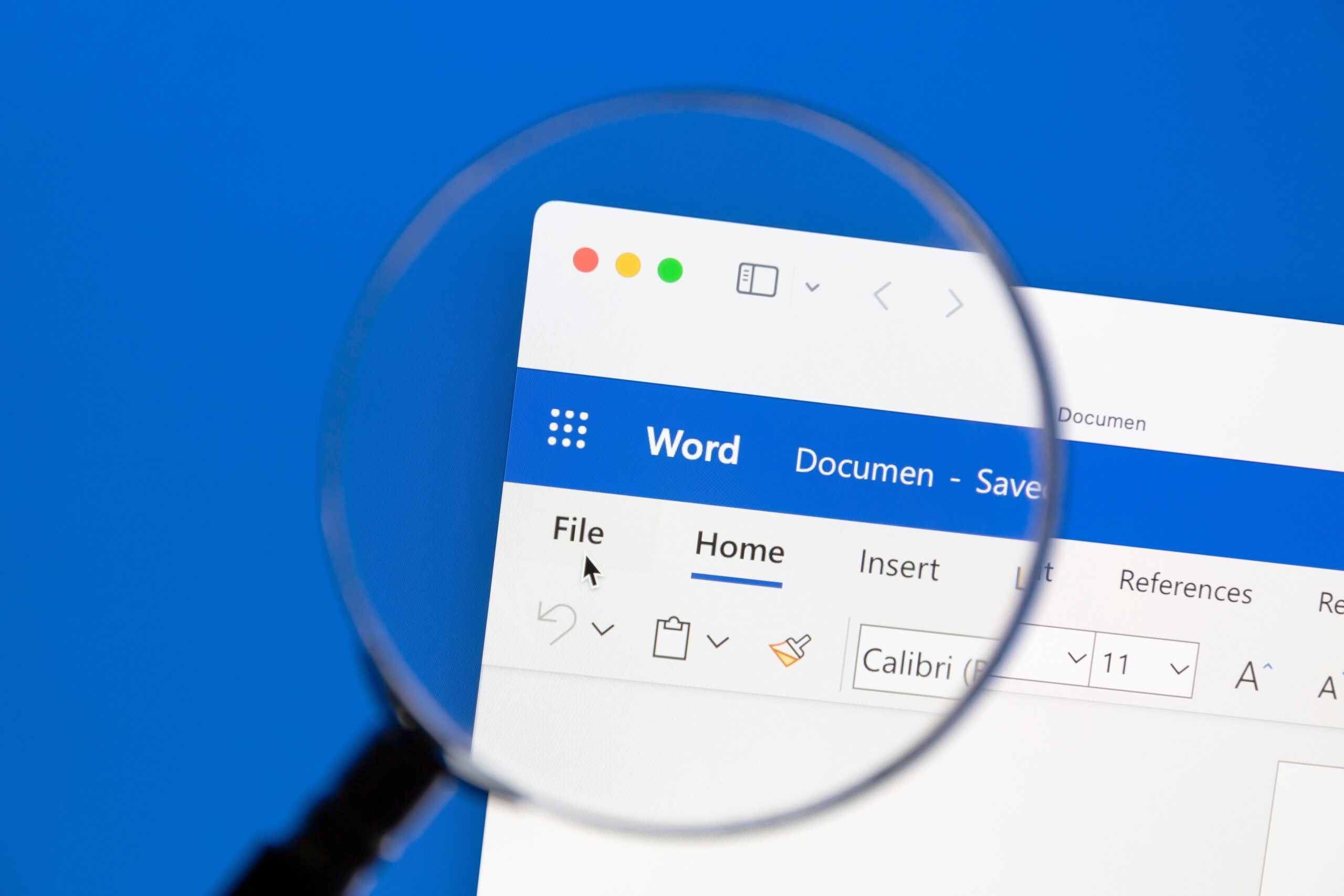
    For an extra layer of safety, you can change a setting in Word to reduce the chances of encountering this bug: open the File menu, go to Options, select the Save tab, and enable the “Don’t show the Backstage when opening or saving files with keyboard shortcuts” option.

    While Microsoft continues to investigate the underlying cause of this issue and work on a solution, being proactive can help protect your important files and maintain your workflow.

    Post Views: 400
    Share. Facebook Twitter Pinterest LinkedIn Tumblr Email
    ayaksız
    • Website

    Related Posts

    Microsoft quietly removes Windows 11’s 32GB RAM recommendation

    Ağustos 6, 2026

    Microsoft aims to improve Windows 11 performance on 8GB PCs

    Ağustos 2, 2026

    Microsoft PowerToys remains an essential Windows utility

    Temmuz 31, 2026
    Add A Comment

    Comments are closed.

    Editors Picks
    8.5

    Apple Planning Big Mac Redesign and Half-Sized Old Mac

    Ocak 5, 2021

    Autonomous Driving Startup Attracts Chinese Investor

    Ocak 5, 2021

    Onboard Cameras Allow Disabled Quadcopters to Fly

    Ocak 5, 2021
    Top Reviews
    9.1

    Review: T-Mobile Winning 5G Race Around the World

    By sevketayaksiz
    8.9

    Samsung Galaxy S21 Ultra Review: the New King of Android Phones

    By sevketayaksiz
    8.9

    Xiaomi Mi 10: New Variant with Snapdragon 870 Review

    By sevketayaksiz
    Advertisement
    Demo
    Şevket Ayaksız
    Instagram
    • Home
    • Adobe
    • microsoft
    • java
    • Oracle
    • Contact
    © 2026 Theme Designed by Şevket Ayaksız.

    Type above and press Enter to search. Press Esc to cancel.