

Close Menu
Şevket Ayaksız

    Subscribe to Updates

    Get the latest creative news from FooBar about art, design and business.

    What's Hot

    Why I Switched From iPhone Hotspot to a 5G Travel Router for Good

    Nisan 18, 2026

    Apple AirTags Revisited After 5 Years: How They Stack Up Today

    Nisan 18, 2026

    Verizon Offers Free iPad or Apple Watch With New iPhone Purchase: Here’s How It Works

    Nisan 18, 2026
    Facebook X (Twitter) Instagram
    • software
    • Gadgets
    Facebook X (Twitter) Instagram
    Şevket AyaksızŞevket Ayaksız
    Subscribe
    • Home
    • Technology

      Why I Switched From iPhone Hotspot to a 5G Travel Router for Good

      Nisan 18, 2026

      Verizon Offers Free iPad or Apple Watch With New iPhone Purchase: Here’s How It Works

      Nisan 18, 2026

      How to Use AI Safely at Work: 4 Practical Tips

      Nisan 18, 2026

      Turn an Old Tablet into a Smart Home Control Hub

      Nisan 18, 2026

      Gemini Mac App Tested: Key Edge Over Web Version

      Nisan 18, 2026
    • Adobe
    • Microsoft
    • java
    • Oracle
    Şevket Ayaksız
    Anasayfa » Streaming Solutions: A Guide to Casting Videos from Your Android Device to Your TV
    Tech

    Streaming Solutions: A Guide to Casting Videos from Your Android Device to Your TV

    By ayaksızAralık 23, 2023Yorum yapılmamış2 Mins Read
    Facebook Twitter Pinterest LinkedIn Tumblr Email
    Share
    Facebook Twitter LinkedIn Pinterest Email

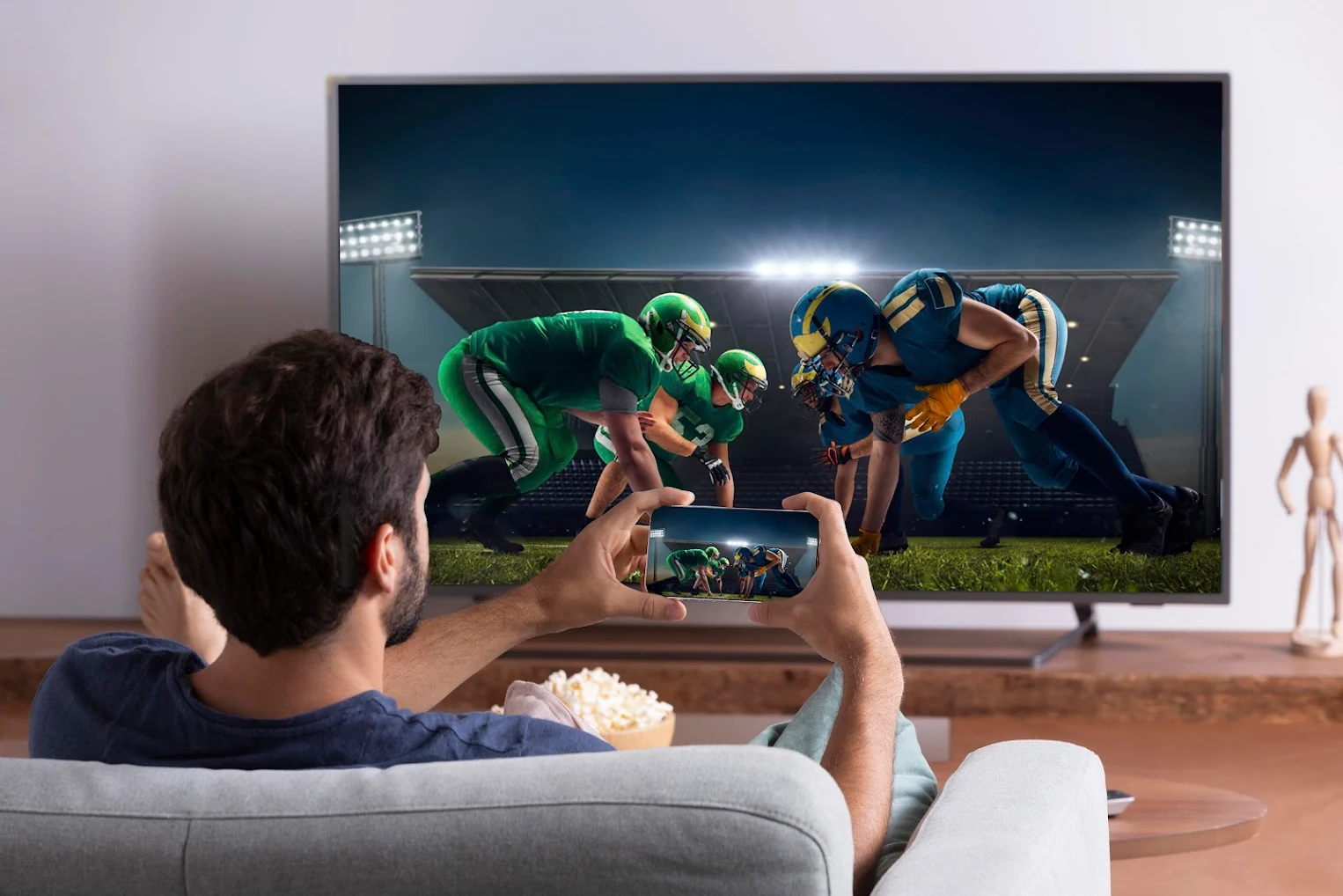
    When you stumble upon a hilarious video, perhaps a TikTok gem, sharing the laughter with friends or family is best done on a larger screen. Instead of crowding around your phone, why not mirror your Android device’s screen onto your television? The process is simpler than you think, and you probably have everything you need already. If not, don’t worry – setting it up won’t break the bank. Let’s explore how to start mirroring or casting your Android phone or tablet’s screen to your TV effortlessly.

    Getting Started

    To begin, ensure your Android device supports mirroring; any device from Android 5.0 Lollipop onwards should do the trick. Additionally, you’ll need a Google Chromecast streaming device, such as the Chromecast with Google TV HD or a TV with built-in Chromecast support, like the Hisense U8H Google TV. Unsure about your TV’s Chromecast compatibility? Check if it appears as a casting device when following the methods below.

    Method 1: Google Home App

    The most reliable way to mirror your Android screen is through the Google Home app. If you’ve set up any Google smart devices or Chromecast, you likely have it installed. If not, download it from the Play Store. Open the app, select your Chromecast device, tap “Cast my screen,” and confirm with “Cast screen.” To stop casting, tap “Stop mirroring” in the Home app.

    Method 2: Quick Settings Panel Shortcut

    For an even simpler approach, use the Casting shortcut in the quick settings panel. Swipe down from the top of your Android device’s display, find “Screen cast” or “Smart View,” tap it, select your device, and start casting. Repeat the process to stop casting. Note: Some phones may not have this shortcut, in which case, the Google Home app is your go-to solution.

    Additional Tips and Considerations

    Remember, screen mirroring broadcasts everything from your phone to the TV, including notifications. Activate Do Not Disturb to minimize disruptions. While casting, be aware of potential lag, especially during gaming. Intensive titles like Fortnite might not provide the optimal experience.

    Now that you’ve mastered the art of screen mirroring, sharing those funny videos on a grander scale is just a tap away. Enjoy the laughter together on your TV, hassle-free.

    Post Views: 383
    Android Android Device TV
    Share. Facebook Twitter Pinterest LinkedIn Tumblr Email
    ayaksız
    • Website

    Related Posts

    Why I Switched From iPhone Hotspot to a 5G Travel Router for Good

    Nisan 18, 2026

    Verizon Offers Free iPad or Apple Watch With New iPhone Purchase: Here’s How It Works

    Nisan 18, 2026

    How to Use AI Safely at Work: 4 Practical Tips

    Nisan 18, 2026
    Add A Comment

    Comments are closed.

    Editors Picks
    8.5

    Apple Planning Big Mac Redesign and Half-Sized Old Mac

    Ocak 5, 2021

    Autonomous Driving Startup Attracts Chinese Investor

    Ocak 5, 2021

    Onboard Cameras Allow Disabled Quadcopters to Fly

    Ocak 5, 2021
    Top Reviews
    9.1

    Review: T-Mobile Winning 5G Race Around the World

    By sevketayaksiz
    8.9

    Samsung Galaxy S21 Ultra Review: the New King of Android Phones

    By sevketayaksiz
    8.9

    Xiaomi Mi 10: New Variant with Snapdragon 870 Review

    By sevketayaksiz
    Advertisement
    Demo
    Şevket Ayaksız
    Facebook X (Twitter) Instagram YouTube
    • Home
    • Adobe
    • microsoft
    • java
    • Oracle
    • Contact
    © 2026 Theme Designed by Şevket Ayaksız.

    Type above and press Enter to search. Press Esc to cancel.