

Close Menu
Şevket Ayaksız

    Subscribe to Updates

    Get the latest creative news from FooBar about art, design and business.

    What's Hot

    Why I Switched From iPhone Hotspot to a 5G Travel Router for Good

    Nisan 18, 2026

    Apple AirTags Revisited After 5 Years: How They Stack Up Today

    Nisan 18, 2026

    Verizon Offers Free iPad or Apple Watch With New iPhone Purchase: Here’s How It Works

    Nisan 18, 2026
    Facebook X (Twitter) Instagram
    • software
    • Gadgets
    Facebook X (Twitter) Instagram
    Şevket AyaksızŞevket Ayaksız
    Subscribe
    • Home
    • Technology

      Why I Switched From iPhone Hotspot to a 5G Travel Router for Good

      Nisan 18, 2026

      Verizon Offers Free iPad or Apple Watch With New iPhone Purchase: Here’s How It Works

      Nisan 18, 2026

      How to Use AI Safely at Work: 4 Practical Tips

      Nisan 18, 2026

      Turn an Old Tablet into a Smart Home Control Hub

      Nisan 18, 2026

      Gemini Mac App Tested: Key Edge Over Web Version

      Nisan 18, 2026
    • Adobe
    • Microsoft
    • java
    • Oracle
    Şevket Ayaksız
    Anasayfa » Cut Unnecessary Costs: Canceling Unused App Subscriptions Made Simple!
    Tech

    Cut Unnecessary Costs: Canceling Unused App Subscriptions Made Simple!

    By ayaksızAralık 31, 2023Yorum yapılmamış1 Min Read
    Facebook Twitter Pinterest LinkedIn Tumblr Email
    Share
    Facebook Twitter LinkedIn Pinterest Email

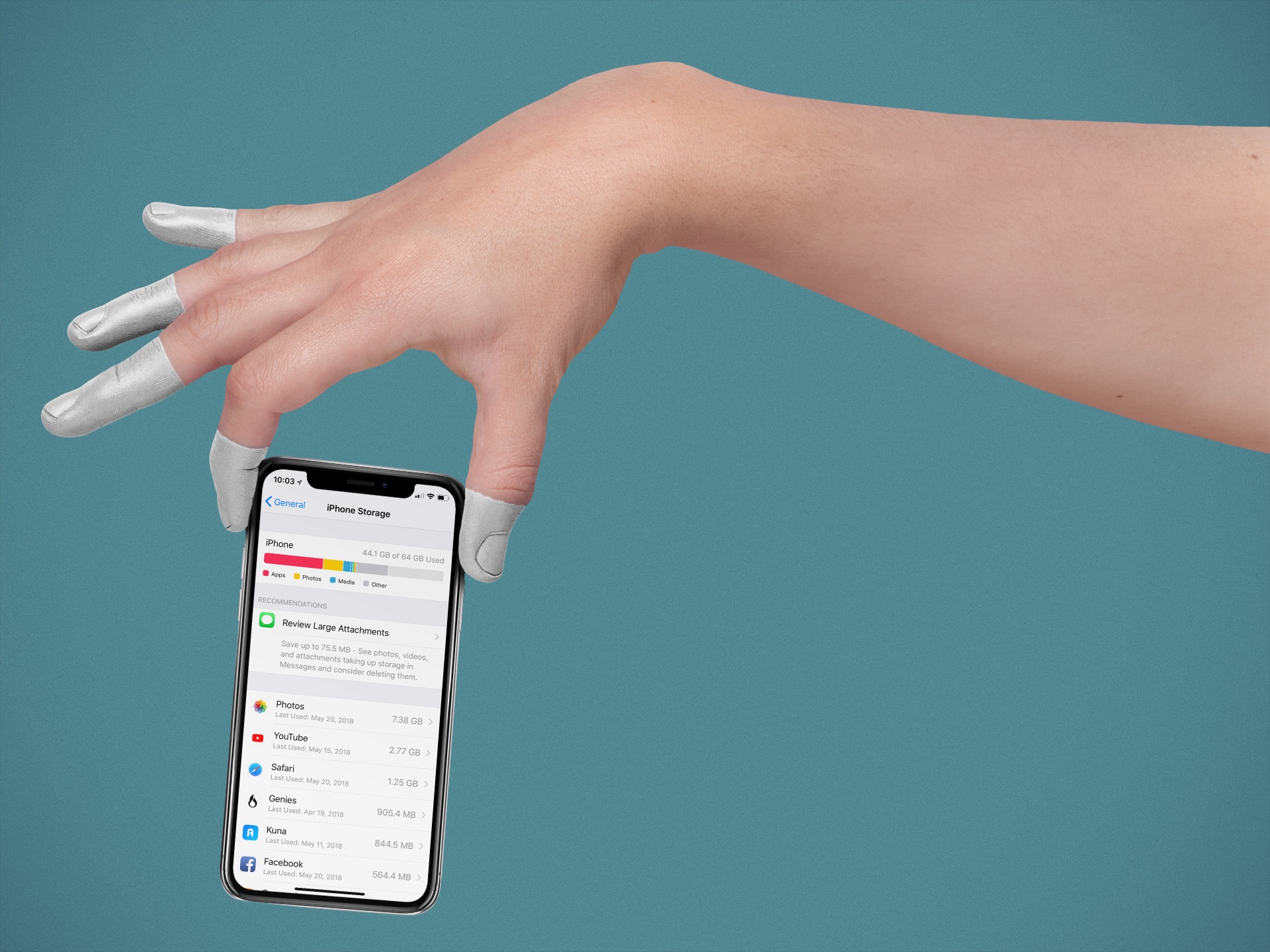
    If you’re looking to offset holiday expenses, reviewing your subscription expenses is a practical step to consider. Whether it’s streaming platforms like Amazon Prime, Netflix, Spotify, Hulu, Disney Plus, or essential services like AppleCare, evaluating their continued relevance can help you cut unnecessary costs.

    On an iPhone, managing subscriptions is conveniently done through the Settings app. Simply locate your name, go to Subscriptions, and you’ll find a comprehensive list of your active and inactive subscriptions. Identify those you no longer need, tap to cancel, and confirm your decision. Keep in mind that the accessibility of services after cancellation varies, with some allowing access until the billing period concludes.

    For Android users, regardless of the device brand, the Google Play Store provides a unified approach to subscription management. Navigate to Payments & subscriptions, then Subscriptions to view your complete subscription list. To cancel, select the subscription, tap Cancel subscription, and follow the prompts. Android may suggest alternative subscriptions and ask for a reason for cancellation. Rest assured, your access remains intact until the end of the billing cycle.

    Post Views: 280
    Share. Facebook Twitter Pinterest LinkedIn Tumblr Email
    ayaksız
    • Website

    Related Posts

    Why I Switched From iPhone Hotspot to a 5G Travel Router for Good

    Nisan 18, 2026

    Verizon Offers Free iPad or Apple Watch With New iPhone Purchase: Here’s How It Works

    Nisan 18, 2026

    How to Use AI Safely at Work: 4 Practical Tips

    Nisan 18, 2026
    Add A Comment

    Comments are closed.

    Editors Picks
    8.5

    Apple Planning Big Mac Redesign and Half-Sized Old Mac

    Ocak 5, 2021

    Autonomous Driving Startup Attracts Chinese Investor

    Ocak 5, 2021

    Onboard Cameras Allow Disabled Quadcopters to Fly

    Ocak 5, 2021
    Top Reviews
    9.1

    Review: T-Mobile Winning 5G Race Around the World

    By sevketayaksiz
    8.9

    Samsung Galaxy S21 Ultra Review: the New King of Android Phones

    By sevketayaksiz
    8.9

    Xiaomi Mi 10: New Variant with Snapdragon 870 Review

    By sevketayaksiz
    Advertisement
    Demo
    Şevket Ayaksız
    Facebook X (Twitter) Instagram YouTube
    • Home
    • Adobe
    • microsoft
    • java
    • Oracle
    • Contact
    © 2026 Theme Designed by Şevket Ayaksız.

    Type above and press Enter to search. Press Esc to cancel.