

Close Menu
Şevket Ayaksız

    Subscribe to Updates

    Get the latest creative news from FooBar about art, design and business.

    What's Hot

    Windows 11 bug has blocked updates for some PCs since February

    Mayıs 24, 2026

    Anker’s 25,000mAh laptop power bank drops $39 to $96

    Mayıs 24, 2026

    Ring Indoor Cam Plus drops to a record-low $35 on Amazon

    Mayıs 24, 2026
    Facebook X (Twitter) Instagram
    • software
    • Gadgets
    Facebook X (Twitter) Instagram
    Şevket AyaksızŞevket Ayaksız
    Subscribe
    • Home
    • Technology

      HP OmniBook 5 drops to $699 with 16GB RAM and long battery life

      Mayıs 11, 2026

      Anker’s 9-port charging station drops to $34 on Amazon

      Mayıs 11, 2026

      DDR5 counterfeits surge as the RAM shortage worsens

      Mayıs 11, 2026

      Google Maps vs Waze: I Put the Two Best Navigation Apps Head-to-Head — and One Clearly Came Out on Top

      Mayıs 1, 2026

      T-Mobile Bundles Free Hulu and Netflix for 5G Users: Eligibility Explained

      Mayıs 1, 2026
    • Adobe
    • Microsoft
    • java
    • Oracle
    Şevket Ayaksız
    Anasayfa » Cut Unnecessary Costs: Canceling Unused App Subscriptions Made Simple!
    Tech

    Cut Unnecessary Costs: Canceling Unused App Subscriptions Made Simple!

    By ayaksızAralık 31, 2023Yorum yapılmamış1 Min Read
    Facebook Twitter Pinterest LinkedIn Tumblr Email
    Share
    Facebook Twitter LinkedIn Pinterest Email

    If you’re looking to offset holiday expenses, reviewing your subscription expenses is a practical step to consider. Whether it’s streaming platforms like Amazon Prime, Netflix, Spotify, Hulu, Disney Plus, or essential services like AppleCare, evaluating their continued relevance can help you cut unnecessary costs.

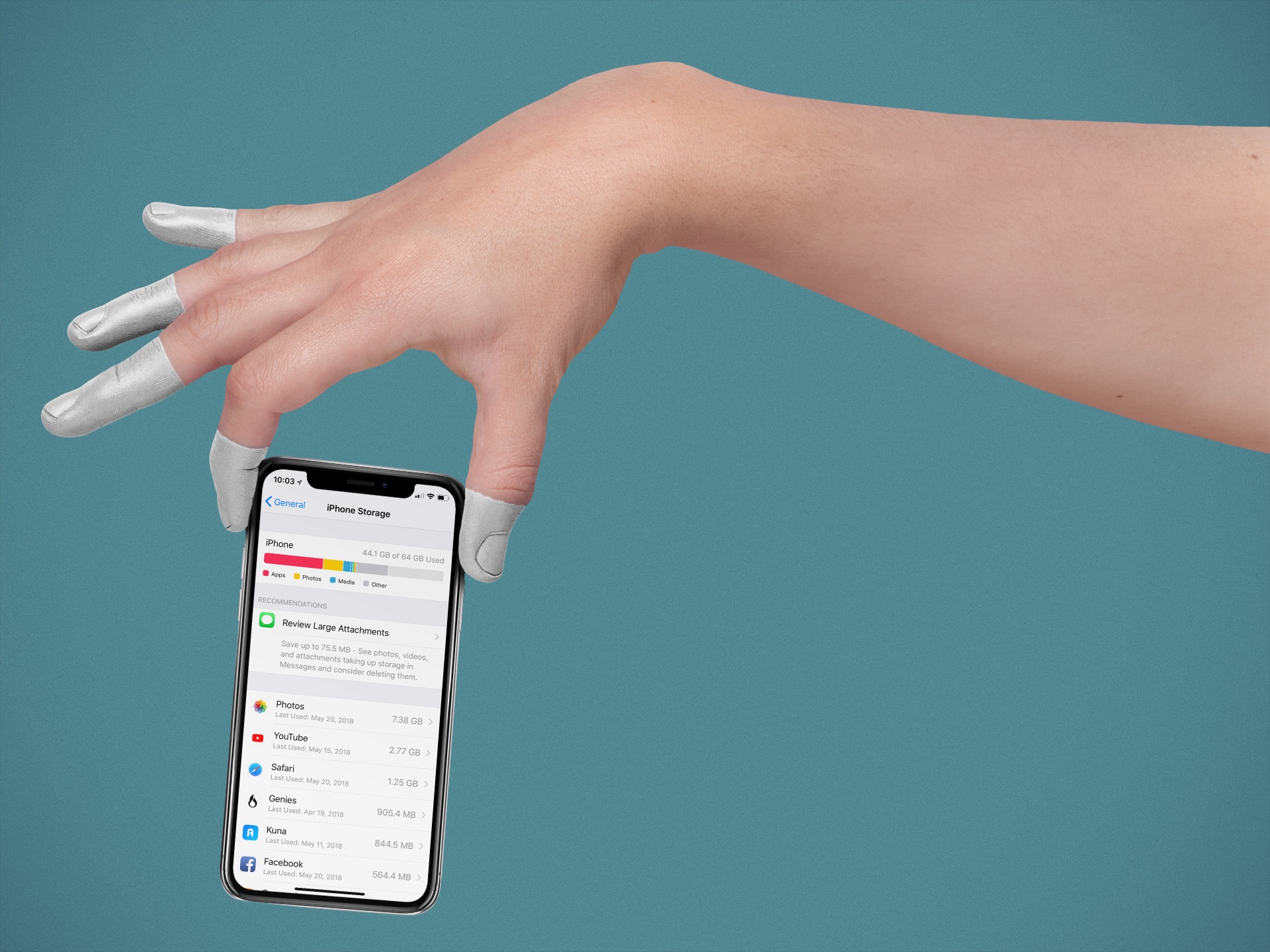
    On an iPhone, managing subscriptions is conveniently done through the Settings app. Simply locate your name, go to Subscriptions, and you’ll find a comprehensive list of your active and inactive subscriptions. Identify those you no longer need, tap to cancel, and confirm your decision. Keep in mind that the accessibility of services after cancellation varies, with some allowing access until the billing period concludes.

    For Android users, regardless of the device brand, the Google Play Store provides a unified approach to subscription management. Navigate to Payments & subscriptions, then Subscriptions to view your complete subscription list. To cancel, select the subscription, tap Cancel subscription, and follow the prompts. Android may suggest alternative subscriptions and ask for a reason for cancellation. Rest assured, your access remains intact until the end of the billing cycle.

    Post Views: 302
    Share. Facebook Twitter Pinterest LinkedIn Tumblr Email
    ayaksız
    • Website

    Related Posts

    HP OmniBook 5 drops to $699 with 16GB RAM and long battery life

    Mayıs 11, 2026

    Anker’s 9-port charging station drops to $34 on Amazon

    Mayıs 11, 2026

    DDR5 counterfeits surge as the RAM shortage worsens

    Mayıs 11, 2026
    Add A Comment

    Comments are closed.

    Editors Picks
    8.5

    Apple Planning Big Mac Redesign and Half-Sized Old Mac

    Ocak 5, 2021

    Autonomous Driving Startup Attracts Chinese Investor

    Ocak 5, 2021

    Onboard Cameras Allow Disabled Quadcopters to Fly

    Ocak 5, 2021
    Top Reviews
    9.1

    Review: T-Mobile Winning 5G Race Around the World

    By sevketayaksiz
    8.9

    Samsung Galaxy S21 Ultra Review: the New King of Android Phones

    By sevketayaksiz
    8.9

    Xiaomi Mi 10: New Variant with Snapdragon 870 Review

    By sevketayaksiz
    Advertisement
    Demo
    Şevket Ayaksız
    Facebook X (Twitter) Instagram YouTube
    • Home
    • Adobe
    • microsoft
    • java
    • Oracle
    • Contact
    © 2026 Theme Designed by Şevket Ayaksız.

    Type above and press Enter to search. Press Esc to cancel.