


Microsoft Expands AI Integration in Edge With New “Journeys” Feature
Microsoft has introduced a major wave of AI-focused updates for Microsoft Edge, including a new feature called “Journeys” that uses AI to organize and summarize browsing activity instead of relying on traditional browser history tools.
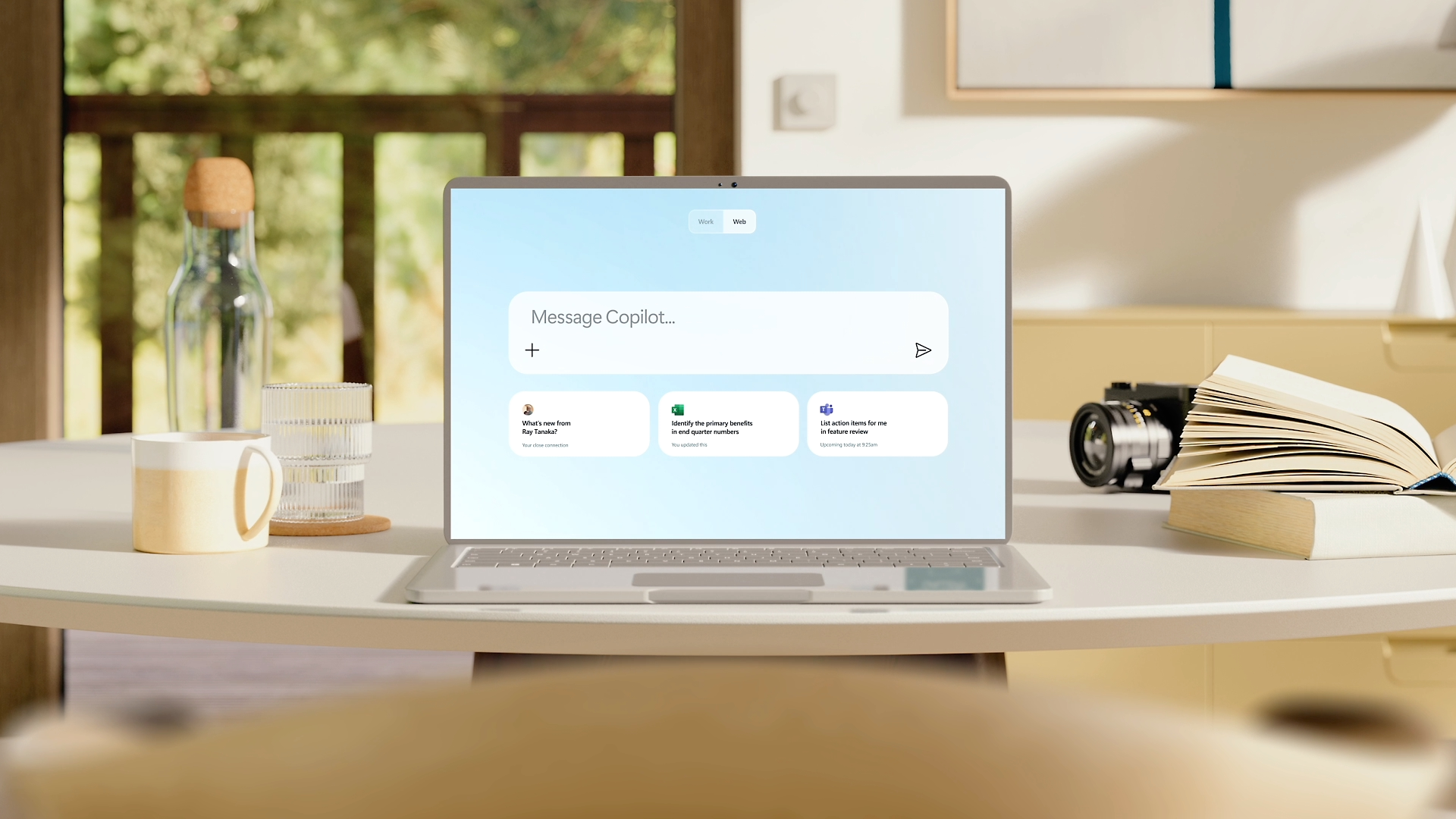
The rollout reflects Microsoft’s broader strategy of embedding Microsoft Copilot more deeply into everyday browsing and productivity workflows across both desktop and mobile versions of Edge.
AI Now Organizes Browsing Sessions Automatically
The new Journeys feature is designed to help users resume previously researched topics without manually searching through browser history or reopening stored tabs.
Instead of displaying a list of previously visited websites, Edge now uses Copilot to analyze browsing sessions and generate AI summaries based on pages the user recently explored.
For example, if someone researched beginner cross-stitch tutorials, Edge may automatically present an AI-generated overview summarizing the information collected from multiple visited pages.
The system attempts to simplify research continuity, but critics argue the approach removes direct access to the original sources and links users may actually need.
Traditional Browser Organization Tools Being Replaced
The launch of Journeys arrives as Microsoft gradually moves away from older browser management systems such as Collections, a feature introduced in 2019 that allowed users to manually group and save tabs for future use.
Although Collections still exists within Edge today, Microsoft previously indicated plans to retire the feature later this year.
Unlike Collections or traditional tab groups, Journeys focuses on AI-generated interpretations of browsing sessions rather than preserving the original pages themselves.
The shift highlights Microsoft’s growing preference for AI-assisted interaction models over manual browser organization methods.
Edge Expands Copilot Across Desktop and Mobile
Alongside Journeys, Microsoft also announced broader Copilot integration throughout Edge, including new mobile support for Copilot Vision and Voice features.
Additional tools include AI-generated quizzes for educational content, automatic podcast creation and expanded contextual AI assistance tied to active browser tabs.
Users can now also include open tabs directly within Copilot prompts, allowing the AI system to analyze multiple websites simultaneously when helping users compare products or research decisions.
Debate Grows Over AI Dependence in Productivity Tools
The expansion has renewed debate around the increasing role of generative AI in consumer software and whether AI systems are gradually replacing user control rather than simply assisting workflows.
Supporters argue that AI summaries can reduce time spent navigating complex browser histories and fragmented research sessions. Critics, however, warn that excessive automation risks making users more dependent on AI-generated interpretations while reducing transparency and direct source access.
The discussion also reflects broader industry trends as technology companies race to redesign browsers, search engines and productivity platforms around AI-driven interfaces rather than traditional navigation systems.