

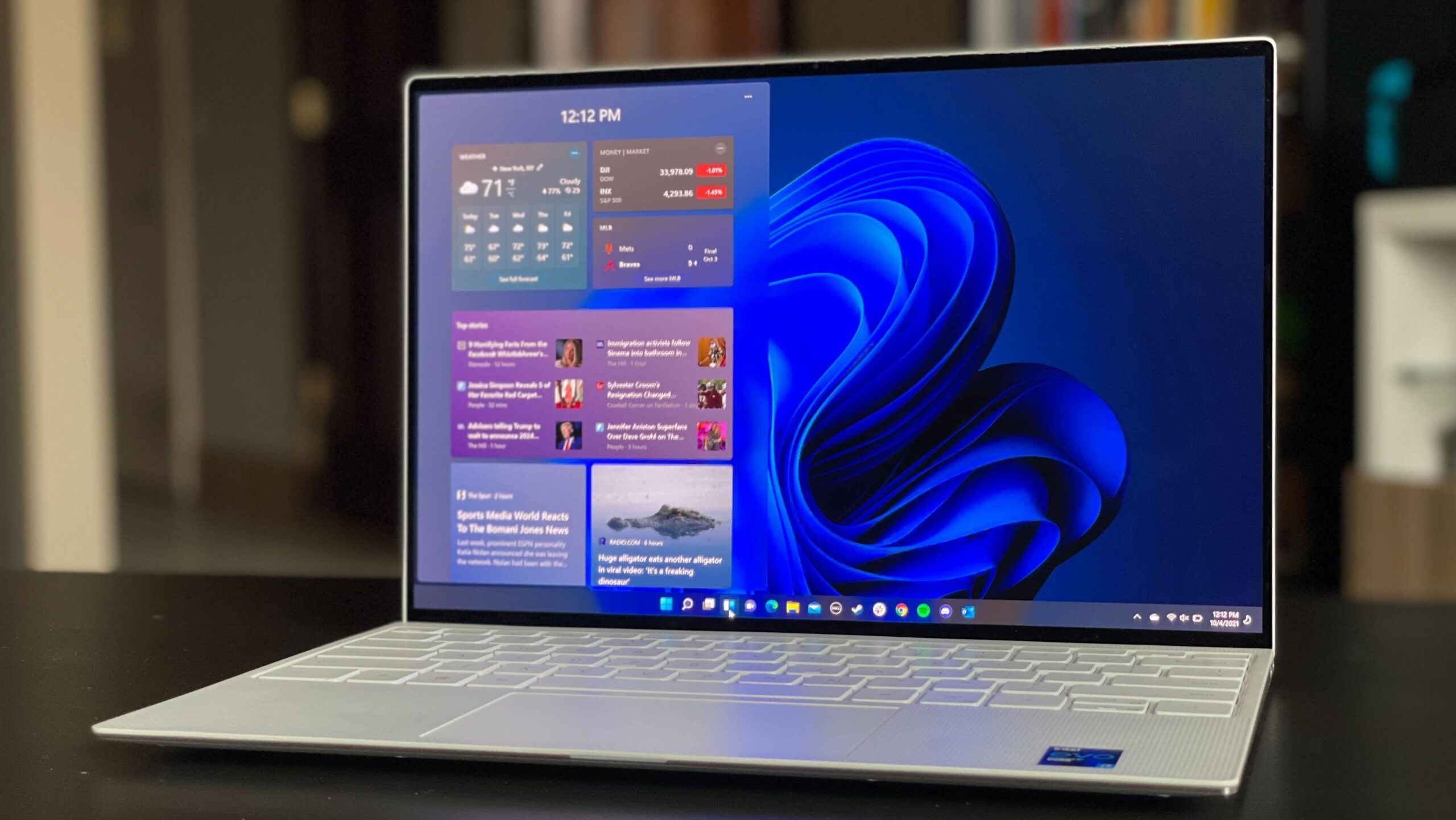

Late in the month, Microsoft has finally launched the optional update for Windows 11 version 24H2. Patch KB5040529 updates the OS to build version 26100.1297 and introduces many long-requested features.
This update brings improvements to the lock screen, Start menu, and File Explorer. Microsoft has also made changes to widgets, emojis, and the Task Manager. The future of Windows 11 looks brighter than ever.
Currently, the update is only available to Insiders in the Release Preview Channel, but it will be accessible to everyone when 24H2 is officially released in the fall. Here’s a preview of what to expect.
Lock screen personalization
A significant change is the redesign of the lock screen. Previously, the new Weather widget on the lock screen couldn’t be personalized, which annoyed many users. Now, widgets can be customized in the settings under Personalization.
You can choose to display additional information about the weather, traffic, sports, or finances on your lock screen. If you prefer not to see any information, you can deactivate the feature entirely.
Start menu and Taskbar changes
The Start menu in Windows 11 has also been updated. The new account manager section provides an overview of your Microsoft account benefits and quick access to your account settings.
You can now pin apps to the Taskbar again. This feature was available in previous versions of Windows but was missing in Windows 11 until now. Simply drag applications from the Start menu to the Taskbar to pin them.
The widget icons in the Taskbar have also been updated. The display is more detailed, and there are more animated icons available. These are small but important improvements.
Task Manager gets a major upgrade
The Task Manager has undergone a significant overhaul. Post-update, it displays the performance of the working memory in MHz to MT/s, providing a more accurate indication of which applications are using the most memory.
Additionally, it’s now easier to adjust the window size. Accessibility has been improved, for instance, through better scaling of the text. A known issue where USB devices couldn’t be safely removed while the Task Manager was open has also been resolved.
Improved security
To enhance account security, users can now enter an email address to restore their accounts, and there’s a new button for this. This function was previously tested in some beta versions of Windows 11.
We’re also familiar with the option to save sound settings and back them up for future restoration, as well as the overview for linked devices from other versions (see update KB5037853 for Windows 11).
Other notable new features
In File Explorer, users can drag files with the mouse between the breadcrumbs in the address bar, making navigation much faster.
The Windows sharing window has been revised and now includes the option to directly create QR codes for sharing files. You can also send emails to yourself and copy files directly from the sharing window.
Finally, Windows 11 now supports the new 15.1 emoji standard, which includes new symbols and improved display.
All of these new features are tentatively planned for Windows 11 version 24H2 but are subject to change before the official release. Incidentally, the Windows 11 update process itself is getting a revamp and will be much faster and more intelligent going forward.
Note: Despite numerous additions, Windows 11 version 24H2 will also be removing several apps and features. Be sure you don’t need any of them before you opt for this update.