

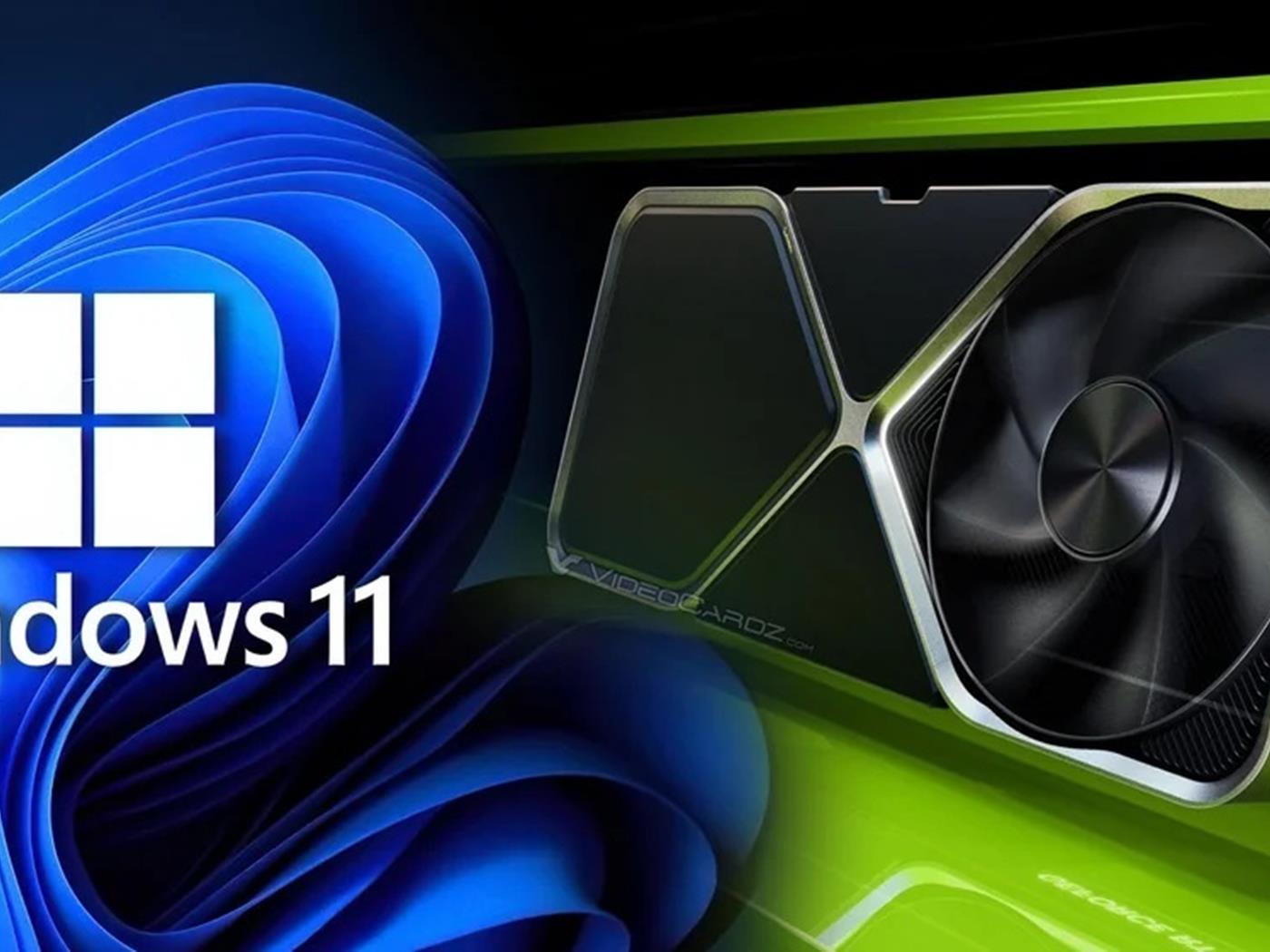
Nvidia support representatives are advising some users to uninstall a recent Windows security update after reports of visual glitches and performance issues in games. The problems appear linked to Microsoft’s January 2026 update, KB5074109, which was released around the same time as Nvidia’s GeForce Game Ready driver version 591.86.
Users have reported black screens, crashes, and graphical errors in certain games following the installation of both updates. While initial complaints targeted Nvidia’s drivers, support staff have suggested the Windows update may be a contributing factor. One Nvidia representative indicated that removing KB5074109 could resolve the issues for affected systems, though investigations are ongoing.
Microsoft’s January update has already been associated with a range of other problems, including Outlook crashes and File Explorer bugs. An optional follow-up patch, KB5074105, addressed some system issues and is expected to be included in the next scheduled Patch Tuesday rollout. However, conflicts between operating system updates and graphics drivers can take time to resolve, especially when both are released within a short window.
Experts caution that uninstalling security updates can leave systems more vulnerable, so it should only be done if necessary and temporarily. Users experiencing gaming issues may choose to wait for updated drivers or future Windows patches before making changes.
For those who need an immediate workaround, the update can be removed through Windows Update history settings. Microsoft and Nvidia are expected to release additional fixes as compatibility testing continues.