

Close Menu
Şevket Ayaksız

    Subscribe to Updates

    Get the latest creative news from FooBar about art, design and business.

    What's Hot

    Microsoft confirms Secure Boot certificate update issues on some PCs

    Temmuz 14, 2026

    Copilot can now explain why your PC feels slow

    Temmuz 14, 2026

    Windows 10 ESU confirmation emails may be hiding in Outlook

    Temmuz 14, 2026
    Facebook X (Twitter) Instagram
    • software
    • Gadgets
    Facebook X (Twitter) Instagram
    Şevket AyaksızŞevket Ayaksız
    Subscribe
    • Home
    • Technology

      Innocn’s 49-inch ultrawide monitor hits a record-low $500 for Prime Day

      Temmuz 12, 2026

      Sony 1000X The Collexion vs. Bowers & Wilkins Px8 S2: Which Premium Headphones Come Out on Top?

      Temmuz 11, 2026

      SpaceX Eyes Massive Starlink Expansion With Plans for 100,000 Additional Satellites

      Temmuz 11, 2026

      Nvidia celebrates 30 years of GPUs with free GeForce trading cards

      Temmuz 10, 2026

      Acer’s 7-in-1 wireless charging station drops to $50

      Temmuz 9, 2026
    • Adobe
    • Microsoft
    • java
    • Oracle
    Şevket Ayaksız
    Anasayfa » Clipboard History Not Working in Windows 11 After 2024 Update Problems
    Windows

    Clipboard History Not Working in Windows 11 After 2024 Update Problems

    By ayaksızEkim 17, 2024Yorum yapılmamış2 Mins Read
    Facebook Twitter Pinterest LinkedIn Tumblr Email
    Share
    Facebook Twitter LinkedIn Pinterest Email

    The recent rollout of Windows 11’s annual update, 24H2, was anticipated with excitement as it promised a range of new features and enhancements. However, the aftermath of the update has been anything but smooth for many users. Instead of the promised improvements, numerous complaints have surfaced, revealing a landscape fraught with technical glitches and usability issues.

    A broad spectrum of problems has emerged since the update, with users encountering dead internet connections, undeletable cache files, frequent driver-related crashes, and even disappearing mouse cursors. To make matters worse, several features and applications familiar to users have been removed, leading to a sense of loss and frustration. Recently, yet another issue has been reported: the once-reliable Clipboard History feature is failing for numerous users post-update.

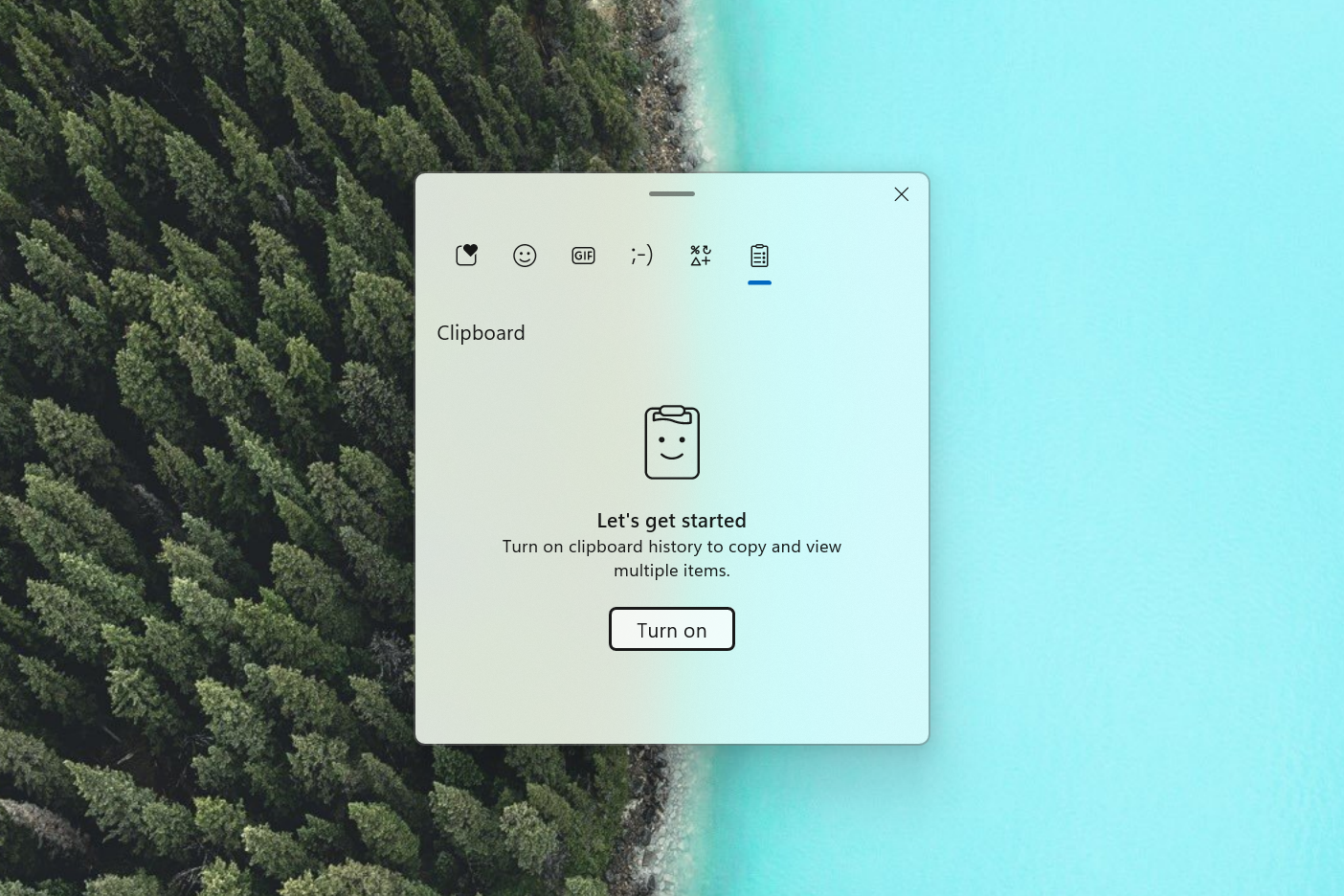
    Clipboard History, a useful tool in Windows 11, allows users to track everything they copy, from text to images, creating a history that can be easily accessed. However, since updating to 24H2, many users have been met with a disheartening message: “You’ll see clipboard history here once you’ve copied something.” This occurs even when users have copied items, leaving them unable to paste previously stored content and forcing a return to a less efficient copying method.

    This particular issue is all the more frustrating because it was previously reported by Windows Insiders three months prior to the update, indicating that Microsoft was aware of it yet chose not to prioritize its resolution. This oversight has raised questions about the company’s commitment to quality control in its updates.

    In the absence of an official acknowledgment from Microsoft regarding this bug, users seeking a temporary fix may try the following workaround:

    1. Open Settings.
    2. Navigate to System and select Clipboard.
    3. Turn off Clipboard History and then turn it back on.
    4. Disable Clipboard history across your devices and then enable it again.
    5. Turn off Suggested Actions, use the Windows key + V shortcut to access Clipboard History, and re-enable Suggested Actions if you want to keep that feature.

    By following these steps, users may find success in restoring their Clipboard History functionality. While it is hoped that Microsoft will address the various issues plaguing Windows 11 24H2 in a future update, the current situation serves as a reminder of the challenges that can accompany major software changes.


    Post Views: 309
    Share. Facebook Twitter Pinterest LinkedIn Tumblr Email
    ayaksız
    • Website

    Related Posts

    Windows 10 ESU confirmation emails may be hiding in Outlook

    Temmuz 14, 2026

    Mysterious blank white window appears on some Windows PCs

    Temmuz 12, 2026

    No Windows 12 at Build 2026, but Microsoft has other plans

    Haziran 2, 2026
    Add A Comment

    Comments are closed.

    Editors Picks
    8.5

    Apple Planning Big Mac Redesign and Half-Sized Old Mac

    Ocak 5, 2021

    Autonomous Driving Startup Attracts Chinese Investor

    Ocak 5, 2021

    Onboard Cameras Allow Disabled Quadcopters to Fly

    Ocak 5, 2021
    Top Reviews
    9.1

    Review: T-Mobile Winning 5G Race Around the World

    By sevketayaksiz
    8.9

    Samsung Galaxy S21 Ultra Review: the New King of Android Phones

    By sevketayaksiz
    8.9

    Xiaomi Mi 10: New Variant with Snapdragon 870 Review

    By sevketayaksiz
    Advertisement
    Demo
    Şevket Ayaksız
    Facebook X (Twitter) Instagram YouTube
    • Home
    • Adobe
    • microsoft
    • java
    • Oracle
    • Contact
    © 2026 Theme Designed by Şevket Ayaksız.

    Type above and press Enter to search. Press Esc to cancel.