

Close Menu
Şevket Ayaksız

    Subscribe to Updates

    Get the latest creative news from FooBar about art, design and business.

    What's Hot

    Chainguard launches Athena, an AI-powered initiative designed

    Haziran 16, 2026

    Sony WH-1000XM6 vs. Sennheiser Momentum 5: The headphones

    Haziran 16, 2026

    Fast chargers with flagship iPhone, Samsung, and OnePlus phones

    Haziran 16, 2026
    Facebook X (Twitter) Instagram
    • software
    • Gadgets
    Facebook X (Twitter) Instagram
    Şevket AyaksızŞevket Ayaksız
    Subscribe
    • Home
    • Technology

      Fast chargers with flagship iPhone, Samsung, and OnePlus phones

      Haziran 16, 2026

      7 budget-friendly upgrades that made my TV sound dramatically better

      Haziran 16, 2026

      Valve targets a summer launch for Steam Machine but keeps pricing secret

      Haziran 7, 2026

      Intel and Phison aim to overcome local AI’s memory bottleneck

      Haziran 2, 2026

      Nvidia RTX Spark could transform the next generation of gaming handhelds

      Haziran 2, 2026
    • Adobe
    • Microsoft
    • java
    • Oracle
    Şevket Ayaksız
    Anasayfa » Copilot+ laptops add automatic image captions to Office
    microsoft

    Copilot+ laptops add automatic image captions to Office

    By ayaksızAralık 26, 2025Yorum yapılmamış1 Min Read
    Facebook Twitter Pinterest LinkedIn Tumblr Email
    Share
    Facebook Twitter LinkedIn Pinterest Email

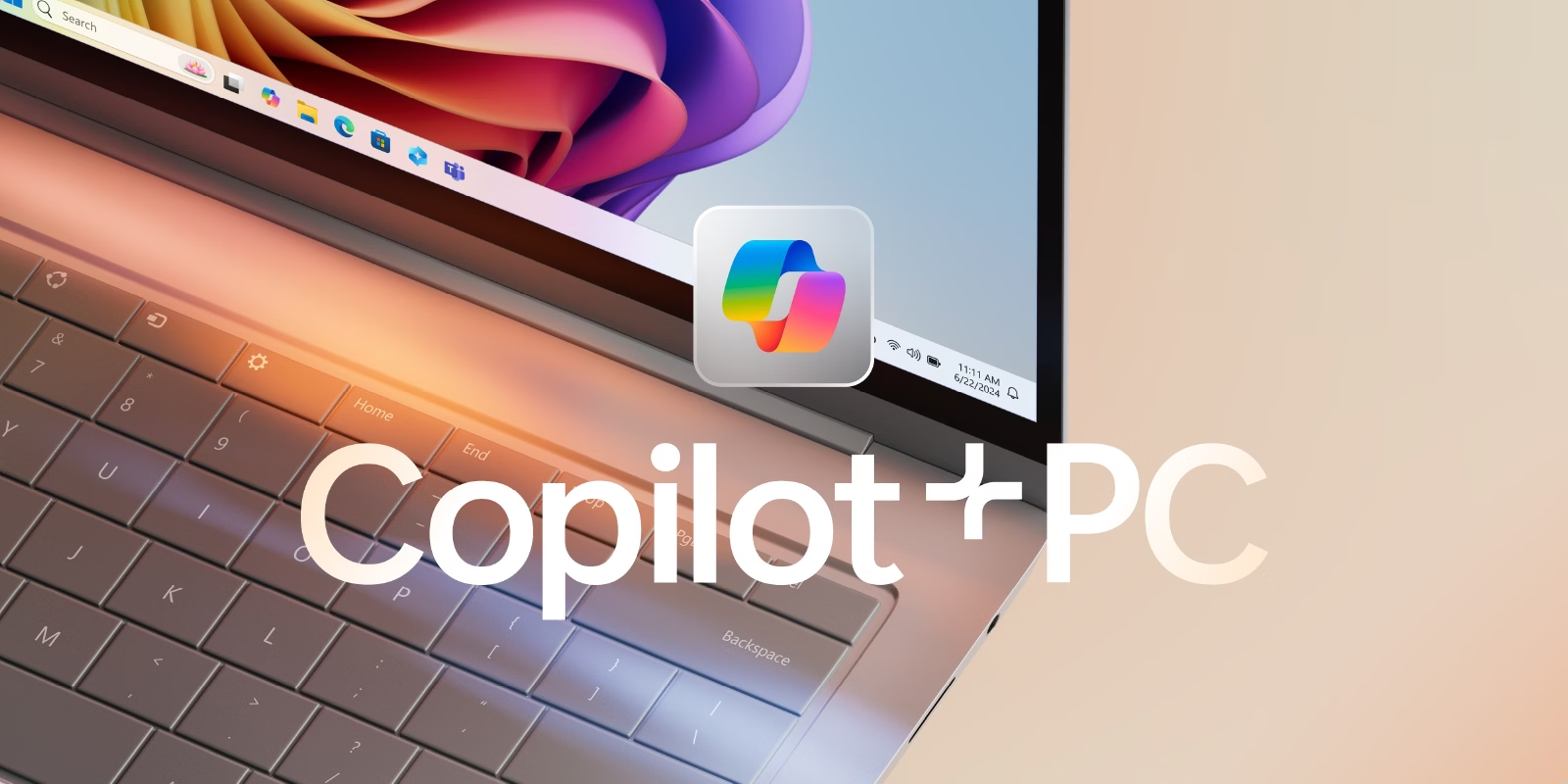
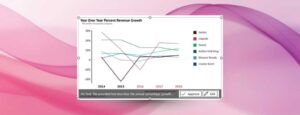
    Microsoft has announced a new accessibility-focused feature for Microsoft 365 subscribers using eligible Copilot+ PCs: automatic image captions in Word and PowerPoint. With this update, images added to documents can now receive AI-generated captions—also known as alt text—without requiring manual input. The captions are generated automatically when an image is inserted, and users can either approve them as-is or edit them before finalizing. The feature also works retroactively, allowing captions to be generated for images already present in existing documents.

    The functionality is designed to improve document accessibility and workflow efficiency, particularly for users who regularly work with image-heavy presentations or reports. By automating caption creation, Microsoft aims to reduce the friction involved in meeting accessibility standards while keeping users in control of the final output. The captions are generated locally using on-device AI, rather than relying solely on cloud processing.

    Automatic captions are rolling out to Microsoft 365 subscribers running version 2512 (Build 19530.20006). However, the feature is limited to Copilot+ computers equipped with a neural processing unit capable of at least 40 TOPS. This hardware requirement underscores Microsoft’s continued push toward AI features that rely on dedicated on-device acceleration rather than general-purpose CPUs or GPUs.

    Post Views: 187
    Share. Facebook Twitter Pinterest LinkedIn Tumblr Email
    ayaksız
    • Website

    Related Posts

    Microsoft faces fresh security chaos after May Patch Tuesday

    Mayıs 24, 2026

    Microsoft is phasing out SMS verification for personal accounts

    Mayıs 19, 2026

    Microsoft patches 120 security flaws in May Windows updates

    Mayıs 14, 2026
    Add A Comment

    Comments are closed.

    Editors Picks
    8.5

    Apple Planning Big Mac Redesign and Half-Sized Old Mac

    Ocak 5, 2021

    Autonomous Driving Startup Attracts Chinese Investor

    Ocak 5, 2021

    Onboard Cameras Allow Disabled Quadcopters to Fly

    Ocak 5, 2021
    Top Reviews
    9.1

    Review: T-Mobile Winning 5G Race Around the World

    By sevketayaksiz
    8.9

    Samsung Galaxy S21 Ultra Review: the New King of Android Phones

    By sevketayaksiz
    8.9

    Xiaomi Mi 10: New Variant with Snapdragon 870 Review

    By sevketayaksiz
    Advertisement
    Demo
    Şevket Ayaksız
    Facebook X (Twitter) Instagram YouTube
    • Home
    • Adobe
    • microsoft
    • java
    • Oracle
    • Contact
    © 2026 Theme Designed by Şevket Ayaksız.

    Type above and press Enter to search. Press Esc to cancel.