

Close Menu
Şevket Ayaksız
    What's Hot

    AI watermarks could improve transparency but won’t stop AI slop

    Eylül 13, 2026

    LG’s 4K OLED gaming monitor gets a $600 discount

    Eylül 13, 2026

    Keychron’s 100-key macropad offers 8,000Hz polling for $65

    Eylül 13, 2026
    • software
    • Gadgets
    Şevket AyaksızŞevket Ayaksız
    • Home
    • Technology

      Apple: iPhone 17 and Older Models Hit With Unexpected $100 Price Increase

      Eylül 10, 2026

      Apple Watch Intelligence Could Be a Major Accessibility Breakthrough

      Eylül 10, 2026

      Apple May Skip the Base iPhone 18 This Year

      Eylül 10, 2026

      FCC changes robot vacuum rules, potentially affecting future models

      Ağustos 8, 2026

      Samsung’s new 2TB 990 SSD drops to its lowest price yet

      Ağustos 6, 2026
    • Adobe

      Adobe brings four key creative apps to Windows on Arm beta

      Ağustos 1, 2025

      Skip the Legal Jargon—Adobe Acrobat’s AI Reads Contracts for You

      Şubat 5, 2025

      Save 50% on a Top-Rated Adobe Alternative This Black Friday

      Kasım 30, 2024

      Save 50% on Adobe’s Creative Cloud This Black Friday

      Kasım 25, 2024

      Adobe Brings Generative AI to Premiere Pro for Smarter Video Editing

      Ekim 24, 2024
    • Microsoft

      Microsoft quietly removes Windows 11’s 32GB RAM recommendation

      Ağustos 6, 2026

      Microsoft aims to improve Windows 11 performance on 8GB PCs

      Ağustos 2, 2026

      Microsoft PowerToys remains an essential Windows utility

      Temmuz 31, 2026

      Microsoft says Windows Secure Boot certificate rollout is still in progress

      Temmuz 30, 2026

      Microsoft tests Windows Update changes after major outage

      Temmuz 29, 2026
    • java

      Optimizing Java Streams for High-Performance Applications

      Aralık 20, 2025

      AI Brings a New Spark to JavaScript Programming

      Kasım 9, 2025

      Revisiting the Spring Framework: What’s New and Why It Still Matters

      Kasım 9, 2025

      Top Highlights and Features to Watch in Java 25

      Kasım 3, 2025

      Mastering Java Cold Starts: Achieving High-Performance Serverless with GraalVM and Spring

      Kasım 3, 2025
    • Oracle

      JavaScript Community Pushes Back Against Oracle’s Trademark Claim

      Şubat 8, 2025

      Understanding the Impact of the Google vs. Oracle Decision

      Aralık 25, 2024

      Google Wins Legal Battle Over Java, Oracle Continues to Resist

      Aralık 25, 2024

      Oracle Unveils Verrazzano: A New Container Platform for Kubernetes

      Aralık 12, 2024

      Oracle vs. Google: Implications of the Verdict on Open Source Software

      Aralık 8, 2024
    Şevket Ayaksız
    Anasayfa » Creating Python Executables with PyInstaller: A Step-by-Step Guide
    software

    Creating Python Executables with PyInstaller: A Step-by-Step Guide

    By mustafa efeEylül 27, 2024Yorum yapılmamış3 Mins Read
    Facebook Twitter Pinterest LinkedIn Tumblr Email
    Share
    Facebook Twitter LinkedIn Pinterest Email

    Package Your Python Applications into Standalone Executables with PyInstaller for Effortless Distribution

    Despite its powerful and versatile nature, Python does have some limitations, particularly when it comes to creating standalone executable packages. One of the primary drawbacks is the lack of a native mechanism to compile a Python program into a self-contained executable that can run independently of the Python interpreter. Historically, Python applications were intended to be executed in environments where the Python runtime was already installed, limiting their usability on systems without Python.

    As Python’s popularity surged, so did the need for deploying applications in environments that did not have the Python runtime pre-installed. This need has led to the development of several third-party tools aimed at packaging Python applications into standalone executables. Among these tools, PyInstaller stands out as the most widely used and mature solution available, providing developers with a means to create executables that can be easily distributed and run on any system without requiring Python installation.

    While PyInstaller significantly simplifies the process of packaging a Python application, it is not entirely devoid of challenges. Developers may encounter various hurdles when configuring and fine-tuning their executables to ensure compatibility across different environments. In this article, we will delve into the essential aspects of using PyInstaller, starting with an overview of how the tool operates. Understanding the underlying mechanics of PyInstaller will help you leverage its capabilities more effectively.
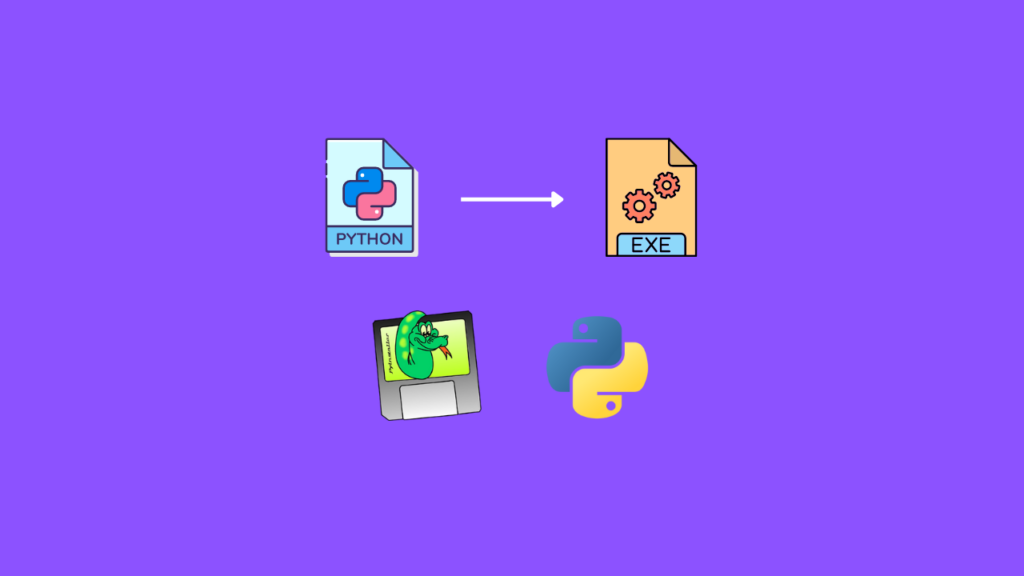


    To create a standalone Python executable with PyInstaller, you first need to install the tool, which can be done via pip. Once installed, packaging your application is as simple as running a command in the terminal. PyInstaller analyzes your Python script, collects all necessary dependencies, and compiles them into a single executable file. This file can then be distributed to users who may not have Python installed on their machines, enabling them to run your application effortlessly.

    In addition to the basic usage of PyInstaller, it offers several options for fine-tuning the output of your executables. You can customize aspects such as the icon of the executable, the console window behavior, and the inclusion or exclusion of specific files. These options allow you to tailor the user experience and the functionality of your application according to your needs, making PyInstaller a flexible tool for various scenarios.

    However, while PyInstaller provides a robust solution for creating standalone executables, developers must be aware of common pitfalls that can arise during the packaging process. Issues related to missing dependencies, incorrect file paths, and compatibility problems can often surface. By being vigilant and following best practices when using PyInstaller, you can avoid these issues and ensure a smooth deployment of your Python applications. Throughout this article, we will also highlight some of these common pitfalls and provide strategies to circumvent them effectively, allowing you to package your Python applications with confidence.

    Post Views: 320
    java Programming Languages Software Development
    Share. Facebook Twitter Pinterest LinkedIn Tumblr Email
    mustafa efe
    • Website

    Related Posts

    AI watermarks could improve transparency but won’t stop AI slop

    Eylül 13, 2026

    Google lets Gemini users remove visible watermarks from AI images and videos

    Eylül 13, 2026

    OpenAI removes ChatGPT text chat limits for free and Go users

    Ağustos 8, 2026
    Add A Comment

    Comments are closed.

    Editors Picks
    8.5

    Apple Planning Big Mac Redesign and Half-Sized Old Mac

    Ocak 5, 2021

    Autonomous Driving Startup Attracts Chinese Investor

    Ocak 5, 2021

    Onboard Cameras Allow Disabled Quadcopters to Fly

    Ocak 5, 2021
    Top Reviews
    9.1

    Review: T-Mobile Winning 5G Race Around the World

    By sevketayaksiz
    8.9

    Samsung Galaxy S21 Ultra Review: the New King of Android Phones

    By sevketayaksiz
    8.9

    Xiaomi Mi 10: New Variant with Snapdragon 870 Review

    By sevketayaksiz
    Advertisement
    Demo
    Şevket Ayaksız
    Instagram
    • Home
    • Adobe
    • microsoft
    • java
    • Oracle
    • Contact
    © 2026 Theme Designed by Şevket Ayaksız.

    Type above and press Enter to search. Press Esc to cancel.