

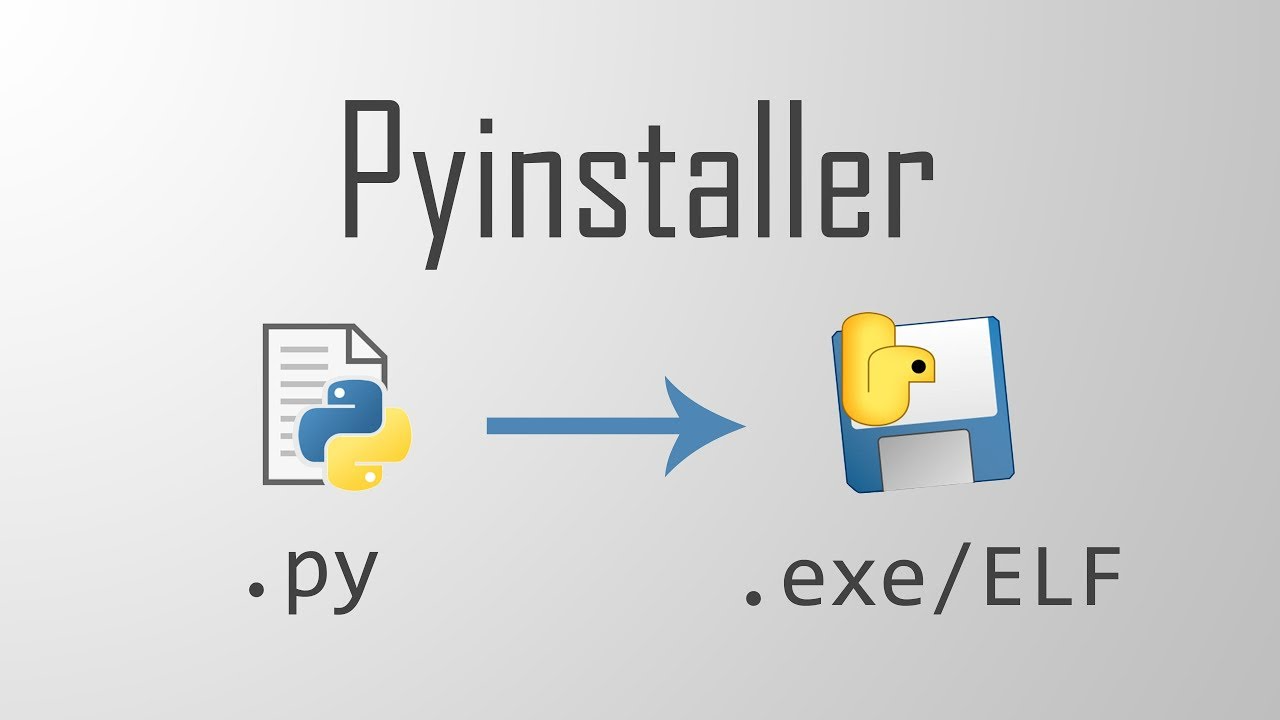
Package Your Python Applications as Standalone Executables with PyInstaller for Simplified Distribution
While Python is a powerful and versatile programming language, it does have some limitations, particularly when it comes to creating standalone executable packages. Unlike languages such as C or Java, Python does not provide a built-in mechanism for compiling a program into an executable format. Traditionally, Python applications were designed to run in environments where the Python interpreter was already installed. However, as Python gained popularity, the need to deploy applications on systems without the Python runtime became increasingly apparent.
This shift in demand has led to the development of various third-party solutions aimed at packaging Python applications into standalone executables. Among these solutions, PyInstaller stands out as one of the most popular and mature options available. PyInstaller simplifies the process of transforming a Python script into a standalone executable that can be run on systems lacking a Python interpreter. While it doesn’t eliminate all challenges associated with packaging, it significantly streamlines the workflow for developers looking to distribute their applications.
In this article, we will delve into the fundamentals of using PyInstaller, starting with an overview of how it works. At its core, PyInstaller analyzes your Python scripts to determine their dependencies and then bundles everything needed to run the application, including the Python interpreter and any required libraries. This comprehensive approach ensures that users can execute the application without worrying about missing components or installation requirements.

To get started with PyInstaller, you’ll first need to install it via pip. The installation process is straightforward, and once you have PyInstaller set up, creating a standalone executable becomes a matter of running a simple command. We’ll walk you through this process step-by-step, including examples that illustrate how to package your Python scripts effectively. With just a few commands, you’ll be able to create an executable that can be shared with others, allowing them to run your application without needing to install Python.
Moreover, PyInstaller provides several options for fine-tuning the executables you generate. You can customize aspects such as the name of the output file, the icon that appears in the executable, and even include or exclude specific files or packages. Understanding these options will help you create a polished product that meets your distribution needs. Additionally, we’ll cover common pitfalls and troubleshooting tips that can arise during the packaging process, ensuring that you’re well-equipped to handle any challenges that may come your way.
By the end of this article, you’ll have a solid understanding of how to leverage PyInstaller to create standalone Python executables. Whether you’re looking to share your application with colleagues, deploy it on a client’s machine, or distribute it to a broader audience, PyInstaller offers a powerful solution to enhance the accessibility of your Python programs. Get ready to unlock the potential of your Python applications with the ability to run independently of the Python runtime environment.