

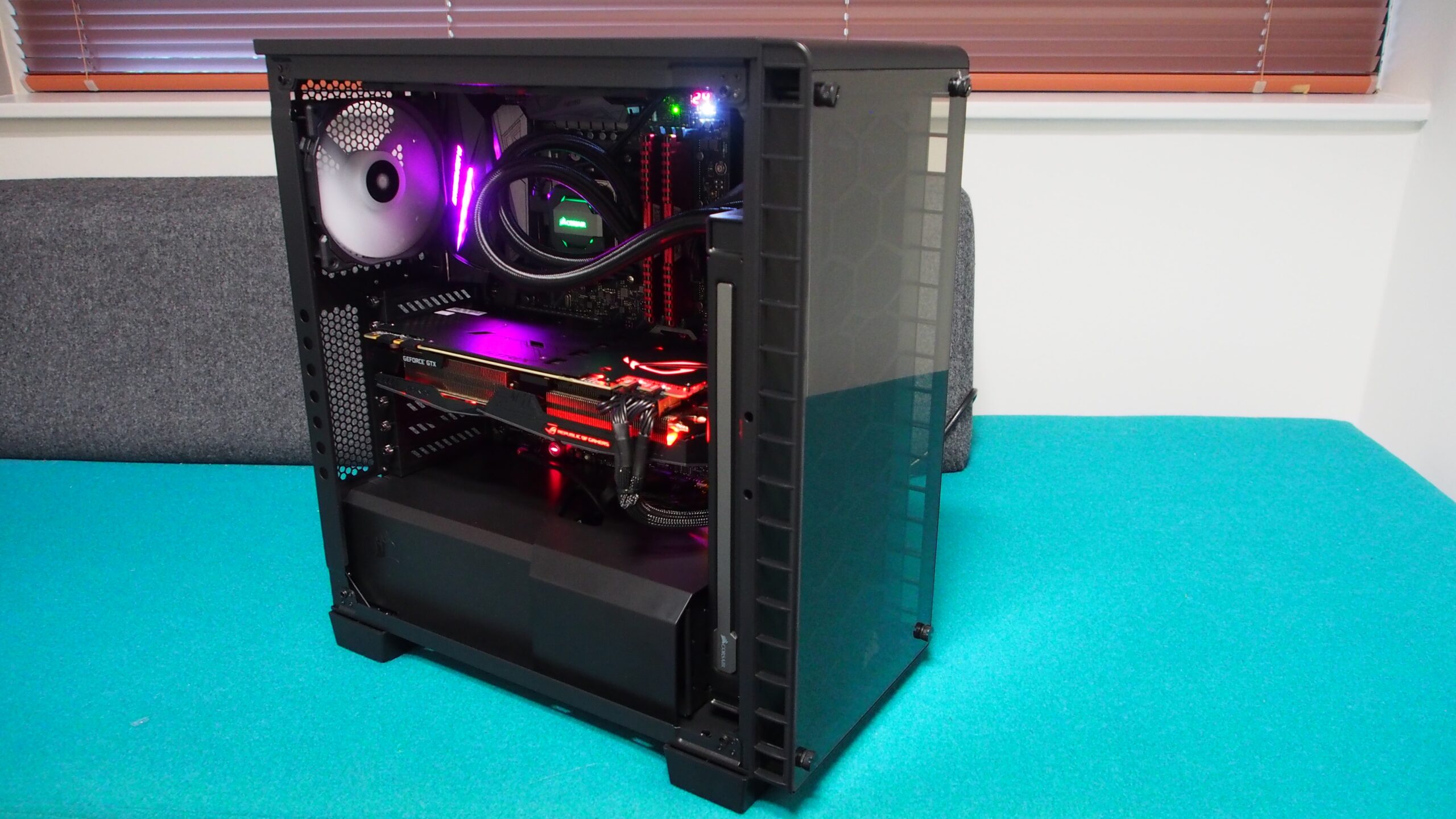

When I first decided to build my own gaming PC a couple of years ago, I was determined to create a rig that could handle anything I threw at it. I spent months researching components, reading reviews, and watching build guides to ensure that every part of my system was top-notch. After a lot of deliberation, I finally settled on an Intel Core i9-10900K and an Nvidia GeForce RTX 3070, both of which were cutting-edge at the time. These components were a significant investment, but I knew they would provide the performance I craved. By the time I got to choosing a case, however, my budget was nearly depleted. I had spent almost everything on the CPU, GPU, and other essentials, leaving me with little to spare for what I saw as just a simple enclosure. Eager to finish my build, I opted for the cheapest case I could find — a flimsy $30 tower that I figured would do the job.
That decision quickly came back to haunt me. After assembling my PC and firing it up, I noticed that my GPU temperatures were through the roof. During a benchmark test, the temperature shot up to over 200 degrees Fahrenheit, far beyond what is considered safe for long-term use. My immediate thought was that something had gone horribly wrong with my assembly. Had I messed up the thermal paste application? Were the fans malfunctioning? I spent hours troubleshooting, only to realize that the real issue was the case itself. The bargain-bin tower I had purchased was far too small for my components, and its poor design severely restricted airflow. The result was a gaming rig that ran hotter than a furnace, constantly teetering on the edge of thermal shutdown. All the cutting-edge hardware I had invested in was being choked by a case that was entirely unfit for the job.
But the heat problem was just the beginning. As I started using my PC, I encountered another major drawback: the case’s lack of connectivity. With only two USB-A ports and a single 3.5mm audio jack, I was constantly juggling cables and running out of ports. My wireless mouse, keyboard, and headset all required USB-A connections, leaving no room for my external hard drive or phone charger. I ended up buying a USB hub to expand my options, but the case’s poorly placed ports made the setup clumsy and inconvenient. The hub hung awkwardly from the front of the case, constantly getting in the way and creating an unsightly tangle of wires. It was clear that my cheap case was holding back the entire system, both in terms of performance and usability.
After struggling with these issues for a few weeks, I knew I had to make a change. I eventually saved up enough to buy a Corsair 4000D Airflow mid-tower case, which was a revelation compared to my previous setup. The Corsair case offered ample space for my components, excellent cable management, and superior airflow that kept everything running cool and stable. It also came with a better selection of ports, including both USB-A and USB-C options, which made connecting my peripherals a breeze. The difference in performance was night and day. With the new case, my GPU temperatures dropped significantly, and the system ran smoothly even under heavy loads. The frustration I had felt with my old case quickly disappeared, replaced by the satisfaction of a well-built and reliable gaming rig.
Looking back, I realize just how crucial the case is to the overall success of a PC build. It’s not just a box to hold your components; it’s an integral part of the system that affects everything from cooling and cable management to connectivity and aesthetics. Skimping on the case to save a few bucks can lead to a host of problems, from overheating and poor performance to a lack of ports and difficult assembly. In the end, I learned that investing in a quality case is one of the best decisions you can make when building a gaming PC. It ensures that your high-end components have the space, cooling, and connectivity they need to perform at their best, and it saves you from the headaches that come with a subpar setup.