

Close Menu
Şevket Ayaksız

    Subscribe to Updates

    Get the latest creative news from FooBar about art, design and business.

    What's Hot

    LG’s 27-inch 240Hz OLED gaming monitor drops $400 to $500

    Mayıs 14, 2026

    Tiny Baseus Picogo power bank drops to $20 in clearance deal

    Mayıs 14, 2026

    Microsoft patches 120 security flaws in May Windows updates

    Mayıs 14, 2026
    Facebook X (Twitter) Instagram
    • software
    • Gadgets
    Facebook X (Twitter) Instagram
    Şevket AyaksızŞevket Ayaksız
    Subscribe
    • Home
    • Technology

      HP OmniBook 5 drops to $699 with 16GB RAM and long battery life

      Mayıs 11, 2026

      Anker’s 9-port charging station drops to $34 on Amazon

      Mayıs 11, 2026

      DDR5 counterfeits surge as the RAM shortage worsens

      Mayıs 11, 2026

      Google Maps vs Waze: I Put the Two Best Navigation Apps Head-to-Head — and One Clearly Came Out on Top

      Mayıs 1, 2026

      T-Mobile Bundles Free Hulu and Netflix for 5G Users: Eligibility Explained

      Mayıs 1, 2026
    • Adobe
    • Microsoft
    • java
    • Oracle
    Şevket Ayaksız
    Anasayfa » Enhance Security on iOS 17.2: Activate Contact Key Verification with Simple Steps
    software

    Enhance Security on iOS 17.2: Activate Contact Key Verification with Simple Steps

    By ayaksızAralık 26, 2023Yorum yapılmamış2 Mins Read
    Facebook Twitter Pinterest LinkedIn Tumblr Email
    Share
    Facebook Twitter LinkedIn Pinterest Email

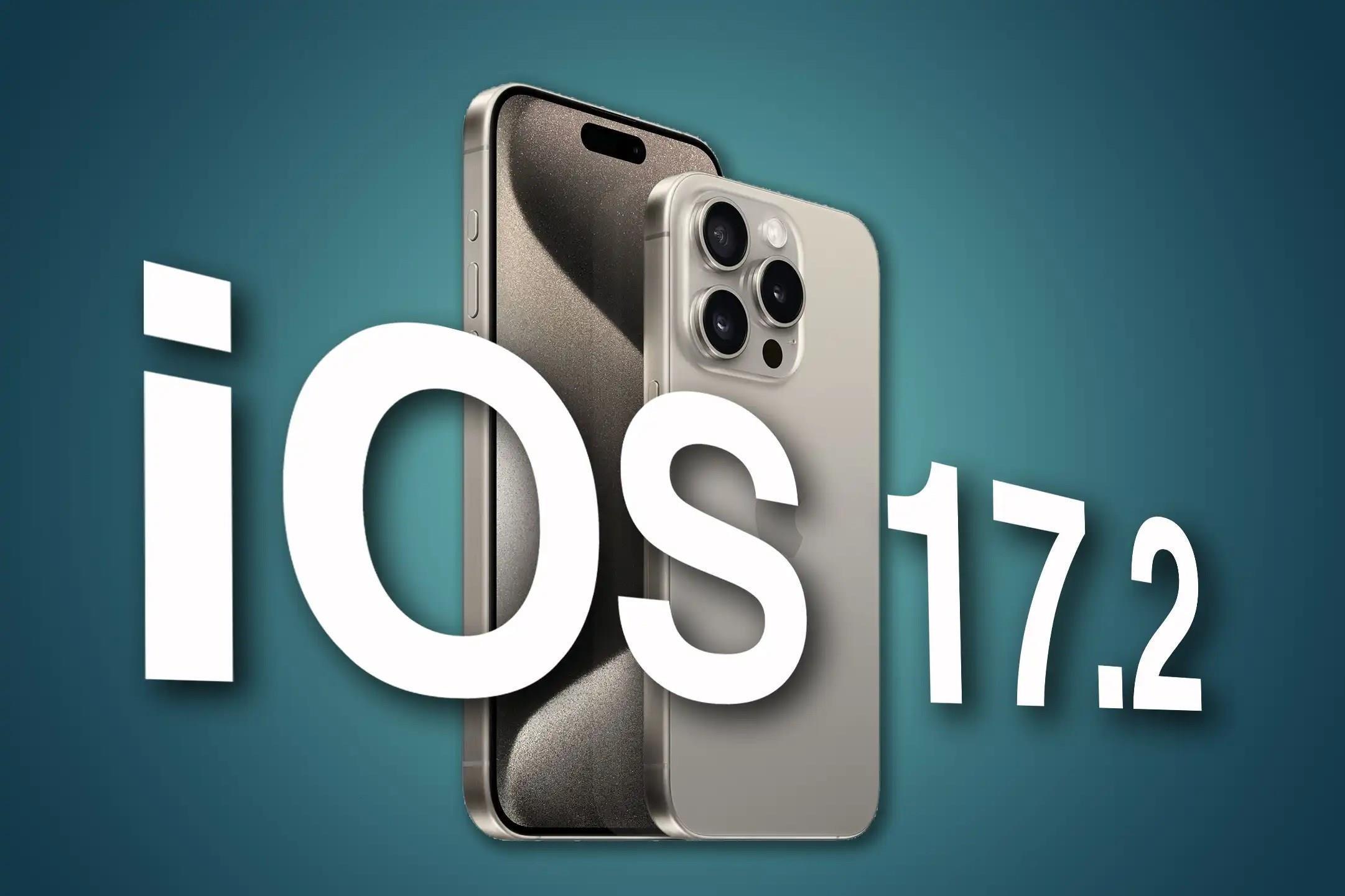
    In the latest iOS 17.2 update, Apple introduces a host of security patches and anticipated features, including the Journal app, elevating the iPhone user experience. Notably, Contact Key Verification emerges as a pivotal security tool, designed to offer reassurance that your text conversations remain confidential and genuine. While particularly relevant for individuals in sensitive situations, such as journalists, activists, and government officials, this feature provides an additional layer of security for all users.

    Activating Contact Key Verification: A Step-by-Step Guide

    1. Open Settings: Navigate to the Settings app on your iPhone.

    2. Access Your Apple ID: Tap on your Apple ID, located at the top of the screen (next to your name and picture).

    3. Enable Contact Key Verification: Scroll down and tap on “Contact Key Verification” near the bottom of the menu.

    4. Toggle Verification in iMessage: Activate the switch next to “Verification in iMessage.”

    Following this, a splash screen will appear, guiding you through the Contact Key Verification setup. Tap “Continue” to proceed.

    Updating Devices for Optimal Functionality

    You may encounter a screen prompting you to update certain devices for Contact Key Verification. While you can choose to remove devices in Settings, it’s advisable to tap “OK” and update your devices to ensure seamless functionality of this security feature.

    Verifying Identities: A Two-Step Process

    Once Contact Key Verification is enabled, access the “Show Public Verification Code” option within the Contact Key Verification menu. Here, you’ll find a unique code comprising letters, numbers, and symbols. This code serves as your identifier.

    1. Copy Your Verification Code: Tap “Copy Verification Code” to easily share your code through messages or online platforms.

    2. Identity Verification in Messages: For a direct verification process within Messages, follow these steps:

    • Open the Messages app.
    • Start or enter a conversation.
    • Tap the person’s name at the top.
    • Select “Verify Contact” at the bottom of the menu.

    Compare the six-digit codes generated on both devices. If they match, tap “Mark as Verified” and then “Update.” The contact’s card will now display the associated code, with a checkmark indicating verification.

    If the codes don’t match, tap “No Match,” signaling a potential discrepancy in identity. Cease communication until you can verify the person’s identity.

    Stay tuned for a safer and more secure messaging experience on iOS 17.2, where Contact Key Verification adds an invaluable layer of protection to your iPhone conversations.

    Post Views: 304
    iOS iOS 17.2
    Share. Facebook Twitter Pinterest LinkedIn Tumblr Email
    ayaksız
    • Website

    Related Posts

    Microsoft patches 120 security flaws in May Windows updates

    Mayıs 14, 2026

    Copilot is replacing Edge browser history with AI-generated summaries

    Mayıs 14, 2026

    Gmail’s AI writing tool now mimics your tone and scans more data

    Mayıs 11, 2026
    Add A Comment

    Comments are closed.

    Editors Picks
    8.5

    Apple Planning Big Mac Redesign and Half-Sized Old Mac

    Ocak 5, 2021

    Autonomous Driving Startup Attracts Chinese Investor

    Ocak 5, 2021

    Onboard Cameras Allow Disabled Quadcopters to Fly

    Ocak 5, 2021
    Top Reviews
    9.1

    Review: T-Mobile Winning 5G Race Around the World

    By sevketayaksiz
    8.9

    Samsung Galaxy S21 Ultra Review: the New King of Android Phones

    By sevketayaksiz
    8.9

    Xiaomi Mi 10: New Variant with Snapdragon 870 Review

    By sevketayaksiz
    Advertisement
    Demo
    Şevket Ayaksız
    Facebook X (Twitter) Instagram YouTube
    • Home
    • Adobe
    • microsoft
    • java
    • Oracle
    • Contact
    © 2026 Theme Designed by Şevket Ayaksız.

    Type above and press Enter to search. Press Esc to cancel.