


Close Menu
Şevket Ayaksız

    Subscribe to Updates

    Get the latest creative news from FooBar about art, design and business.

    What's Hot

    Windows 11 bug has blocked updates for some PCs since February

    Mayıs 24, 2026

    Anker’s 25,000mAh laptop power bank drops $39 to $96

    Mayıs 24, 2026

    Ring Indoor Cam Plus drops to a record-low $35 on Amazon

    Mayıs 24, 2026
    Facebook X (Twitter) Instagram
    • software
    • Gadgets
    Facebook X (Twitter) Instagram
    Şevket AyaksızŞevket Ayaksız
    Subscribe
    • Home
    • Technology

      HP OmniBook 5 drops to $699 with 16GB RAM and long battery life

      Mayıs 11, 2026

      Anker’s 9-port charging station drops to $34 on Amazon

      Mayıs 11, 2026

      DDR5 counterfeits surge as the RAM shortage worsens

      Mayıs 11, 2026

      Google Maps vs Waze: I Put the Two Best Navigation Apps Head-to-Head — and One Clearly Came Out on Top

      Mayıs 1, 2026

      T-Mobile Bundles Free Hulu and Netflix for 5G Users: Eligibility Explained

      Mayıs 1, 2026
    • Adobe
    • Microsoft
    • java
    • Oracle
    Şevket Ayaksız
    Anasayfa » Harnessing the Power of Hardware Acceleration: Turbocharging PC Software
    software

    Harnessing the Power of Hardware Acceleration: Turbocharging PC Software

    By ayaksızŞubat 8, 2024Yorum yapılmamış2 Mins Read
    Facebook Twitter Pinterest LinkedIn Tumblr Email
    Share
    Facebook Twitter LinkedIn Pinterest Email

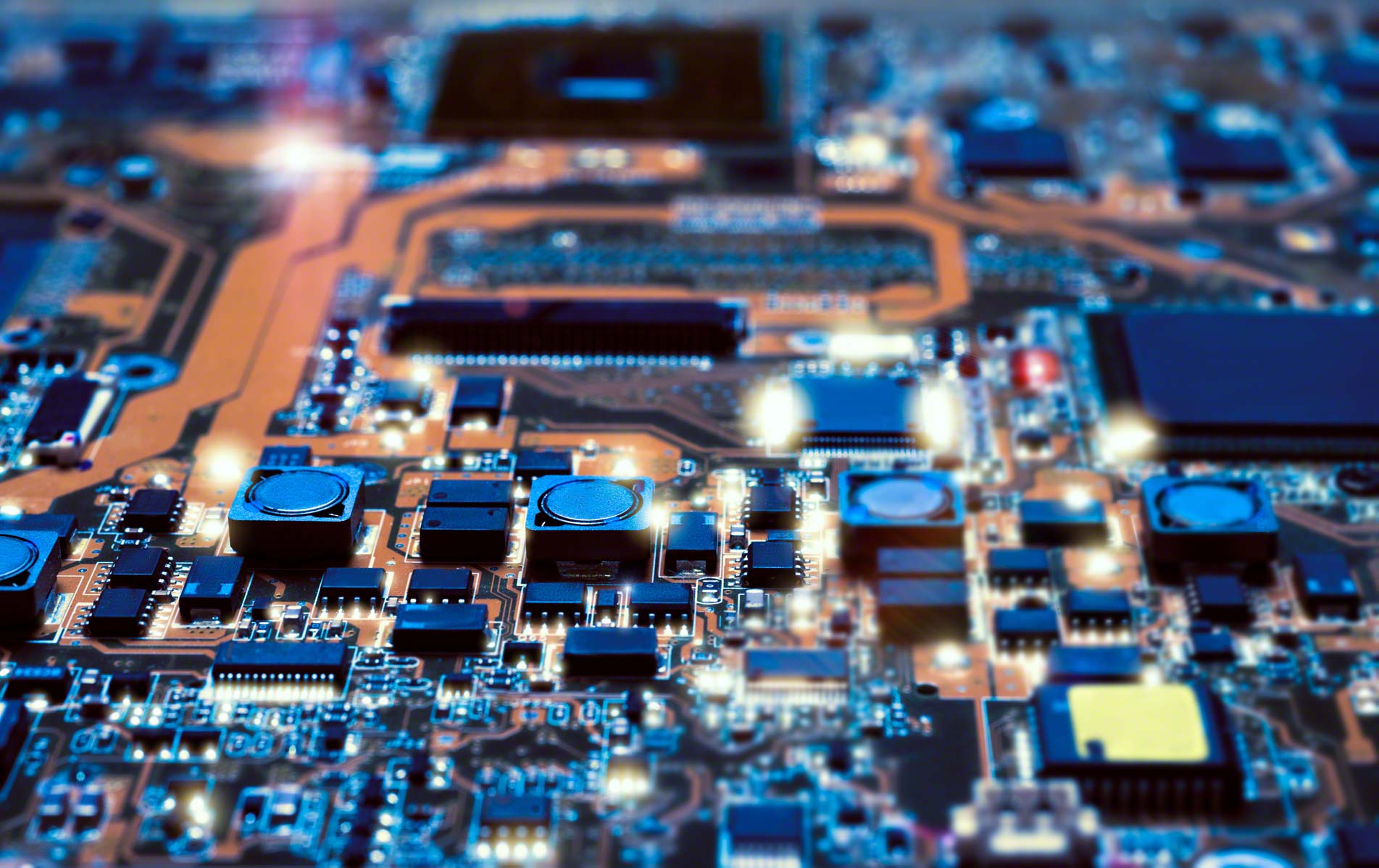
    Hardware acceleration harnesses the specialized capabilities of your computer’s hardware components to execute specific tasks more efficiently, surpassing the capabilities of the central processor (CPU) alone. Particularly suited for graphics- or audio-intensive tasks, hardware acceleration leverages dedicated hardware like graphics processing units (GPUs) or audio processors to deliver enhanced performance.

    A classic example is graphics processing, where the GPU takes over the intricate calculations of each pixel, relieving the CPU and resulting in smoother, visually stunning graphics.

    Activating hardware acceleration is often a simple yet impactful method to optimize system performance. In Windows 11, for instance, you can activate this feature through the desktop context menu. Right-click on the desktop, navigate to “Display settings,” then “Graphics” under “Related settings,” and enable “Hardware-accelerated GPU scheduling” under “Change default graphics settings.” Restart your PC to apply the changes.

    In various applications such as web browsers or multimedia players, you’ll commonly find an option to enable hardware acceleration within the settings menu. In Google Chrome, for example, navigate to “Settings” and the “System” section, where you can toggle the slider to “Use hardware acceleration if available.”

    However, exercise caution: hardware acceleration may not benefit all systems and could even lead to performance issues or instability. It’s advisable to assess the impact of activated hardware acceleration on your system and ensure proper configuration of all drivers and programs.

    When utilized effectively, hardware acceleration can deliver a significant performance boost to your system. With just a few adjustments, you can unleash the full potential of your hardware.

    Post Views: 275
    Share. Facebook Twitter Pinterest LinkedIn Tumblr Email
    ayaksız
    • Website

    Related Posts

    Microsoft faces fresh security chaos after May Patch Tuesday

    Mayıs 24, 2026

    Microsoft is phasing out SMS verification for personal accounts

    Mayıs 19, 2026

    Microsoft patches 120 security flaws in May Windows updates

    Mayıs 14, 2026
    Add A Comment

    Comments are closed.

    Editors Picks
    8.5

    Apple Planning Big Mac Redesign and Half-Sized Old Mac

    Ocak 5, 2021

    Autonomous Driving Startup Attracts Chinese Investor

    Ocak 5, 2021

    Onboard Cameras Allow Disabled Quadcopters to Fly

    Ocak 5, 2021
    Top Reviews
    9.1

    Review: T-Mobile Winning 5G Race Around the World

    By sevketayaksiz
    8.9

    Samsung Galaxy S21 Ultra Review: the New King of Android Phones

    By sevketayaksiz
    8.9

    Xiaomi Mi 10: New Variant with Snapdragon 870 Review

    By sevketayaksiz
    Advertisement
    Demo
    Şevket Ayaksız
    Facebook X (Twitter) Instagram YouTube
    • Home
    • Adobe
    • microsoft
    • java
    • Oracle
    • Contact
    © 2026 Theme Designed by Şevket Ayaksız.

    Type above and press Enter to search. Press Esc to cancel.