

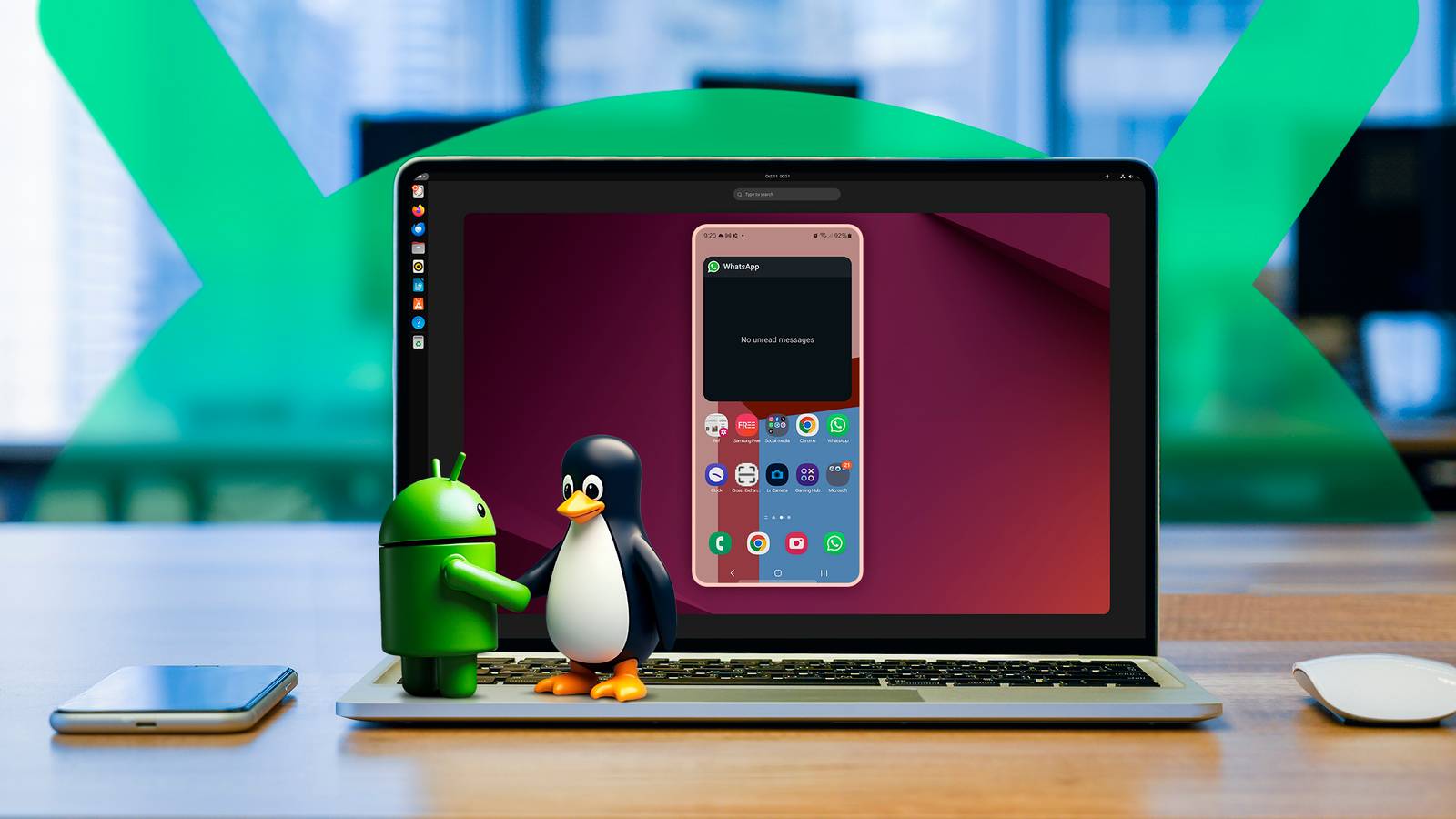
Android’s Linux foundation has long made it an attractive platform for users interested in bringing desktop-style functionality to mobile devices. With Google introducing native Linux terminal support, it’s now possible to run Linux commands directly on compatible Android devices, opening the door to more advanced development and productivity workflows.
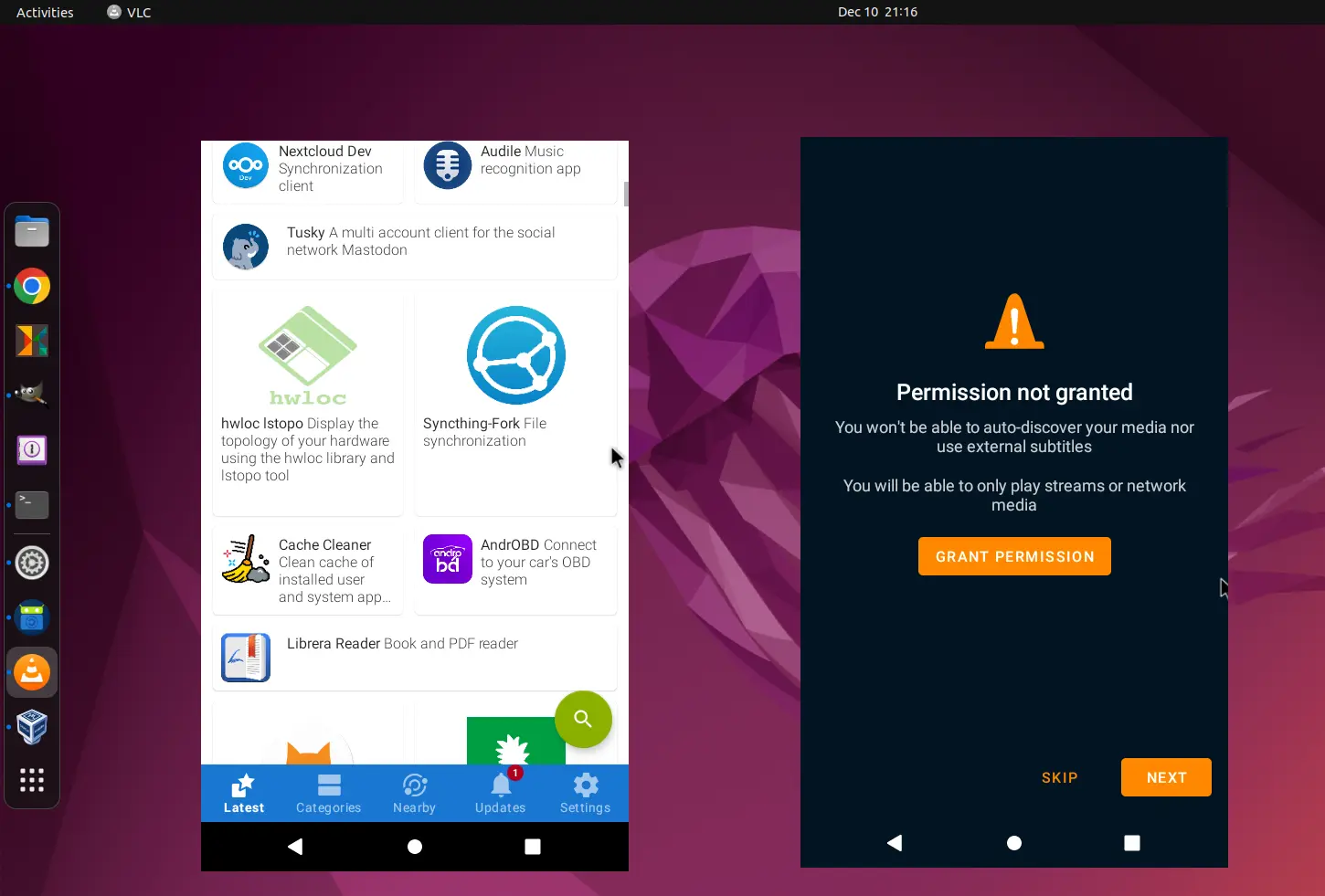
For many enthusiasts, however, command-line access is only the beginning. The next step is running full Linux graphical (GUI) applications through the Linux environment on Android. While this setup is technically achievable, it requires additional configuration and is best suited for users who are comfortable working with Linux tools and desktop environments.
The experience can vary significantly depending on the device. On smartphones, the limited screen size often makes traditional Linux desktop applications difficult to use, as they were designed with larger displays and mouse-and-keyboard input in mind. Tablets, on the other hand, offer a more practical platform, providing enough screen space to make GUI applications considerably more usable.
Before attempting to run Linux desktop apps on Android, it’s important to consider the trade-offs. Performance, interface scaling, input methods, and application compatibility can all affect usability. While the setup may not replace a conventional Linux PC, it can be a useful way to experiment with desktop software, test applications, or create a portable Linux workspace on supported Android devices.