


Learn to Manage Errors in React with Error Boundaries and Effective Strategies
Graceful error handling is a critical component of robust software design, particularly in React applications where managing errors can be intricate. This article provides an overview of how to handle errors in React and explores the use of React error boundaries to manage render-time issues effectively.
Understanding React Error Types
In React, errors can generally be categorized into two types, each requiring different handling strategies:
- JavaScript Errors: These are conventional errors that occur within the code of a component. They include issues such as syntax errors, type errors, or any other bugs that disrupt JavaScript execution. Handling JavaScript errors is straightforward and can be managed using standard
try/catchblocks within the code. - Render Errors: These errors arise from the rendering process of React components. They occur during the “drawing” phase of the user interface and can disrupt the rendering of components. Render errors are not always caught by traditional
try/catchblocks, which is why React provides a specialized solution for handling these issues.
React Error Boundaries
To manage render errors, React introduces a feature known as error boundaries. These are React components designed to catch JavaScript errors anywhere in their child component tree, log those errors, and display a fallback UI instead of crashing the entire application. Essentially, error boundaries act as a sophisticated version of try/catch blocks, but for the rendering process.
An error boundary is a class component that implements either componentDidCatch(error, info) lifecycle method or static getDerivedStateFromError(error) method. By defining an error boundary, developers can control how errors are displayed to users, ensuring a better user experience even when things go wrong.
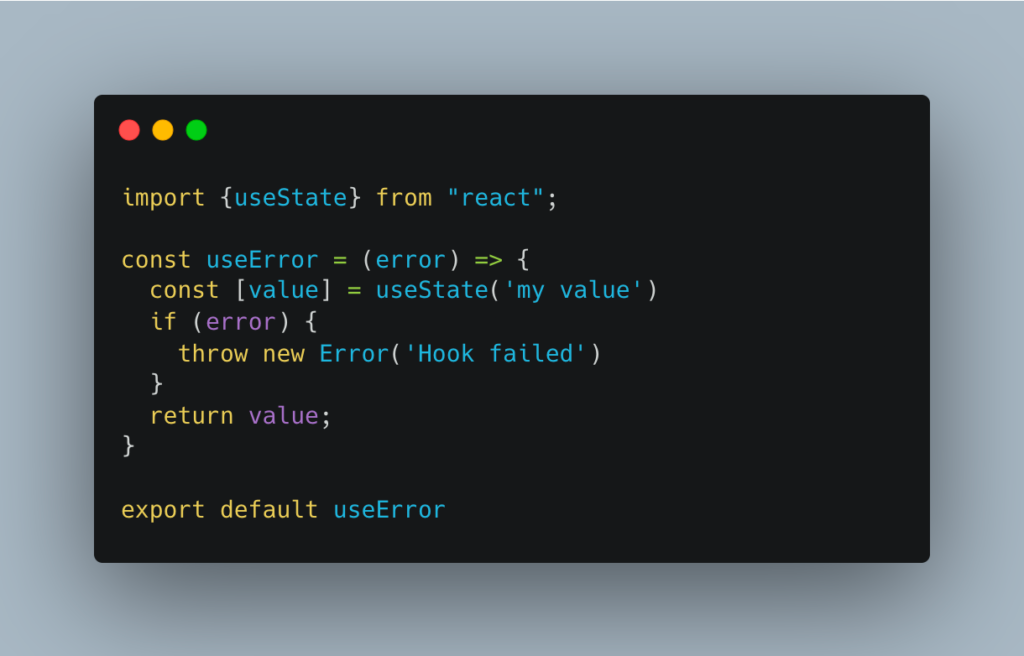
Two Aspects of Error Handling
Effective error handling in React involves addressing two main aspects:
- Displaying Information to Users: It’s essential to show users a minimal, user-friendly error message that doesn’t overwhelm them with technical details. For example, you might display a generic message like “Something went wrong” to avoid confusing or alarming the user.
- Providing Information to Developers: While user-facing messages should be minimal, developers need detailed information to diagnose and fix errors. This includes logging error details, stack traces, and any relevant contextual information. During development and testing phases, comprehensive error logs are crucial for debugging, while in production, this information should be collected but not necessarily exposed to end-users.
Best Practices for Error Handling
A good practice is to “fail soft” for users and “fail hard” for developers. This approach ensures that users are not faced with disruptive or confusing errors, while developers receive all the necessary information to address the issues efficiently. Implementing error boundaries for render errors and using try/catch blocks for JavaScript errors helps maintain this balance.
Conclusion
In summary, handling errors effectively in React involves understanding the different types of errors—JavaScript and render errors—and employing appropriate techniques such as error boundaries for the latter. By focusing on user-friendly error messages and detailed logs for developers, you can create a more resilient and maintainable React application.