


Close Menu
Şevket Ayaksız

    Subscribe to Updates

    Get the latest creative news from FooBar about art, design and business.

    What's Hot

    Microsoft confirms Secure Boot certificate update issues on some PCs

    Temmuz 14, 2026

    Copilot can now explain why your PC feels slow

    Temmuz 14, 2026

    Windows 10 ESU confirmation emails may be hiding in Outlook

    Temmuz 14, 2026
    Facebook X (Twitter) Instagram
    • software
    • Gadgets
    Facebook X (Twitter) Instagram
    Şevket AyaksızŞevket Ayaksız
    Subscribe
    • Home
    • Technology

      Innocn’s 49-inch ultrawide monitor hits a record-low $500 for Prime Day

      Temmuz 12, 2026

      Sony 1000X The Collexion vs. Bowers & Wilkins Px8 S2: Which Premium Headphones Come Out on Top?

      Temmuz 11, 2026

      SpaceX Eyes Massive Starlink Expansion With Plans for 100,000 Additional Satellites

      Temmuz 11, 2026

      Nvidia celebrates 30 years of GPUs with free GeForce trading cards

      Temmuz 10, 2026

      Acer’s 7-in-1 wireless charging station drops to $50

      Temmuz 9, 2026
    • Adobe
    • Microsoft
    • java
    • Oracle
    Şevket Ayaksız
    Anasayfa » PowerToys adds automatic theme switching to Windows 11
    Windows

    PowerToys adds automatic theme switching to Windows 11

    By ayaksızEylül 4, 2025Yorum yapılmamış2 Mins Read
    Facebook Twitter Pinterest LinkedIn Tumblr Email
    Share
    Facebook Twitter LinkedIn Pinterest Email

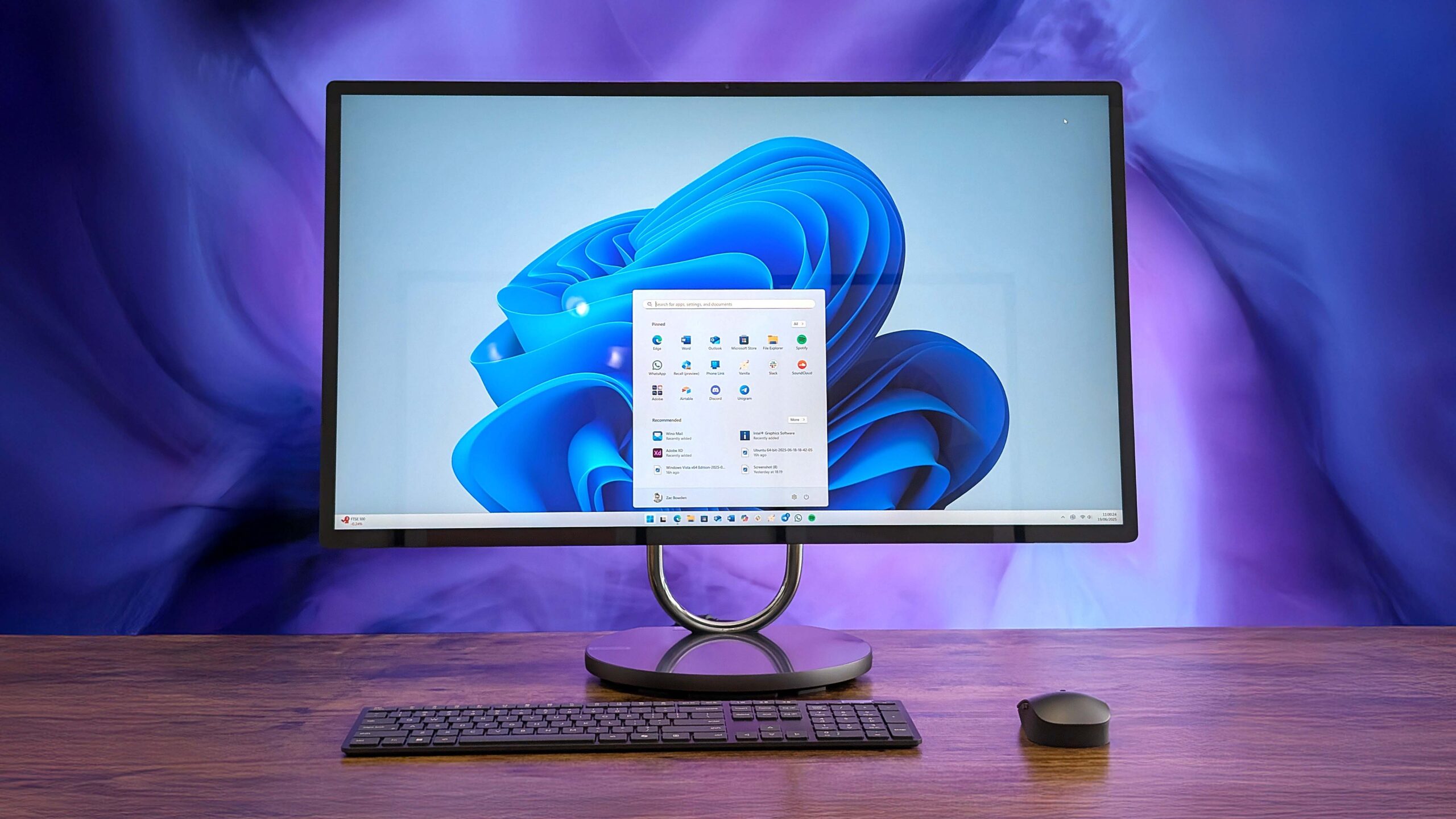
    Microsoft’s PowerToys has become an essential companion for Windows users who want more flexibility and control over their systems. The free add-on suite includes a growing number of utilities that improve productivity and customization, with tools like FancyZones for advanced window snapping, PowerRename for batch file naming, and countless others. Soon, it’s about to add a feature that feels overdue: automatic switching between light and dark mode in Windows 11.

    This new capability will arrive in PowerToys version 0.95, scheduled for release in October 2025, according to Windows Platform Senior Product Manager Niels Laute. Alongside the theme automation, the update will also deliver a refreshed user interface for the Keyboard Manager tool, streamlining the process of customizing keyboard shortcuts. The ability to shift between light and dark modes based on a schedule or time of day is something many Windows users have been requesting for years, especially since nearly all major apps already offer it. PowerToys stepping in to deliver the feature highlights its role as a testing ground for features Microsoft hasn’t fully integrated into Windows itself.

    Until then, version 0.94 is available and brings several smaller but handy improvements. Chief among them is a new search bar within PowerToys, which allows users to quickly find tools or settings across its expanding list of modules. This is a practical addition, given the suite’s current size and complexity. Other enhancements include a shortcut conflict manager that helps detect and resolve overlapping hotkeys, as well as expanded functionality for the Mouse Pointer Crosshairs tool.

    Taken together, these updates show how PowerToys continues to evolve from a niche utility into a robust extension of Windows. For power users in particular, it has become almost indispensable. The latest version is available now on GitHub, with even more significant improvements waiting just around the corner in the October release.

    Post Views: 197
    Share. Facebook Twitter Pinterest LinkedIn Tumblr Email
    ayaksız
    • Website

    Related Posts

    Windows 10 ESU confirmation emails may be hiding in Outlook

    Temmuz 14, 2026

    Mysterious blank white window appears on some Windows PCs

    Temmuz 12, 2026

    No Windows 12 at Build 2026, but Microsoft has other plans

    Haziran 2, 2026
    Add A Comment

    Comments are closed.

    Editors Picks
    8.5

    Apple Planning Big Mac Redesign and Half-Sized Old Mac

    Ocak 5, 2021

    Autonomous Driving Startup Attracts Chinese Investor

    Ocak 5, 2021

    Onboard Cameras Allow Disabled Quadcopters to Fly

    Ocak 5, 2021
    Top Reviews
    9.1

    Review: T-Mobile Winning 5G Race Around the World

    By sevketayaksiz
    8.9

    Samsung Galaxy S21 Ultra Review: the New King of Android Phones

    By sevketayaksiz
    8.9

    Xiaomi Mi 10: New Variant with Snapdragon 870 Review

    By sevketayaksiz
    Advertisement
    Demo
    Şevket Ayaksız
    Facebook X (Twitter) Instagram YouTube
    • Home
    • Adobe
    • microsoft
    • java
    • Oracle
    • Contact
    © 2026 Theme Designed by Şevket Ayaksız.

    Type above and press Enter to search. Press Esc to cancel.