

Choosing the Best Java IDE: A Comparative Look at IntelliJ IDEA, Eclipse, and NetBeans
Every Java developer needs a reliable programming editor or Integrated Development Environment (IDE) to streamline coding, manage class libraries, and integrate with frameworks. The ideal IDE for a developer often hinges on factors such as project requirements, personal preferences, and team standards. To make an informed choice, it’s essential to understand the capabilities and features of leading Java IDEs like IntelliJ IDEA, Eclipse, and NetBeans.
Firstly, a good Java IDE should support the latest versions of JVM languages, including Java, Kotlin, Scala, and Groovy. Compatibility with popular application servers and Java frameworks, such as Apache Tomcat, Spring, JavaServer Faces, Struts, and others, is crucial. Additionally, it should integrate seamlessly with build and version control systems like Ant, Maven, Gradle, Git, SVN, CVS, Mercurial, and Bazaar. Support for client and database layers, including JavaServer Pages, Embedded JavaScript, TypeScript, HTML, Hibernate, JPA, and SQL, enhances the IDE’s versatility.
For effective development, the IDE should facilitate editing, building, debugging, and testing processes with ease. Features like intelligent code completion, refactoring, and code metrics are highly beneficial. For teams practicing test-driven development (TDD), the IDE should support various testing frameworks and stubbing techniques. Integration with ticketing systems and continuous integration/continuous deployment (CI/CD) tools is also important. Moreover, capabilities for deploying and debugging on containers and cloud environments can be advantageous.
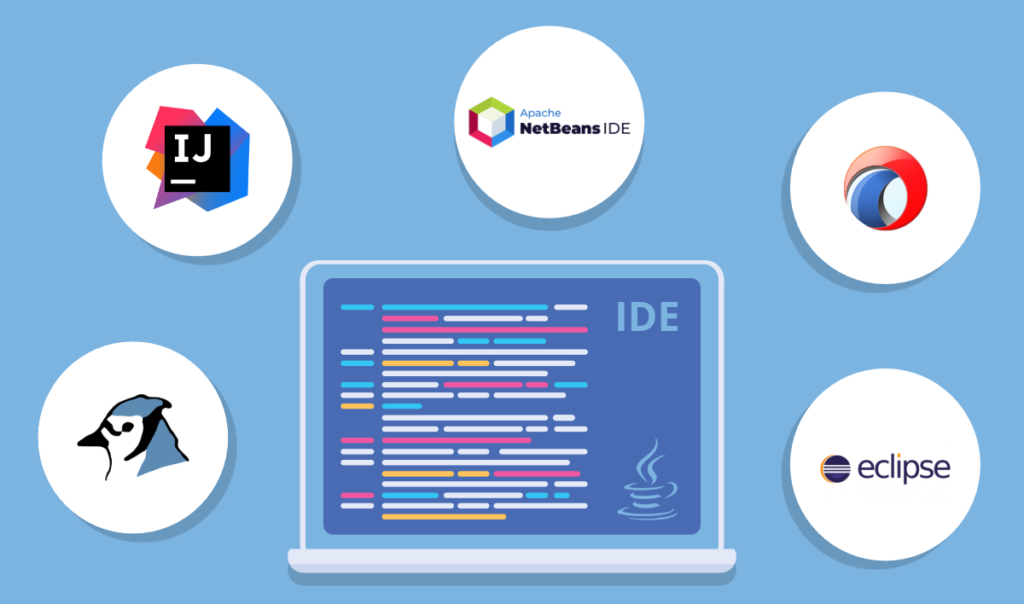
Among the most popular IDEs for Java development are IntelliJ IDEA, Eclipse, and NetBeans. IntelliJ IDEA, particularly its Ultimate edition, is known for its robust feature set, including advanced code assistance, refactoring, and support for a wide range of frameworks and tools. Eclipse, an open-source IDE, offers extensive customization options and a large ecosystem of plugins, making it a versatile choice for many developers. NetBeans, also open-source, is appreciated for its ease of use, strong support for Java EE, and integration with various Java technologies.
For this review, fresh installations of IntelliJ IDEA Ultimate 2022.1.1, Eclipse Installer 2022-03, and NetBeans 13 were performed on a MacBook Pro. Each IDE was evaluated using several open-source Java projects to assess their features and performance. IntelliJ IDEA stood out for its comprehensive suite of development tools and user-friendly interface. Eclipse impressed with its extensibility and wide range of plugins. NetBeans offered a streamlined experience with strong support for Java SE and Java EE applications.
In addition to these major IDEs, there are also lighter-weight alternatives worth considering for specific use cases or preferences. The choice of IDE ultimately depends on individual needs, team requirements, and project specifics. Evaluating each IDE based on your workflow and development practices will help ensure that you select the most effective tool for your Java programming endeavors.