


Close Menu
Şevket Ayaksız

    Subscribe to Updates

    Get the latest creative news from FooBar about art, design and business.

    What's Hot

    Windows 11 bug has blocked updates for some PCs since February

    Mayıs 24, 2026

    Anker’s 25,000mAh laptop power bank drops $39 to $96

    Mayıs 24, 2026

    Ring Indoor Cam Plus drops to a record-low $35 on Amazon

    Mayıs 24, 2026
    Facebook X (Twitter) Instagram
    • software
    • Gadgets
    Facebook X (Twitter) Instagram
    Şevket AyaksızŞevket Ayaksız
    Subscribe
    • Home
    • Technology

      HP OmniBook 5 drops to $699 with 16GB RAM and long battery life

      Mayıs 11, 2026

      Anker’s 9-port charging station drops to $34 on Amazon

      Mayıs 11, 2026

      DDR5 counterfeits surge as the RAM shortage worsens

      Mayıs 11, 2026

      Google Maps vs Waze: I Put the Two Best Navigation Apps Head-to-Head — and One Clearly Came Out on Top

      Mayıs 1, 2026

      T-Mobile Bundles Free Hulu and Netflix for 5G Users: Eligibility Explained

      Mayıs 1, 2026
    • Adobe
    • Microsoft
    • java
    • Oracle
    Şevket Ayaksız
    Anasayfa » Windows 11 adds multi-device Bluetooth audio in preview
    Windows

    Windows 11 adds multi-device Bluetooth audio in preview

    By ayaksızŞubat 8, 2026Yorum yapılmamış2 Mins Read
    Facebook Twitter Pinterest LinkedIn Tumblr Email
    Share
    Facebook Twitter LinkedIn Pinterest Email

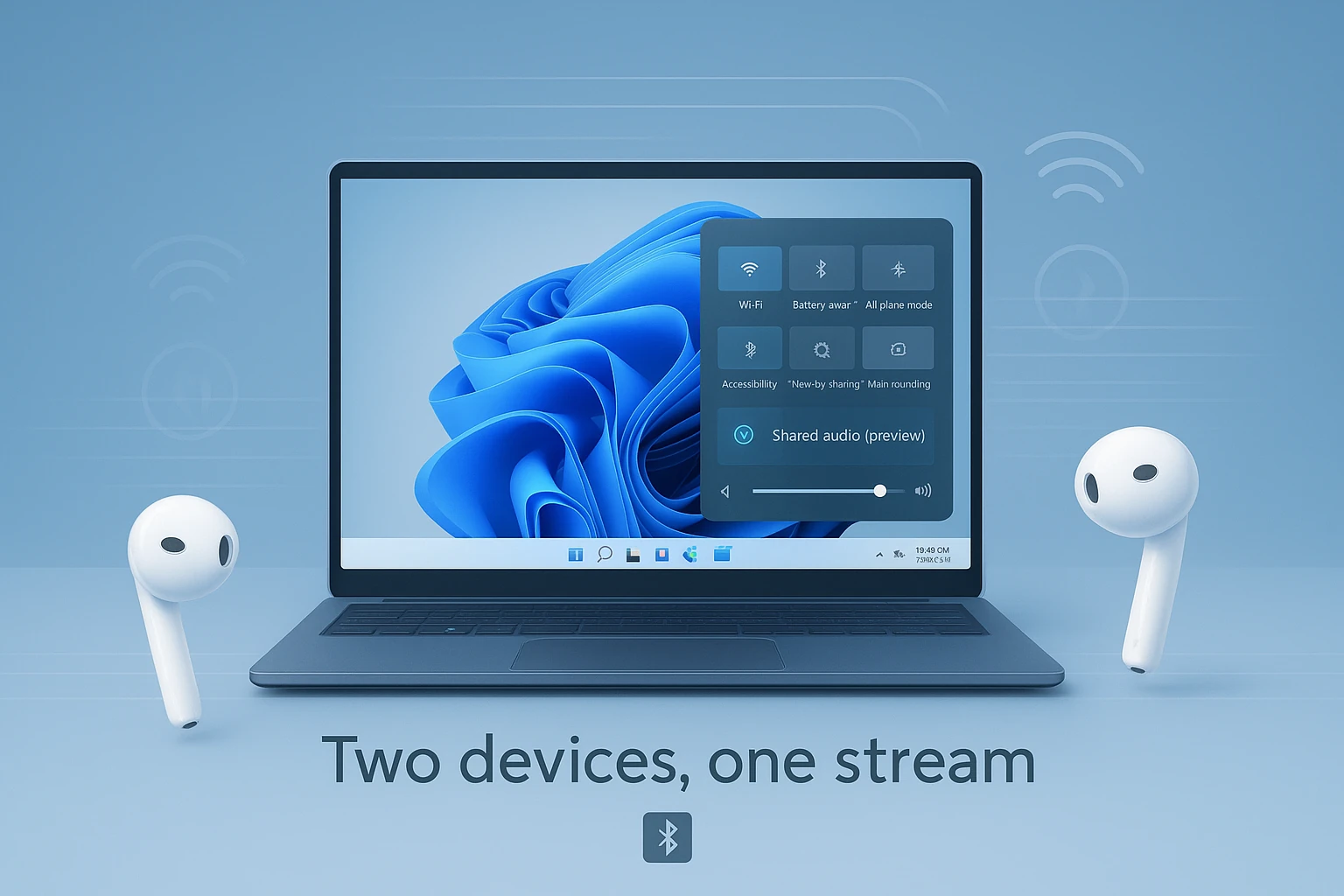
    Microsoft is testing a new Windows 11 feature that allows audio playback through two Bluetooth devices at the same time, potentially solving a long-standing limitation in the operating system. The feature, called Shared Audio, is currently available in Windows Insider Preview Build 26220.7051.

    Shared Audio can be accessed through the quick settings panel once two compatible Bluetooth audio devices are connected. Users can then enable simultaneous playback, making it easier to share music, videos, or other audio content without relying on external hardware or workarounds.

    However, the feature has strict hardware requirements in its early phase. Both the audio devices and the PC must support specific implementations of Bluetooth Low Energy. Microsoft says the feature initially works only on select Snapdragon-powered Surface devices and the Qualcomm-based Samsung Galaxy Book4 Edge. Additional hardware, including some Galaxy Book5 models, is expected to receive support in future updates.

    The limited rollout suggests that specialized Bluetooth drivers are required for the feature to function properly. As Microsoft continues testing through the Windows Insider program, broader compatibility may arrive in later updates before a public release.

    If expanded, Shared Audio could become a convenient built-in option for users who want to share listening experiences directly from a Windows device without additional accessories.

    Post Views: 120
    Share. Facebook Twitter Pinterest LinkedIn Tumblr Email
    ayaksız
    • Website

    Related Posts

    Windows 11 bug has blocked updates for some PCs since February

    Mayıs 24, 2026

    Windows 11 May update fails to install on some PCs

    Mayıs 19, 2026

    Windows Update will soon roll back faulty drivers automatically

    Mayıs 14, 2026
    Add A Comment

    Comments are closed.

    Editors Picks
    8.5

    Apple Planning Big Mac Redesign and Half-Sized Old Mac

    Ocak 5, 2021

    Autonomous Driving Startup Attracts Chinese Investor

    Ocak 5, 2021

    Onboard Cameras Allow Disabled Quadcopters to Fly

    Ocak 5, 2021
    Top Reviews
    9.1

    Review: T-Mobile Winning 5G Race Around the World

    By sevketayaksiz
    8.9

    Samsung Galaxy S21 Ultra Review: the New King of Android Phones

    By sevketayaksiz
    8.9

    Xiaomi Mi 10: New Variant with Snapdragon 870 Review

    By sevketayaksiz
    Advertisement
    Demo
    Şevket Ayaksız
    Facebook X (Twitter) Instagram YouTube
    • Home
    • Adobe
    • microsoft
    • java
    • Oracle
    • Contact
    © 2026 Theme Designed by Şevket Ayaksız.

    Type above and press Enter to search. Press Esc to cancel.