


Close Menu
Şevket Ayaksız
    What's Hot

    AI watermarks could improve transparency but won’t stop AI slop

    Eylül 13, 2026

    LG’s 4K OLED gaming monitor gets a $600 discount

    Eylül 13, 2026

    Keychron’s 100-key macropad offers 8,000Hz polling for $65

    Eylül 13, 2026
    • software
    • Gadgets
    Şevket AyaksızŞevket Ayaksız
    • Home
    • Technology

      Apple: iPhone 17 and Older Models Hit With Unexpected $100 Price Increase

      Eylül 10, 2026

      Apple Watch Intelligence Could Be a Major Accessibility Breakthrough

      Eylül 10, 2026

      Apple May Skip the Base iPhone 18 This Year

      Eylül 10, 2026

      FCC changes robot vacuum rules, potentially affecting future models

      Ağustos 8, 2026

      Samsung’s new 2TB 990 SSD drops to its lowest price yet

      Ağustos 6, 2026
    • Adobe

      Adobe brings four key creative apps to Windows on Arm beta

      Ağustos 1, 2025

      Skip the Legal Jargon—Adobe Acrobat’s AI Reads Contracts for You

      Şubat 5, 2025

      Save 50% on a Top-Rated Adobe Alternative This Black Friday

      Kasım 30, 2024

      Save 50% on Adobe’s Creative Cloud This Black Friday

      Kasım 25, 2024

      Adobe Brings Generative AI to Premiere Pro for Smarter Video Editing

      Ekim 24, 2024
    • Microsoft

      Microsoft quietly removes Windows 11’s 32GB RAM recommendation

      Ağustos 6, 2026

      Microsoft aims to improve Windows 11 performance on 8GB PCs

      Ağustos 2, 2026

      Microsoft PowerToys remains an essential Windows utility

      Temmuz 31, 2026

      Microsoft says Windows Secure Boot certificate rollout is still in progress

      Temmuz 30, 2026

      Microsoft tests Windows Update changes after major outage

      Temmuz 29, 2026
    • java

      Optimizing Java Streams for High-Performance Applications

      Aralık 20, 2025

      AI Brings a New Spark to JavaScript Programming

      Kasım 9, 2025

      Revisiting the Spring Framework: What’s New and Why It Still Matters

      Kasım 9, 2025

      Top Highlights and Features to Watch in Java 25

      Kasım 3, 2025

      Mastering Java Cold Starts: Achieving High-Performance Serverless with GraalVM and Spring

      Kasım 3, 2025
    • Oracle

      JavaScript Community Pushes Back Against Oracle’s Trademark Claim

      Şubat 8, 2025

      Understanding the Impact of the Google vs. Oracle Decision

      Aralık 25, 2024

      Google Wins Legal Battle Over Java, Oracle Continues to Resist

      Aralık 25, 2024

      Oracle Unveils Verrazzano: A New Container Platform for Kubernetes

      Aralık 12, 2024

      Oracle vs. Google: Implications of the Verdict on Open Source Software

      Aralık 8, 2024
    Şevket Ayaksız
    Anasayfa » Windows 11 Copilot App Gets a Major Overhaul with Native Integration
    microsoft

    Windows 11 Copilot App Gets a Major Overhaul with Native Integration

    By ayaksızMart 6, 2025Yorum yapılmamış2 Mins Read
    Facebook Twitter Pinterest LinkedIn Tumblr Email
    Share
    Facebook Twitter LinkedIn Pinterest Email

    Microsoft’s Copilot Gets Major Overhaul in Windows 11 Update

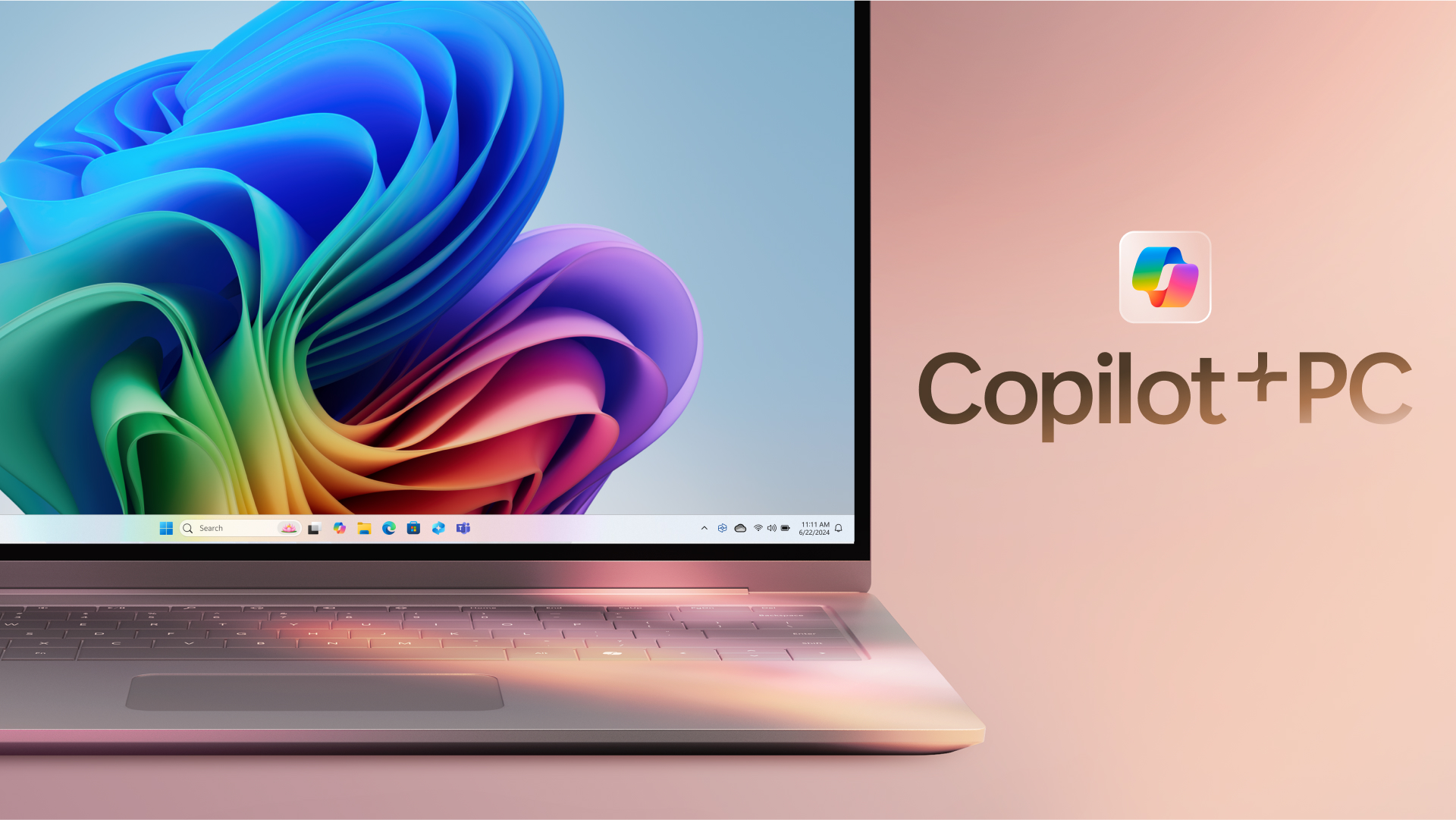
    Microsoft is delivering a major overhaul of its Copilot feature, and the redesigned app is now available to Windows 11 Insiders. This update represents a complete shift from Copilot being a sidebar feature or web app to becoming a fully native Windows 11 application. Initial feedback from testers suggests the new Copilot app delivers a more seamless experience than the previous ChatGPT desktop app, with quicker responses and minimal memory usage.

    Key Features of the New Copilot App

    Built from scratch, the updated Copilot app leverages Windows technologies like XAML and WinUI, offering a more responsive and efficient experience. Unlike its previous iterations, the new version is natively integrated into the operating system. It includes its own taskbar icon, a picture-in-picture mode, and the ability to deliver responses with no significant delays—using just 50-100MB of RAM on average.

    Located in the sidebar, the Copilot app lets users quickly start new conversations and receive AI-driven answers almost instantly.

    Enhanced Integration with Windows 11

    The native Copilot app offers deeper integration with Windows 11, enabling it to understand your system better and offer more relevant responses based on your installed apps and system components. Although Copilot cannot yet manage system settings or control Windows 11, this capability might be added in a future update.

    Getting the Copilot App

    The updated version of Copilot is currently being rolled out to Windows 11 Insiders across all channels, and it’s identified as version 1.25023.101.0. If you’re part of the Insider program, expect to see the update in the coming days. As of now, Microsoft has not announced when the native Copilot app will be available for all Windows 11 users.

    Post Views: 418
    Share. Facebook Twitter Pinterest LinkedIn Tumblr Email
    ayaksız
    • Website

    Related Posts

    Microsoft quietly removes Windows 11’s 32GB RAM recommendation

    Ağustos 6, 2026

    Windows 11 finally brings movable taskbar in new Insider preview

    Ağustos 4, 2026

    Windows 11 to speed up and simplify its right-click menu

    Ağustos 2, 2026
    Add A Comment

    Comments are closed.

    Editors Picks
    8.5

    Apple Planning Big Mac Redesign and Half-Sized Old Mac

    Ocak 5, 2021

    Autonomous Driving Startup Attracts Chinese Investor

    Ocak 5, 2021

    Onboard Cameras Allow Disabled Quadcopters to Fly

    Ocak 5, 2021
    Top Reviews
    9.1

    Review: T-Mobile Winning 5G Race Around the World

    By sevketayaksiz
    8.9

    Samsung Galaxy S21 Ultra Review: the New King of Android Phones

    By sevketayaksiz
    8.9

    Xiaomi Mi 10: New Variant with Snapdragon 870 Review

    By sevketayaksiz
    Advertisement
    Demo
    Şevket Ayaksız
    Instagram
    • Home
    • Adobe
    • microsoft
    • java
    • Oracle
    • Contact
    © 2026 Theme Designed by Şevket Ayaksız.

    Type above and press Enter to search. Press Esc to cancel.