

Close Menu
Şevket Ayaksız

    Subscribe to Updates

    Get the latest creative news from FooBar about art, design and business.

    What's Hot

    Microsoft confirms Secure Boot certificate update issues on some PCs

    Temmuz 14, 2026

    Copilot can now explain why your PC feels slow

    Temmuz 14, 2026

    Windows 10 ESU confirmation emails may be hiding in Outlook

    Temmuz 14, 2026
    Facebook X (Twitter) Instagram
    • software
    • Gadgets
    Facebook X (Twitter) Instagram
    Şevket AyaksızŞevket Ayaksız
    Subscribe
    • Home
    • Technology

      Innocn’s 49-inch ultrawide monitor hits a record-low $500 for Prime Day

      Temmuz 12, 2026

      Sony 1000X The Collexion vs. Bowers & Wilkins Px8 S2: Which Premium Headphones Come Out on Top?

      Temmuz 11, 2026

      SpaceX Eyes Massive Starlink Expansion With Plans for 100,000 Additional Satellites

      Temmuz 11, 2026

      Nvidia celebrates 30 years of GPUs with free GeForce trading cards

      Temmuz 10, 2026

      Acer’s 7-in-1 wireless charging station drops to $50

      Temmuz 9, 2026
    • Adobe
    • Microsoft
    • java
    • Oracle
    Şevket Ayaksız
    Anasayfa » Windows Adds Feature to Offer Gaming Tips During Play
    Windows

    Windows Adds Feature to Offer Gaming Tips During Play

    By ayaksızOcak 28, 2025Yorum yapılmamış2 Mins Read
    Facebook Twitter Pinterest LinkedIn Tumblr Email
    Share
    Facebook Twitter LinkedIn Pinterest Email

    Microsoft Edge Game Assist: Help Without Leaving the Game

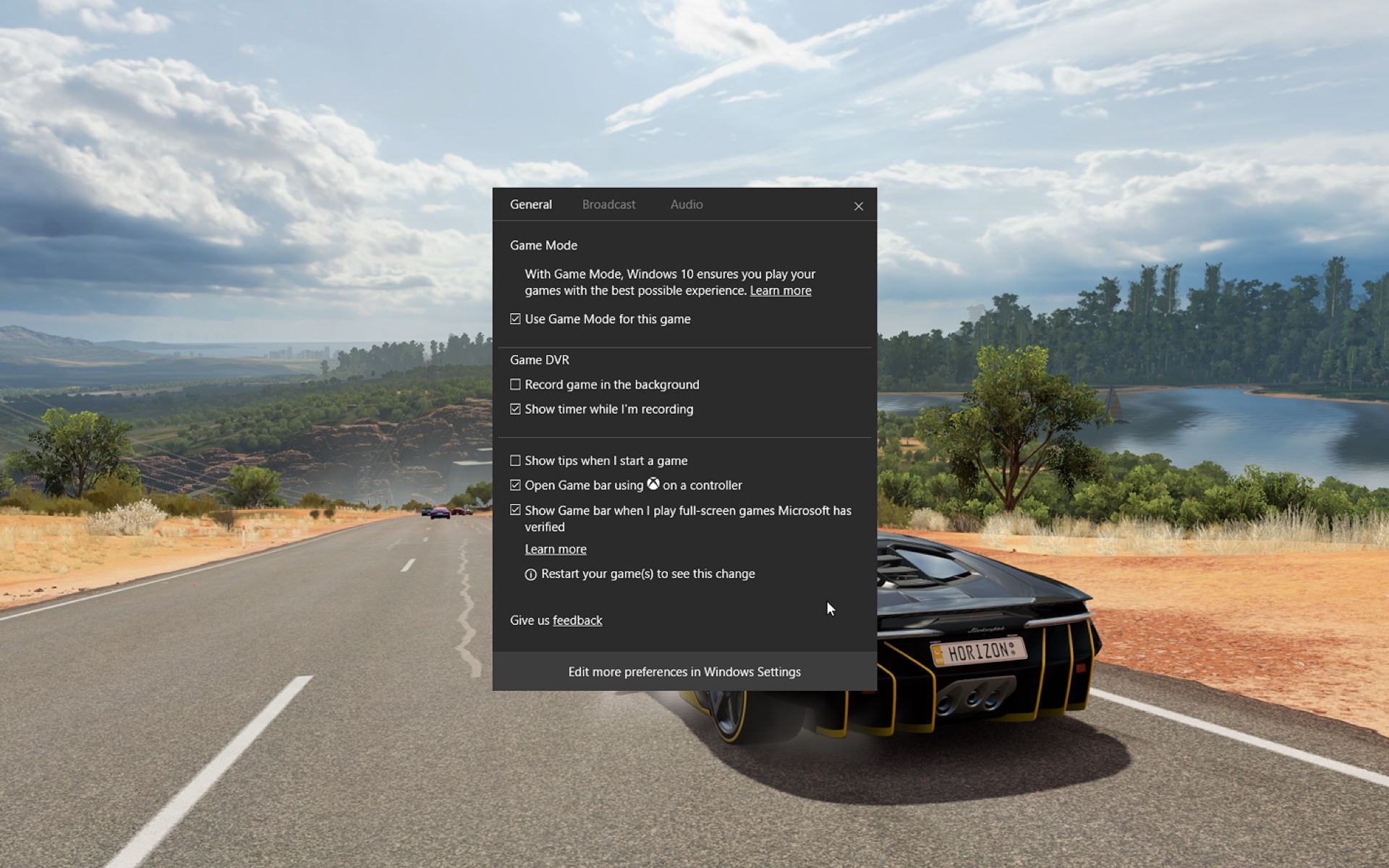
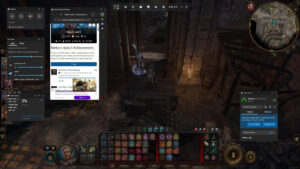
    For gamers in need of quick guidance while playing, Microsoft Edge’s Game Assist feature for Windows offers a practical solution without interrupting gameplay. Now part of Edge (version 132 or higher) in its preview stage, Game Assist functions within Windows’ Game Bar, triggered by Win + G.

    Game Assist provides a small browser window that pops up with relevant game guides, hints, and even video tutorials. These suggestions are automatically tailored to the game you’re playing, such as Baldur’s Gate 3, Diablo IV, and Minecraft. The window is movable and resizable, making it easy to access information while maintaining the flow of your game.

    While this feature is ideal for slower-paced games, it may be less effective during fast-paced action games where distractions can hinder performance. Currently, Game Assist is limited to a select number of games, but Microsoft promises to add more over time. In the meantime, players can still use the feature to browse guides or search the web for any game they are playing.

    One of the standout features of Edge Game Assist is its compatibility with Steam games, meaning you don’t have to rely on Xbox Game Pass to access it. Whether you’re stuck in a puzzle or need a quick tip, Game Assist provides a way to stay immersed in your game while solving problems.

    Post Views: 318
    Share. Facebook Twitter Pinterest LinkedIn Tumblr Email
    ayaksız
    • Website

    Related Posts

    Windows 10 ESU confirmation emails may be hiding in Outlook

    Temmuz 14, 2026

    Mysterious blank white window appears on some Windows PCs

    Temmuz 12, 2026

    No Windows 12 at Build 2026, but Microsoft has other plans

    Haziran 2, 2026
    Add A Comment

    Comments are closed.

    Editors Picks
    8.5

    Apple Planning Big Mac Redesign and Half-Sized Old Mac

    Ocak 5, 2021

    Autonomous Driving Startup Attracts Chinese Investor

    Ocak 5, 2021

    Onboard Cameras Allow Disabled Quadcopters to Fly

    Ocak 5, 2021
    Top Reviews
    9.1

    Review: T-Mobile Winning 5G Race Around the World

    By sevketayaksiz
    8.9

    Samsung Galaxy S21 Ultra Review: the New King of Android Phones

    By sevketayaksiz
    8.9

    Xiaomi Mi 10: New Variant with Snapdragon 870 Review

    By sevketayaksiz
    Advertisement
    Demo
    Şevket Ayaksız
    Facebook X (Twitter) Instagram YouTube
    • Home
    • Adobe
    • microsoft
    • java
    • Oracle
    • Contact
    © 2026 Theme Designed by Şevket Ayaksız.

    Type above and press Enter to search. Press Esc to cancel.