

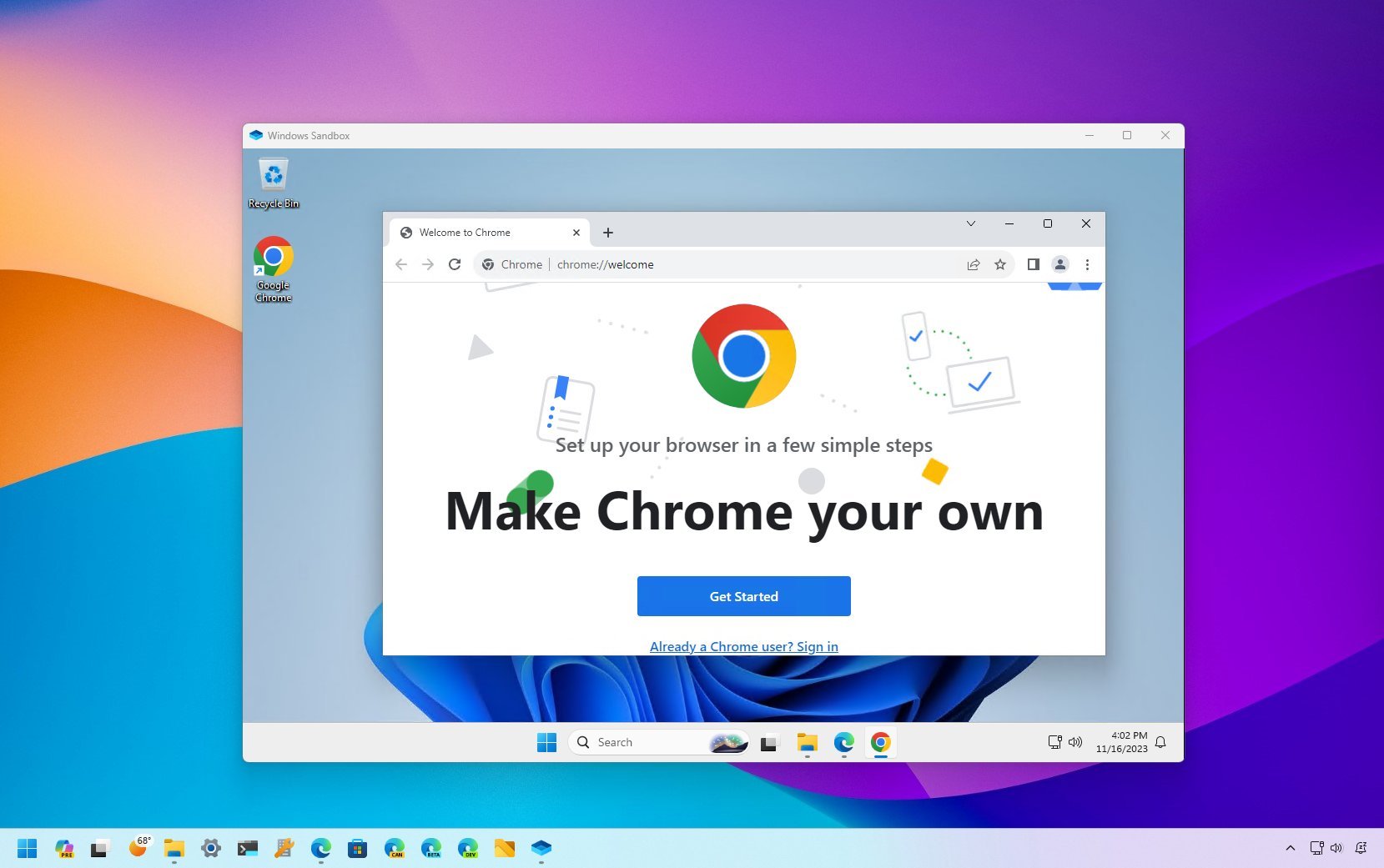
Windows Sandbox, one of my favorite features in Windows, is getting some much-needed updates that enhance its already strong security features. Windows Sandbox operates similarly to a VPN, which creates a secure, encrypted connection between your device and the internet. While a VPN’s primary goal is to protect your data during online activities, Windows Sandbox’s mission is to isolate and contain any potential threats within a separate operating environment.
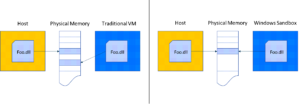
Sandbox essentially provides a virtual Windows environment within your main Windows installation, allowing you to test untrusted software or files in a controlled space. Unlike a traditional virtual machine, which can run various operating systems, Sandbox is finely tuned for Windows, offering a streamlined way to experiment with risky software or questionable downloads. For maximum security, you can even run a VPN inside Sandbox, creating a layered defense that’s difficult to breach.
However, the core design of Sandbox means that all data within it is deleted once you close the application. While this ensures that any potential malware is eradicated along with the Sandbox session, it also makes it challenging to move trusted files back to your main OS. Typically, users have to go through the cumbersome process of saving files within Sandbox’s version of File Explorer and then manually transferring them to the main system.
The introduction of Windows 11 Build 27686 in the Windows Insider Canary Channel brings significant quality-of-life improvements to Sandbox. New features like runtime clipboard redirection and folder sharing between Sandbox and your main OS aim to simplify file transfers. Although Microsoft hasn’t gone into detail, it seems likely that you’ll now be able to copy files directly from Sandbox and paste them into your main Windows environment without jumping through hoops. The ability to share folders across both environments adds further convenience, though there may be some trade-offs in terms of security.
Additionally, Microsoft is decoupling Sandbox updates from the main OS, allowing them to be managed through the Microsoft Store. This move will likely result in more frequent updates and faster delivery of new features. Other notable additions include early command-line support and controls for audio and video input, giving users more flexibility when using Sandbox.
What’s still unknown is whether the updated Sandbox will remain exclusive to Windows 10 Pro and Windows 11 Pro editions. Historically, this has been the case, and while there are fewer reasons to opt for the Pro versions today, Sandbox has been a significant draw for those who prioritize security.
In other news, Microsoft is testing an expansion of the FAT32 file system limit, raising it from 32GB to 2TB. This update will allow for much larger disk partitions, which could be useful for users still relying on FAT32 for external drives. Although NTFS is the go-to file system for most Windows users, FAT32 remains relevant for specific use cases, and this update breathes new life into the aging format.
Lastly, Microsoft is also testing battery life improvements in these builds, though they haven’t provided specifics on what those optimizations entail. As always, features tested in the Windows Insider Channels aren’t guaranteed to make it to the final release, but these additions suggest that Microsoft is serious about enhancing Sandbox and other core functionalities.