

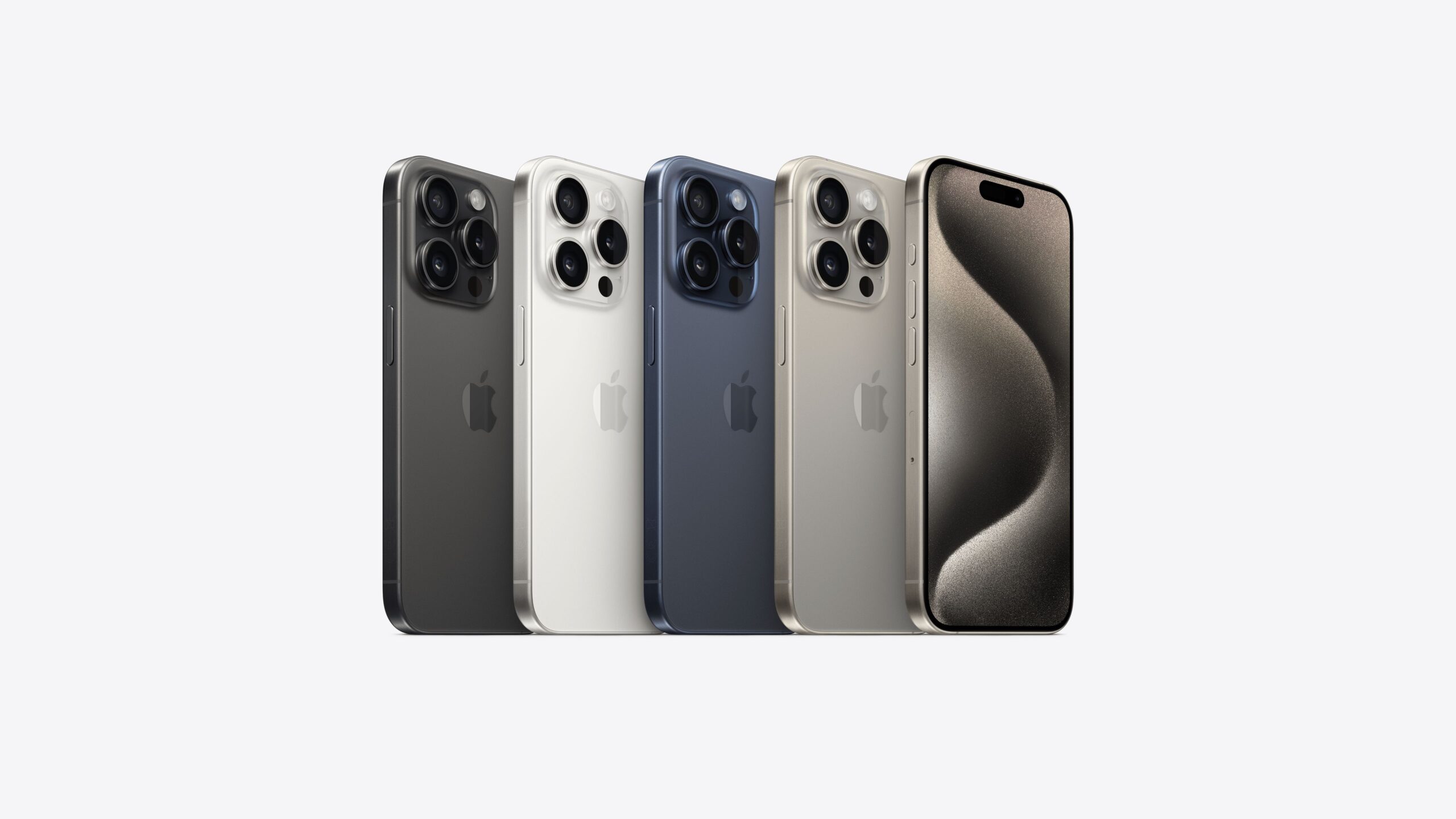
Over three months have passed since Apple unveiled its groundbreaking iPhone 15 and iPhone 15 Pro Max, introducing revolutionary features like NameDrop and StandBy Mode. Amidst the excitement, the iPhone 15 Pro and Pro Max quietly stand out with exclusive hardware features that promise to redefine the smartphone landscape. From a robust ensemble of five cameras to the introduction of the versatile action button and the efficiency of USB 3.0 charging speeds, these devices embody a perfect blend of sophistication and functionality.
For those who haven’t delved into the unique features of the iPhone 15 Pro and 15 Pro Max, now is the ideal time to embark on an exploration. We’ve meticulously curated an extensive guide, unveiling three exclusive features that promise to elevate your smartphone experience. Whether you’re customizing the action button, choosing your preferred default camera lens, or harnessing the lightning-fast USB-C 3.0 speeds, these insights are crafted to ensure you unleash the full potential of your new iPhone. Maximize your tech journey with these essential tips and discover a world of possibilities with your iPhone 15 Pro or 15 Pro Max.
Customizing the Action Button: The action button stands as one of the most significant hardware changes to iPhone design in recent memory. Replacing the conventional ring/silent switch present since the inception of the iPhone, the action button introduces a range of customizable functionalities. Navigate to your Settings menu, specifically the ‘Action Button’ section, where a plethora of actions awaits customization. From toggling silent mode to activating your main Focus mode, turning on the flashlight, recording voice memos, using your camera as a magnifying glass, triggering downloaded or created shortcuts, or accessing accessibility features, the customization options are extensive. By tailoring the action button to suit your preferences, you transform your iPhone into a personalized powerhouse of functionality.
Optimizing Your Default Camera Lens: While the iPhone 15 Pro and 15 Pro Max boast an impressive main camera with a 24mm lens (equivalent to 1x zoom), users have the flexibility to choose their preferred default lens. Navigate to ‘Settings,’ access ‘Camera,’ and select ‘Main Camera.’ Here, the choice between three main lenses becomes available: the default 24mm (1x), the 28mm (1.2x), or the 35mm (1.5x). This flexibility empowers users to tailor their default camera experience based on their photography preferences. The next time you open your main camera, it will start at your chosen focal length, adding a personalized touch to your photography journey.
Harnessing USB-C 3.0 Speeds: While both the iPhone 15 and 15 Pro feature USB-C ports, it’s the Pro models that support USB 3.0 speeds, a significant advancement over previous iPhone models. To leverage this speed, you’ll need a USB-C cable that supports 3.0 speeds, as the cable that comes with your iPhone supports only 2.0 speeds. Equipped with the right cable, you can experience faster data transfers between your iPhone 15 Pro or 15 Pro Max and other devices. This proves particularly advantageous when transferring data from iTunes to your iPhone or vice versa. Moreover, the Pro models support recording ProRes video directly to an external storage device at up to 4K at 60 frames per second, catering to the needs of cinematographers or video editors.
In essence, these three features provide a glimpse into the advanced capabilities of the iPhone 15 Pro and 15 Pro Max. By customizing the action button, optimizing your default camera lens, and harnessing USB-C 3.0 speeds, you can tailor your smartphone experience to align with your preferences and needs.