


Close Menu
Şevket Ayaksız

    Subscribe to Updates

    Get the latest creative news from FooBar about art, design and business.

    What's Hot

    Samsung warns RAM shortages will deepen beyond 2027

    Mayıs 3, 2026

    Windows 11 April update breaks third-party backup software

    Mayıs 3, 2026

    Oxford study finds friendly AI chatbots make more mistakes

    Mayıs 3, 2026
    Facebook X (Twitter) Instagram
    • software
    • Gadgets
    Facebook X (Twitter) Instagram
    Şevket AyaksızŞevket Ayaksız
    Subscribe
    • Home
    • Technology

      Google Maps vs Waze: I Put the Two Best Navigation Apps Head-to-Head — and One Clearly Came Out on Top

      Mayıs 1, 2026

      T-Mobile Bundles Free Hulu and Netflix for 5G Users: Eligibility Explained

      Mayıs 1, 2026

      This Portable Mini PC Is the Unexpected Raspberry Pi Alternative You Might Actually Want

      Mayıs 1, 2026

      Samsung warns RAM shortages could worsen beyond 2027

      Mayıs 1, 2026

      Oxford study finds friendly AI chatbots are less accurate

      Mayıs 1, 2026
    • Adobe
    • Microsoft
    • java
    • Oracle
    Şevket Ayaksız
    Anasayfa » Improved Battery Indicator Coming to Windows 11 Laptops
    software

    Improved Battery Indicator Coming to Windows 11 Laptops

    By ayaksızAralık 9, 2024Yorum yapılmamış1 Min Read
    Facebook Twitter Pinterest LinkedIn Tumblr Email
    Share
    Facebook Twitter LinkedIn Pinterest Email

    New Battery Indicator in Windows 11 Build 26120.2510 Offers More Visual Clarity

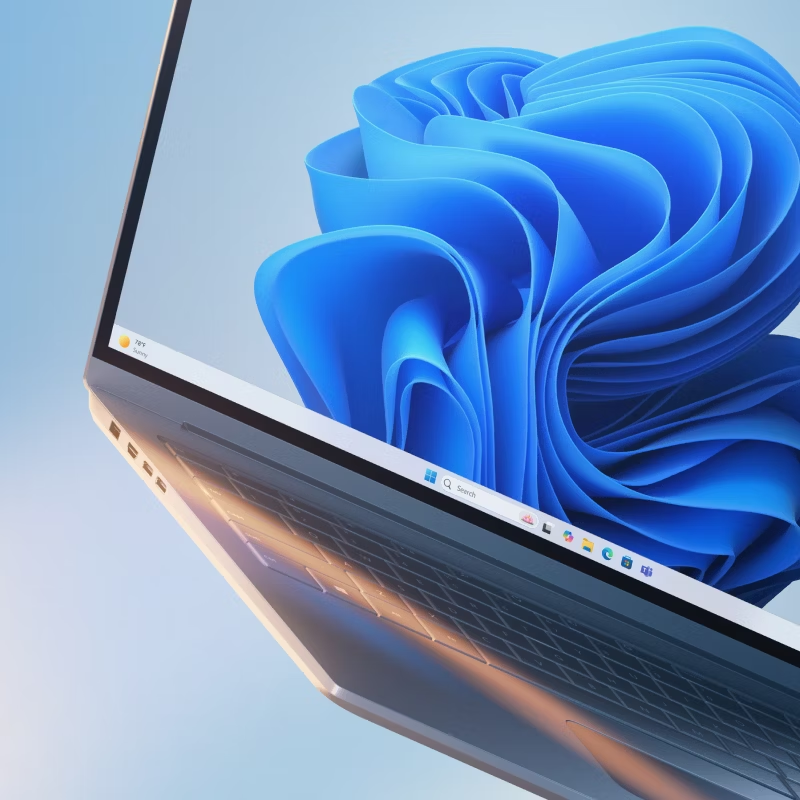
    In a recent update, Microsoft is testing a new battery indicator for Windows 11, now available for Insiders on the Dev Channel in Build 26120.2510. This redesigned indicator aims to provide users with a clearer, more colorful display of their laptop’s battery status.

    The new design is more noticeable, with a larger icon that changes color depending on the charging state. Unlike the previous black-and-white design with small symbols, the new version will turn green when charging and yellow when Power Saving Mode is enabled. This makes it much easier for users to see their battery status without needing to click on the icon.

    Currently, the updated battery indicator is visible only in the taskbar, but it’s expected to appear on the lock screen as well once the feature completes testing. There’s no word on when the feature will reach general users, but the update could roll out after further testing.

    Along with the new battery indicator, Build 26120.2510 introduces other features, including better integration for Copilot+ PCs powered by AMD and Intel processors.

    Post Views: 176
    Share. Facebook Twitter Pinterest LinkedIn Tumblr Email
    ayaksız
    • Website

    Related Posts

    Anthropic’s Claude Security Tool Analyzes Codebases to Detect Vulnerabilities and Prioritize Fixes

    Mayıs 1, 2026

    Microsoft’s Windows Insider Program Finally Becomes More Streamlined and User-Friendly

    Nisan 11, 2026

    Microsoft launches tool to gather user feedback on Windows issues

    Nisan 8, 2026
    Add A Comment

    Comments are closed.

    Editors Picks
    8.5

    Apple Planning Big Mac Redesign and Half-Sized Old Mac

    Ocak 5, 2021

    Autonomous Driving Startup Attracts Chinese Investor

    Ocak 5, 2021

    Onboard Cameras Allow Disabled Quadcopters to Fly

    Ocak 5, 2021
    Top Reviews
    9.1

    Review: T-Mobile Winning 5G Race Around the World

    By sevketayaksiz
    8.9

    Samsung Galaxy S21 Ultra Review: the New King of Android Phones

    By sevketayaksiz
    8.9

    Xiaomi Mi 10: New Variant with Snapdragon 870 Review

    By sevketayaksiz
    Advertisement
    Demo
    Şevket Ayaksız
    Facebook X (Twitter) Instagram YouTube
    • Home
    • Adobe
    • microsoft
    • java
    • Oracle
    • Contact
    © 2026 Theme Designed by Şevket Ayaksız.

    Type above and press Enter to search. Press Esc to cancel.