


Close Menu
Şevket Ayaksız

    Subscribe to Updates

    Get the latest creative news from FooBar about art, design and business.

    What's Hot

    Baseus retractable 100W USB-C cable drops to just $10 for Prime Day

    Haziran 25, 2026

    Logitech M720 Triathlon mouse drops to $29 for Prime Day

    Haziran 25, 2026

    Claude may soon ask some users for ID verification

    Haziran 25, 2026
    Facebook X (Twitter) Instagram
    • software
    • Gadgets
    Facebook X (Twitter) Instagram
    Şevket AyaksızŞevket Ayaksız
    Subscribe
    • Home
    • Technology

      Fast chargers with flagship iPhone, Samsung, and OnePlus phones

      Haziran 16, 2026

      7 budget-friendly upgrades that made my TV sound dramatically better

      Haziran 16, 2026

      Valve targets a summer launch for Steam Machine but keeps pricing secret

      Haziran 7, 2026

      Intel and Phison aim to overcome local AI’s memory bottleneck

      Haziran 2, 2026

      Nvidia RTX Spark could transform the next generation of gaming handhelds

      Haziran 2, 2026
    • Adobe
    • Microsoft
    • java
    • Oracle
    Şevket Ayaksız
    Anasayfa » New Chrome Features Designed to Control Memory-Hogging Tabs
    software

    New Chrome Features Designed to Control Memory-Hogging Tabs

    By ayaksızEkim 31, 2024Yorum yapılmamış2 Mins Read
    Facebook Twitter Pinterest LinkedIn Tumblr Email
    Share
    Facebook Twitter LinkedIn Pinterest Email

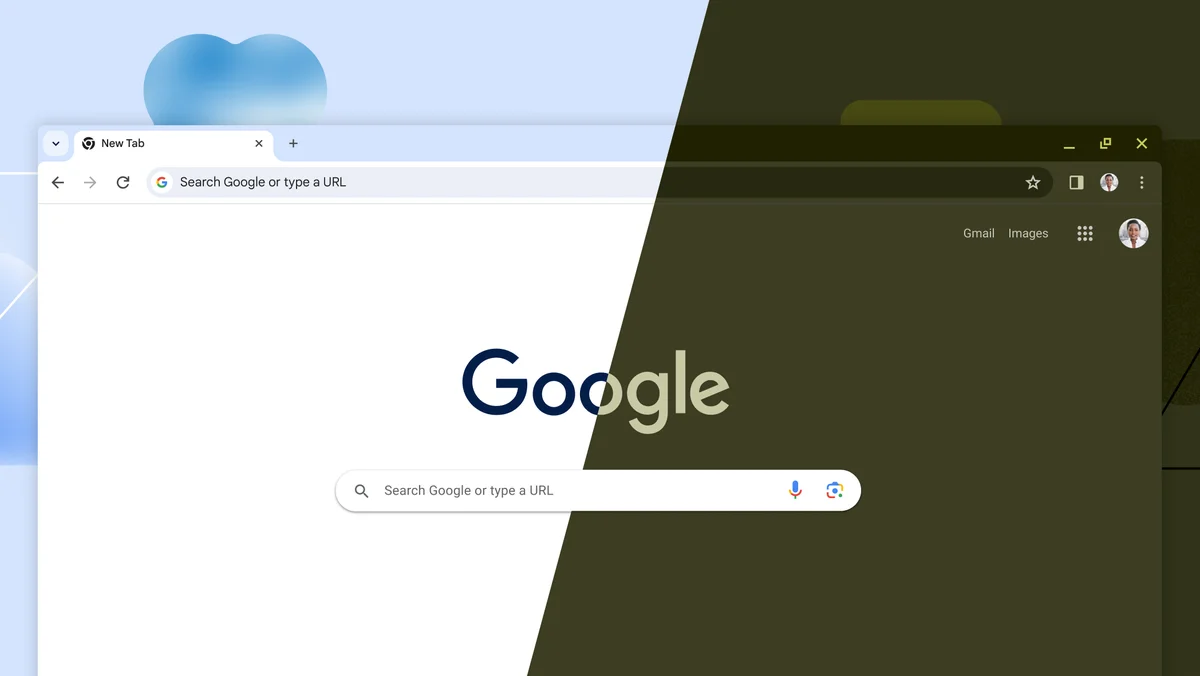
    While Chrome holds the title of the world’s most popular browser, even its dedicated users concede that it can be a voracious consumer of memory, much like an Olympic swimmer feasting on protein bars. Google has continually sought ways to trim down Chrome’s memory consumption, and its newest feature, Performance Detection, could make a notable impact.

    A recent blog post explains that Performance Detection “proactively identifies potential performance issues and offers solutions.” This feature will identify tabs that are draining memory and processing resources, presenting users with a one-click option to deactivate them. The tabs won’t disappear from your view; they’ll simply stop loading actively, which is both straightforward and effective.

    Furthermore, Chrome’s Memory Saver has been enhanced to provide a more tailored experience. Users can now choose from three modes—Moderate, Balanced, and Maximum—determining how aggressively Chrome will deactivate tabs that are consuming too much memory.

    Both the Performance Detection and Memory Saver features can be easily adjusted or turned off in the Settings menu, and users can also disable them for specific websites as needed.

    Personally, I’ve found it necessary to manage my browser’s memory usage due to my habit of keeping numerous tabs open. For years, I’ve used Tiny Suspender, appreciating its ability to disable background suspension for specific sites or entire domains. Additionally, since most Chromium-based browsers can share extensions, I’ve also integrated it into Vivaldi.

    Post Views: 246
    Share. Facebook Twitter Pinterest LinkedIn Tumblr Email
    ayaksız
    • Website

    Related Posts

    Claude may soon ask some users for ID verification

    Haziran 25, 2026

    Chainguard launches Athena, an AI-powered initiative designed

    Haziran 16, 2026

    3 unofficial Android Auto apps that transformed my car’s infotainment screen

    Haziran 16, 2026
    Add A Comment

    Comments are closed.

    Editors Picks
    8.5

    Apple Planning Big Mac Redesign and Half-Sized Old Mac

    Ocak 5, 2021

    Autonomous Driving Startup Attracts Chinese Investor

    Ocak 5, 2021

    Onboard Cameras Allow Disabled Quadcopters to Fly

    Ocak 5, 2021
    Top Reviews
    9.1

    Review: T-Mobile Winning 5G Race Around the World

    By sevketayaksiz
    8.9

    Samsung Galaxy S21 Ultra Review: the New King of Android Phones

    By sevketayaksiz
    8.9

    Xiaomi Mi 10: New Variant with Snapdragon 870 Review

    By sevketayaksiz
    Advertisement
    Demo
    Şevket Ayaksız
    Facebook X (Twitter) Instagram YouTube
    • Home
    • Adobe
    • microsoft
    • java
    • Oracle
    • Contact
    © 2026 Theme Designed by Şevket Ayaksız.

    Type above and press Enter to search. Press Esc to cancel.