


Visual Studio Code Update Adds Git Worktrees and Copilot Chat State Management
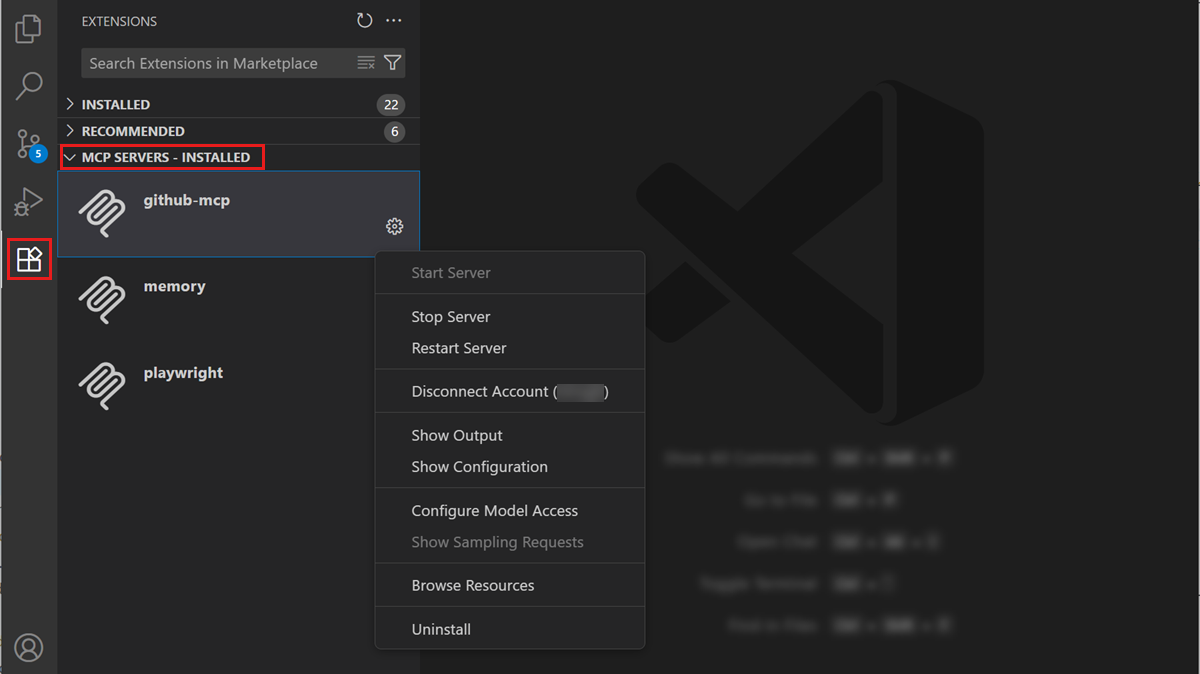
The July 2025 release of Visual Studio Code (version 1.103) introduces a key enhancement: the ability to auto-start Model Context Protocol (MCP) servers. This update simplifies workflows for developers who rely on MCP, a protocol that enables applications to provide context to large language models (LLMs). With this feature, VS Code users no longer need to manually restart MCP servers after updates, streamlining the setup and reducing friction in AI-assisted development.
Previously, when MCP server configurations were added or modified, VS Code displayed a blue “refresh” icon in the Chat View to manually reload the list of available tools. This process could be tedious, particularly in environments where multiple MCP servers or tools were in use. With auto-start support, MCP servers are launched automatically when VS Code starts, ensuring that all configured tools are immediately available for use without user intervention.
In addition to auto-start capabilities, VS Code 1.103 introduces an experimental tool-calling mode for handling scenarios where the number of tools exceeds the previous maximum limit of 128. The editor now groups tools automatically and allows the LLM to call entire groups rather than individual tools, eliminating the need to manually deselect tools to avoid hitting limits. This change is particularly useful for developers working with complex AI workflows or extensive MCP server configurations.
The release also brings full compliance with MCP specification version 2025-06-18, including support for resource_links and structured output in tool results. These improvements enhance interoperability and make it easier for developers to integrate external tools, access structured responses, and maintain consistent workflows within VS Code. Together, these updates strengthen the editor’s capabilities for AI-powered coding and large-scale tool management.