


Close Menu
Şevket Ayaksız

    Subscribe to Updates

    Get the latest creative news from FooBar about art, design and business.

    What's Hot

    Eero Signal Ensures Continuous Business Connectivity Even During Internet Outages

    Mayıs 1, 2026

    7 Simple but Surprising Ways to Boost Your TV’s Sound Quality at Home

    Mayıs 1, 2026

    From AI Pilots to Enterprise Value: Building the Superhighway

    Mayıs 1, 2026
    Facebook X (Twitter) Instagram
    • software
    • Gadgets
    Facebook X (Twitter) Instagram
    Şevket AyaksızŞevket Ayaksız
    Subscribe
    • Home
    • Technology

      7 Simple but Surprising Ways to Boost Your TV’s Sound Quality at Home

      Mayıs 1, 2026

      From AI Pilots to Enterprise Value: Building the Superhighway

      Mayıs 1, 2026

      How I Fixed My Home Wi-Fi Dead Zones: 6 Practical Solutions That Made a Real Difference

      Mayıs 1, 2026

      Why I Switched From iPhone Hotspot to a 5G Travel Router for Good

      Nisan 18, 2026

      Verizon Offers Free iPad or Apple Watch With New iPhone Purchase: Here’s How It Works

      Nisan 18, 2026
    • Adobe
    • Microsoft
    • java
    • Oracle
    Şevket Ayaksız
    Anasayfa » Want Apple Intelligence on Your iPhone? Here’s How to Achieve It
    Insights

    Want Apple Intelligence on Your iPhone? Here’s How to Achieve It

    By ayaksızEkim 31, 2024Yorum yapılmamış2 Mins Read
    Facebook Twitter Pinterest LinkedIn Tumblr Email
    Share
    Facebook Twitter LinkedIn Pinterest Email

    Getting Started with Apple Intelligence in iOS 18.1

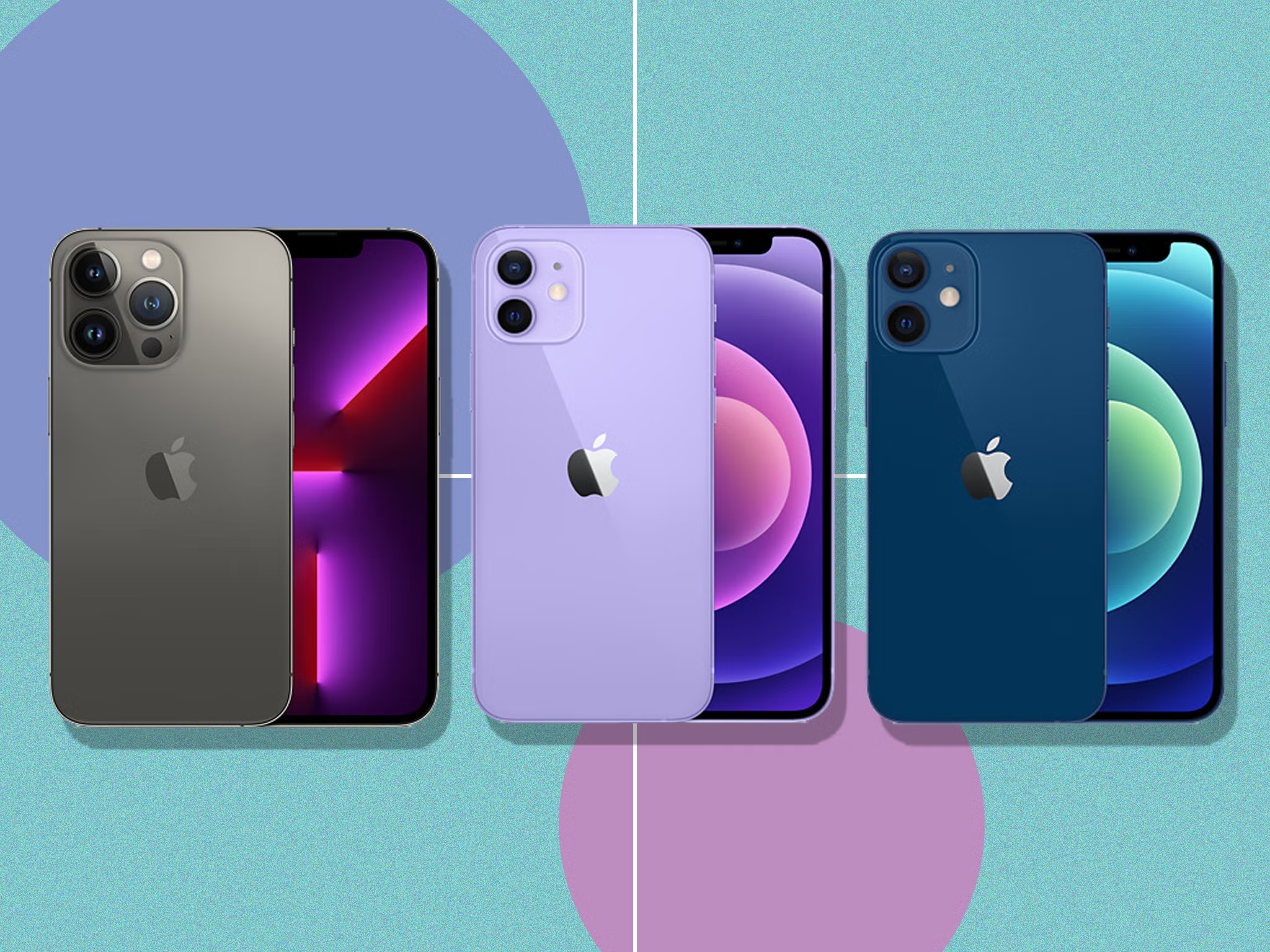
    With the release of iOS 18.1, Apple has rolled out exciting new AI features, now branded as Apple Intelligence, for compatible devices, including the iPhone 15 Pro, iPhone 16, and iPhone 16 Pro. The update also extends to iPads equipped with M-series processors and the new iPad Mini via iPadOS 18.1.

    While installing the latest update is the first step, gaining access to Apple Intelligence features requires users to join a waitlist. Here’s how to initiate the process.

    Understanding the Apple Intelligence Waitlist

    During the beta testing phase for iOS 18.1, Apple introduced Apple Intelligence features in stages. Many of these functions run directly on your iPhone, but some are processed using Apple’s Private Cloud Compute technology.

    AI functionalities often demand significant computational resources, which is why other companies, like Google and OpenAI, primarily rely on cloud processing. Apple uses its Private Cloud Compute setup, likely involving fewer processors than its competitors, to handle these tasks. To prevent overwhelming its servers with simultaneous requests as iOS 18.1 gains users, Apple has established a waitlist system to manage the rollout gradually.

    Steps to Request Access to Apple Intelligence

    Once you’ve updated to iOS 18.1 on your device (ensuring you backed up your data beforehand), follow these steps to request access:

    1. Launch the Settings app.
    2. Go to Apple Intelligence & Siri (previously just Siri).
    3. At the top, tap Join the Apple Intelligence Waitlist.
    4. Click Join Waitlist to finalize your request.

    Anticipating Your Access Timeline

    The timeline for receiving access can vary. In my experience using the developer beta, I was granted access within a few hours, while others were added almost instantly. However, as the user base for iOS 18.1 expands, wait times may extend. For example, while the iOS 18.2 developer beta introduces the Image Playground app for Genmoji and AI-generated artwork, I’ve been awaiting access for over a week.

    Post Views: 236
    Share. Facebook Twitter Pinterest LinkedIn Tumblr Email
    ayaksız
    • Website

    Related Posts

    Valve unsure on Steam Machine launch timing amid delays

    Mart 21, 2026

    Fake “1.1TB” laptop listings on Amazon mislead buyers

    Mart 21, 2026

    Firefox redesign preview shows a more rounded, modern look

    Mart 21, 2026
    Add A Comment

    Comments are closed.

    Editors Picks
    8.5

    Apple Planning Big Mac Redesign and Half-Sized Old Mac

    Ocak 5, 2021

    Autonomous Driving Startup Attracts Chinese Investor

    Ocak 5, 2021

    Onboard Cameras Allow Disabled Quadcopters to Fly

    Ocak 5, 2021
    Top Reviews
    9.1

    Review: T-Mobile Winning 5G Race Around the World

    By sevketayaksiz
    8.9

    Samsung Galaxy S21 Ultra Review: the New King of Android Phones

    By sevketayaksiz
    8.9

    Xiaomi Mi 10: New Variant with Snapdragon 870 Review

    By sevketayaksiz
    Advertisement
    Demo
    Şevket Ayaksız
    Facebook X (Twitter) Instagram YouTube
    • Home
    • Adobe
    • microsoft
    • java
    • Oracle
    • Contact
    © 2026 Theme Designed by Şevket Ayaksız.

    Type above and press Enter to search. Press Esc to cancel.